


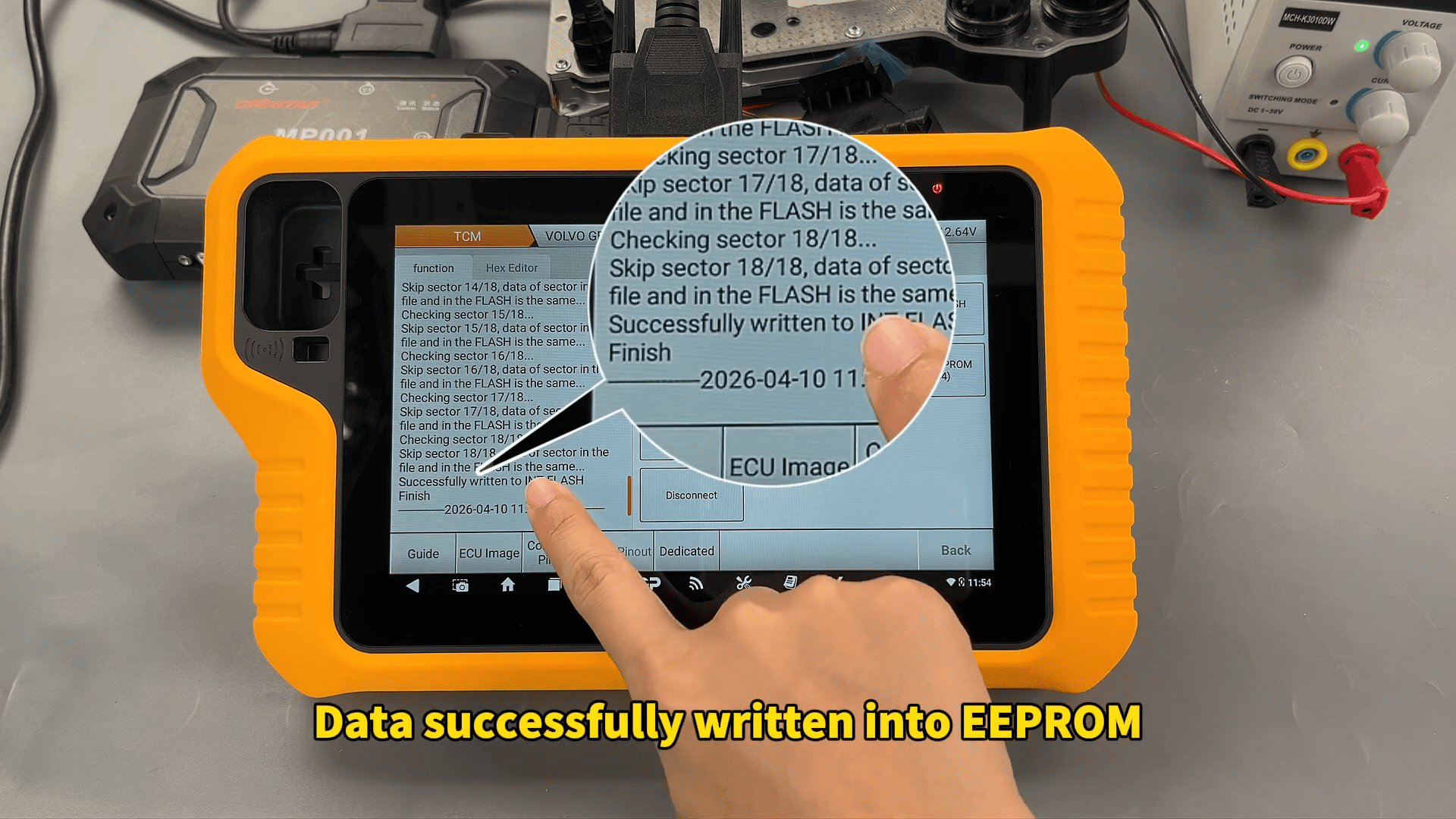
We tested the Volvo MPS6 GEN3 TCM using OBDSTAR X300 Classic G3 and successfully completed both FLASH and EEPROM read/write operations in BENCH mode.
For transmission repair workshops and ECU technicians, this function provides a practical solution for TCM backup, recovery, and data cloning.
Tools Used
X300 Classic G3
MP001 Programmer
TCM-008 Special Wiring Harness
Converter
Main Cable
High-Power DC Regulated Power Supply
Volvo MPS6 GEN3 TCM
Before starting, make sure the device software is updated to the latest version.
Volvo MPS6 GEN3 TCM Connection
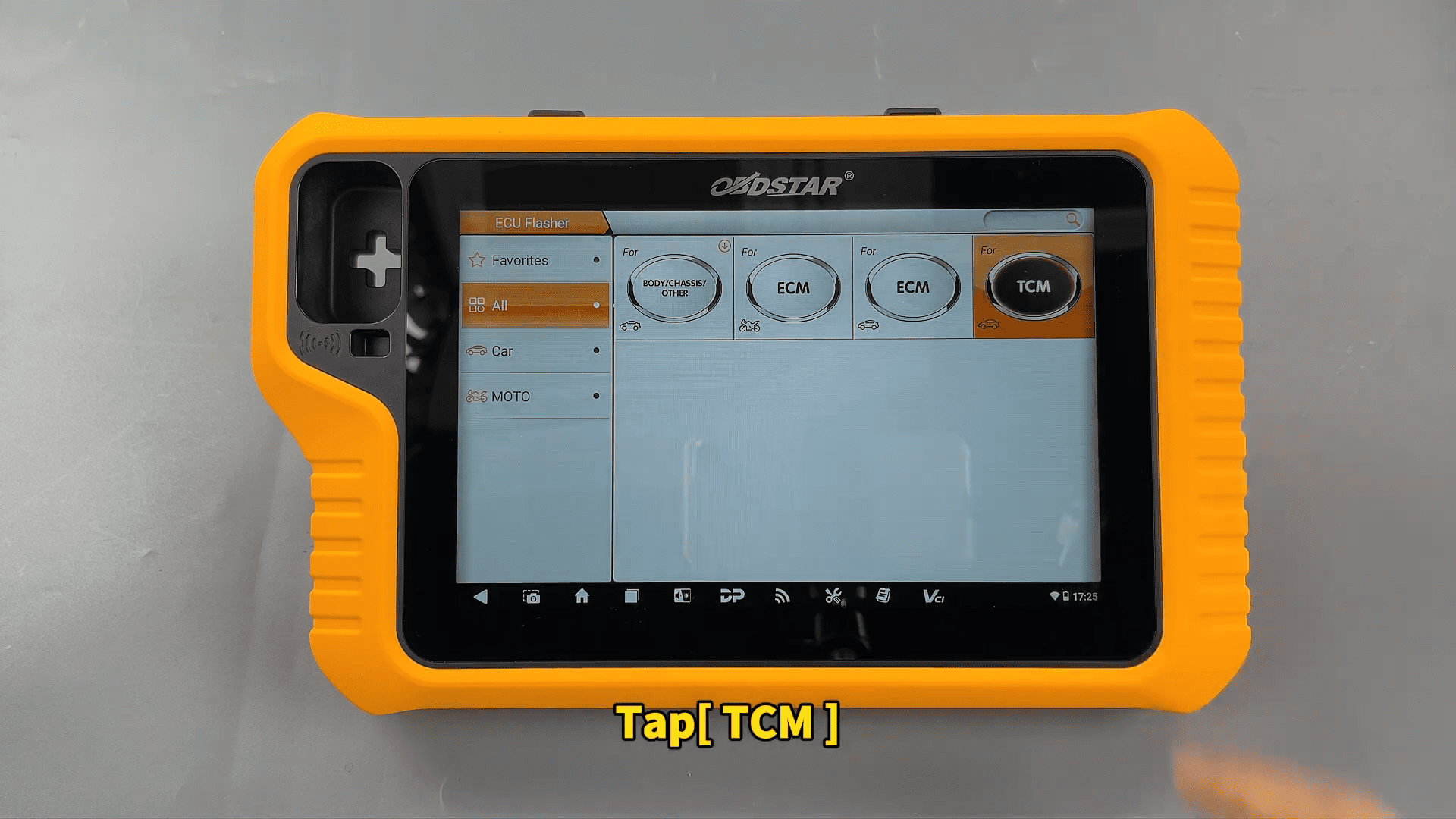
Inside the device menu, enter: ECU Flasher → TCM
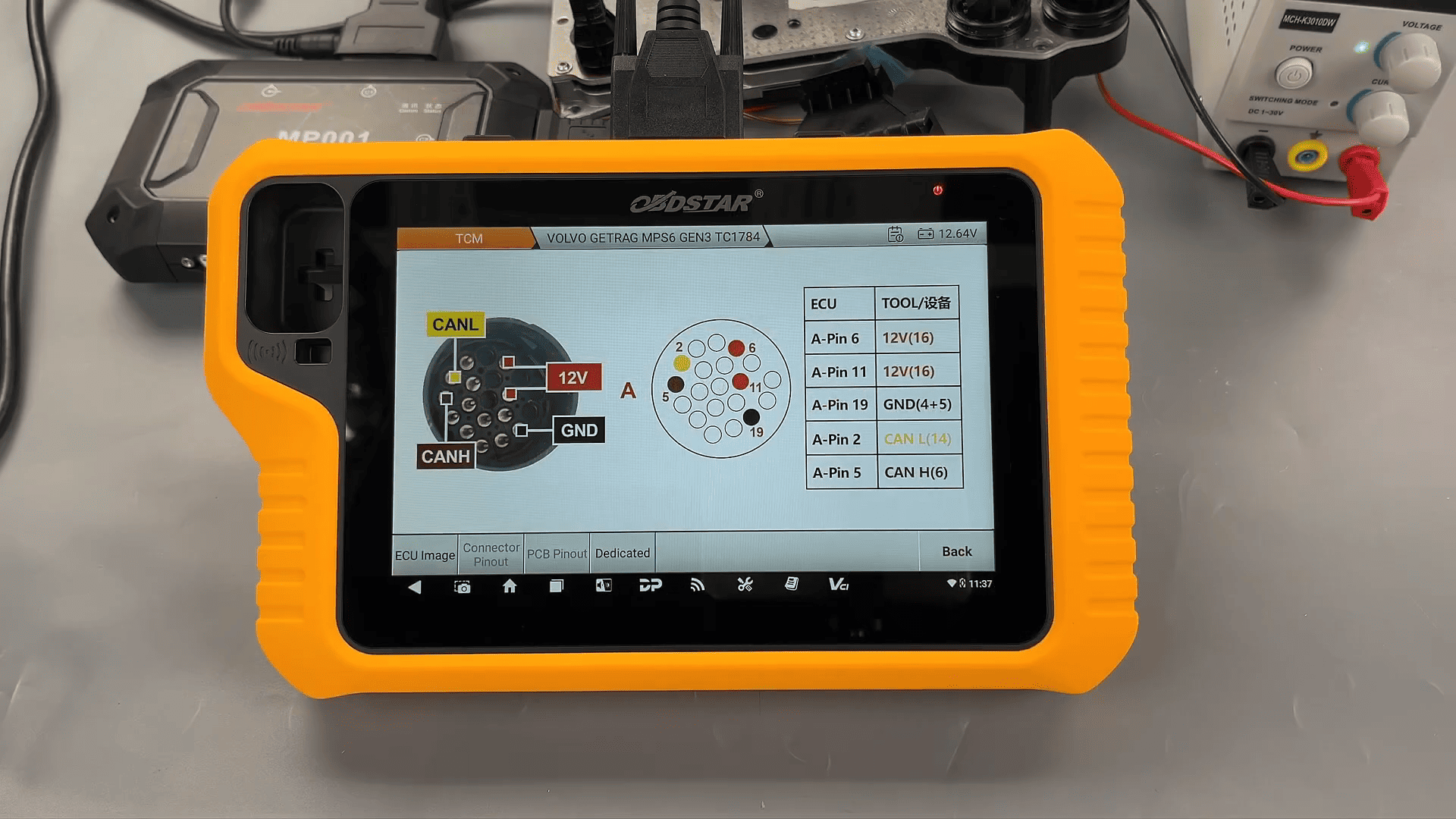
After selecting the software version and ECU model, the built-in guide provides the complete BENCH wiring diagram and connector pinout.
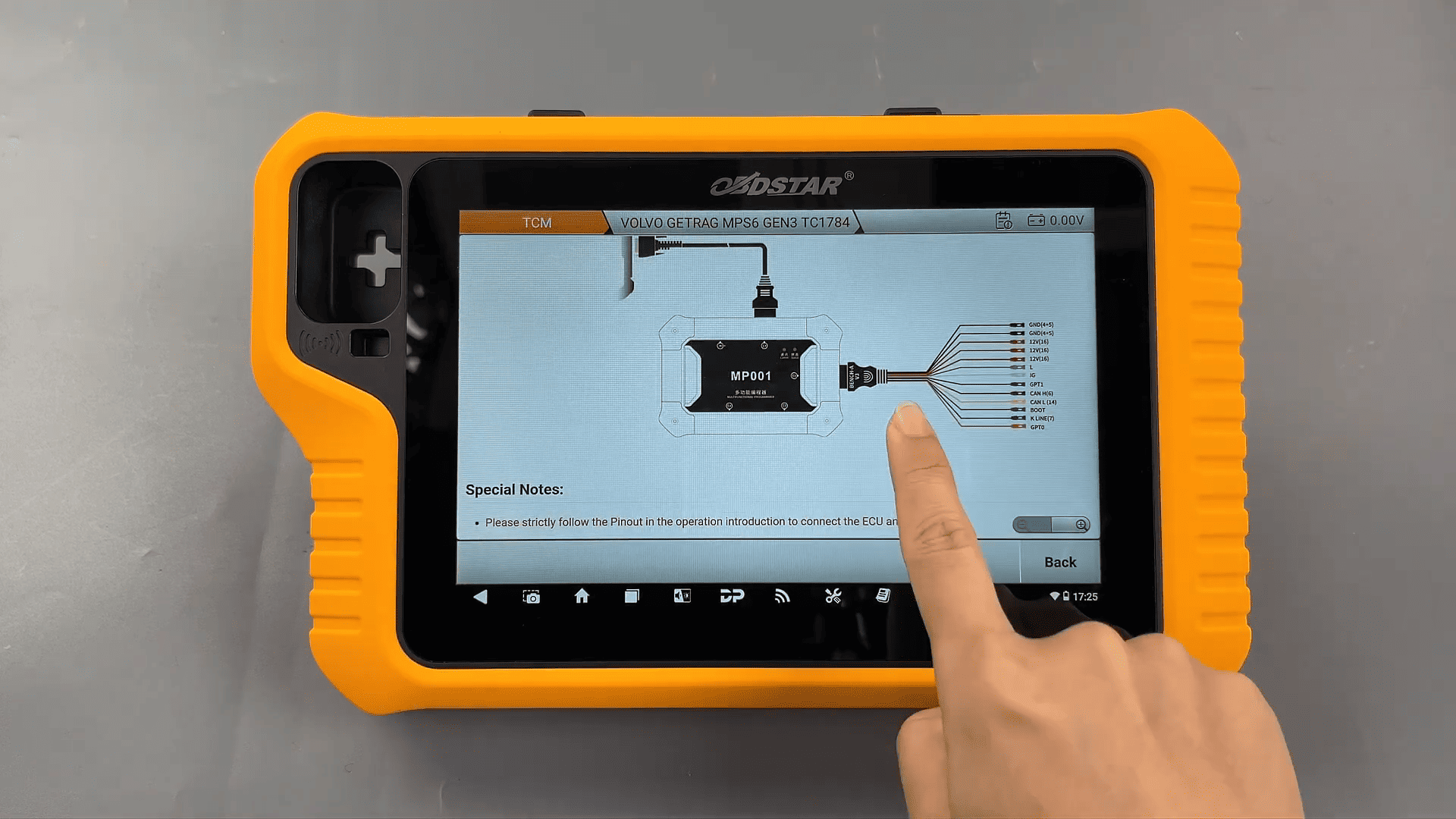
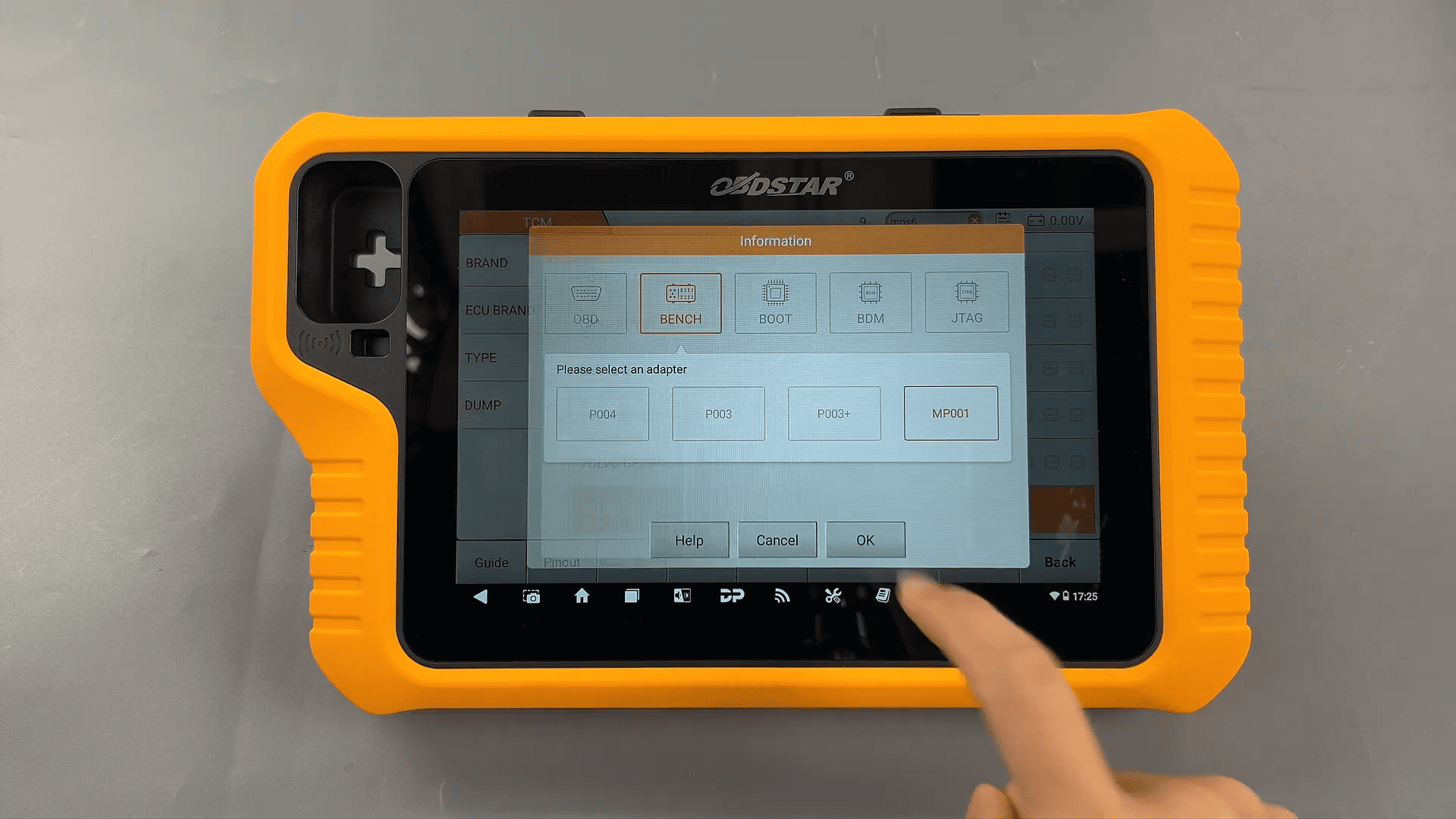
Using the TCM-008 harness together with MP001 helps establish stable communication with the module.
Before proceeding, verify:
TCM appearance
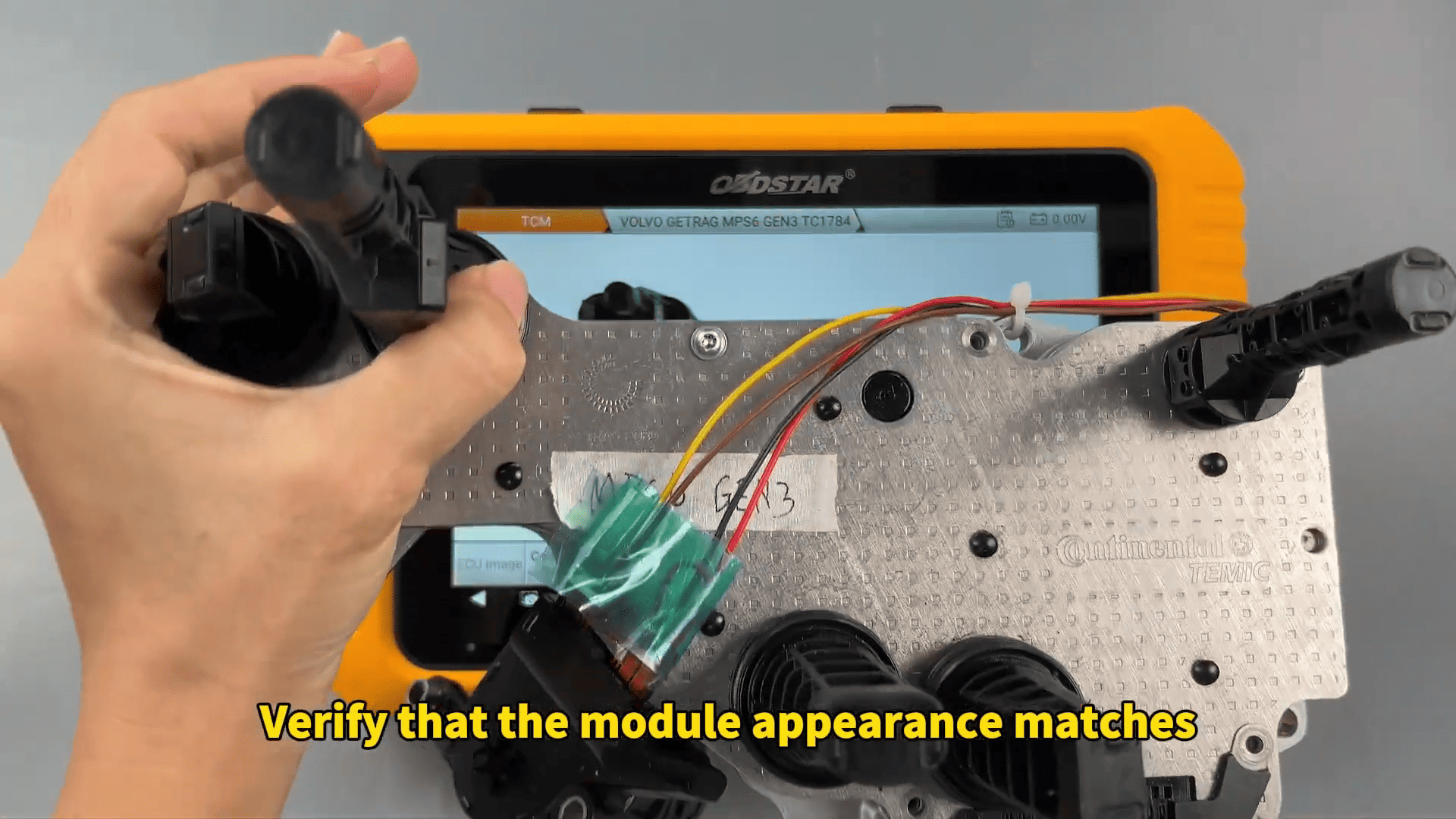
Connector layout
Wiring positions
Incorrect bench wiring may cause communication failure.
Reading FLASH and EEPROM Data
After successful connection, both FLASH and EEPROM data can be read separately.
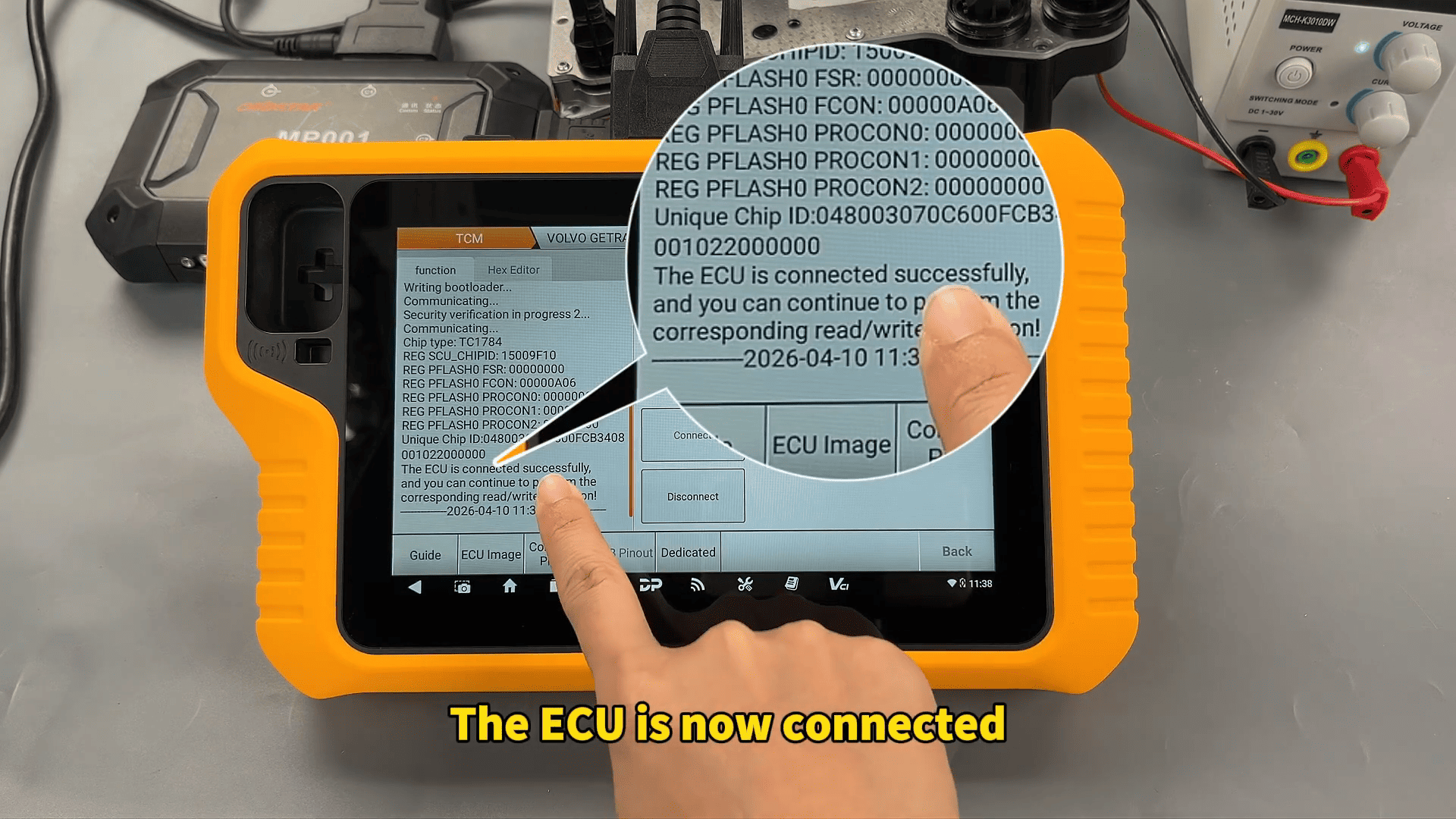
The backup files can be saved and renamed according to workshop requirements.
Creating backups before writing data is strongly recommended during:
- TCM repair
- Data recovery
- Module replacement
- Transmission cloning jobs
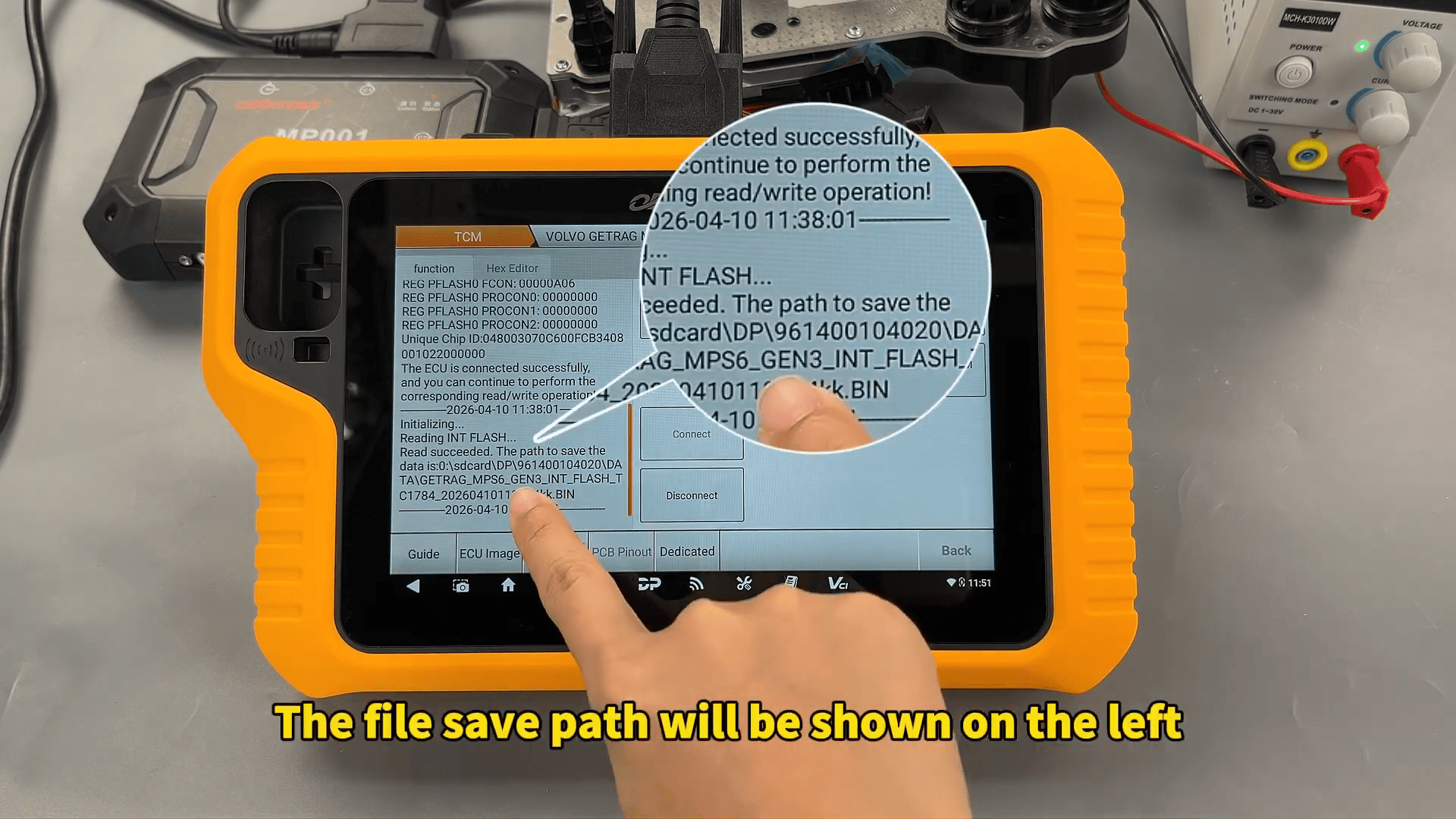
OBDSTAR G3 also displays the save path clearly for easier file management.
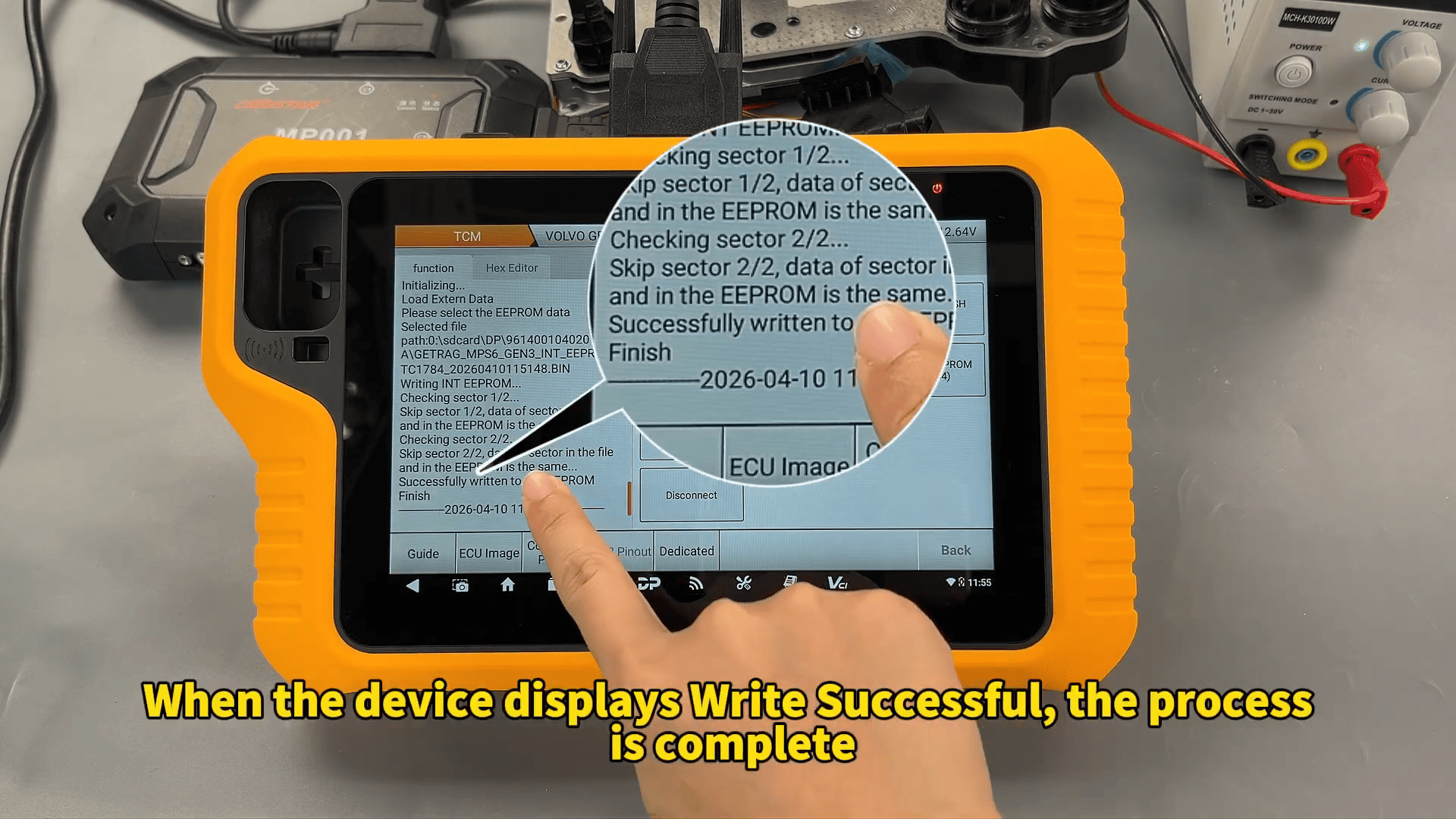
Writing Volvo TCM Data
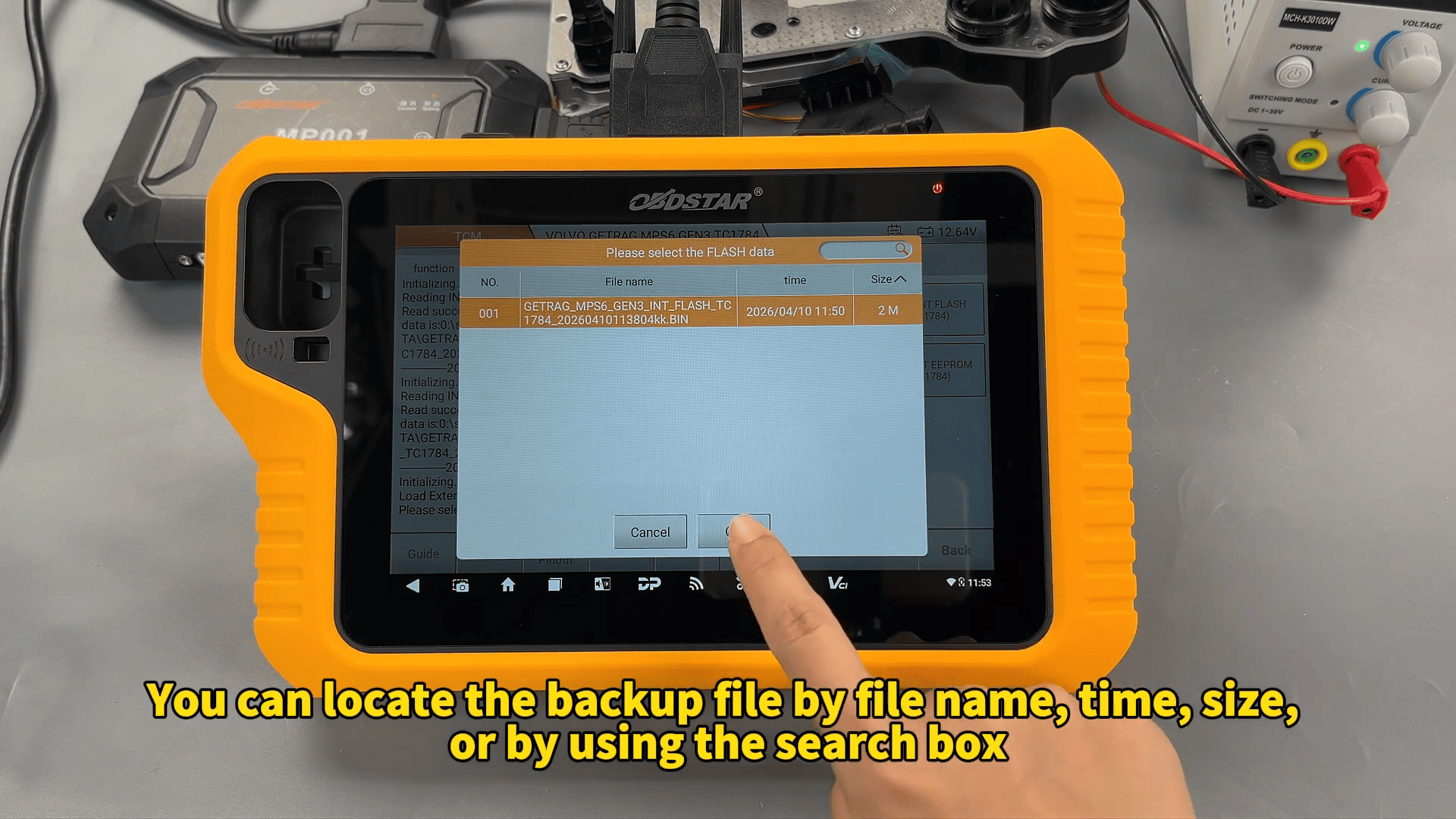
To write data back into the module, select:
- Load External Data
- Choose backup file
- Confirm writing operation
The process supports:
- FLASH writing
- EEPROM writing
Once the device displays “Write Successful,” the Volvo MPS6 GEN3 TCM operation is completed.
Learn how to read and write Volvo MPS6 GEN3 TCM FLASH and EEPROM data using KeyMaster G3 in BENCH mode with OBDSTAR MP001.