


This guide walks you through the complete registration and activation process getting started with your device is quick and easy.
Step 1. Visit the SmartLink Platform
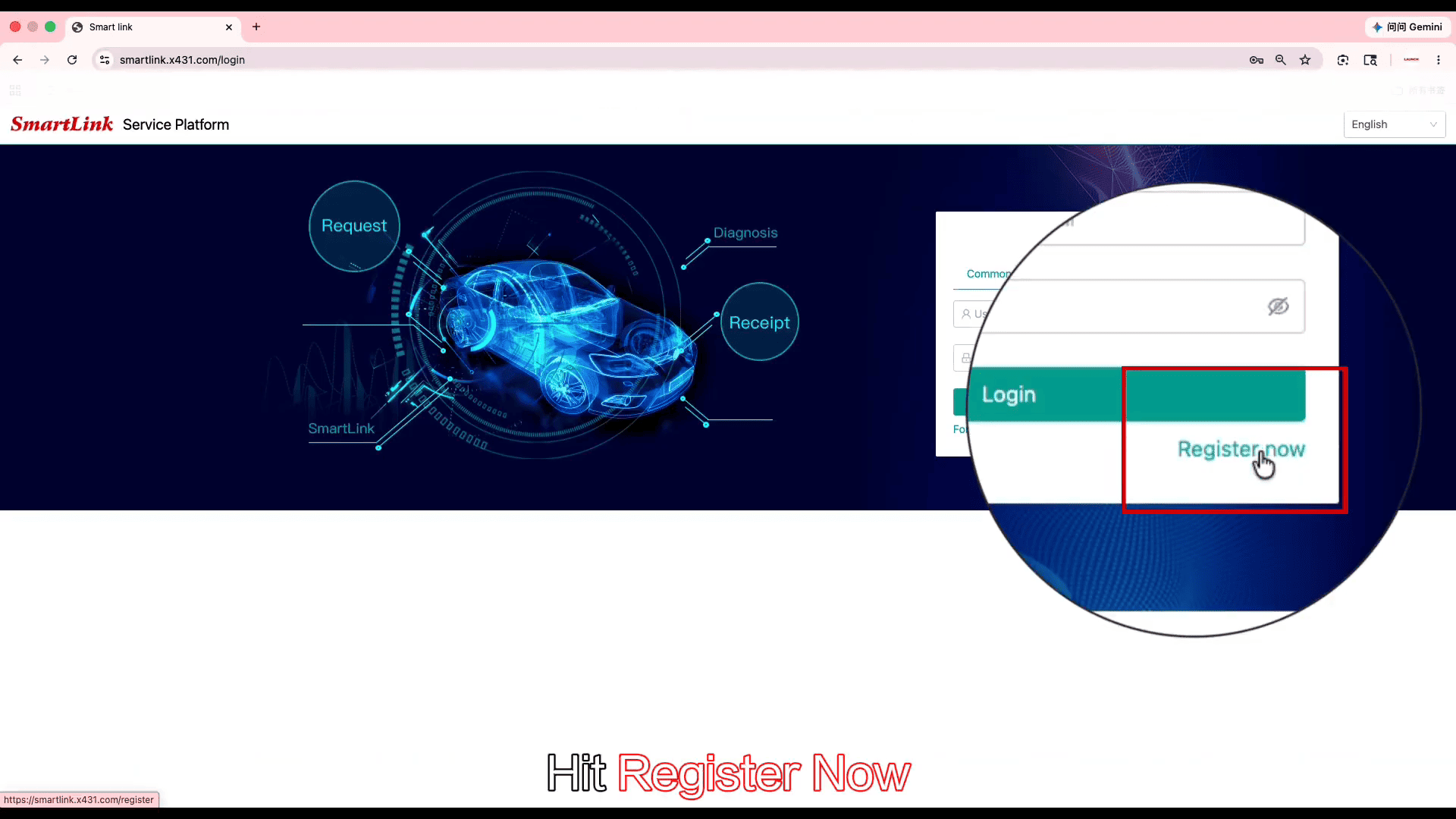
Open your browser and go to smartlink.x431.com
Click [Register Now] to begin.
Step 2. Create Your Account
Select Common User
Enter your username and email address
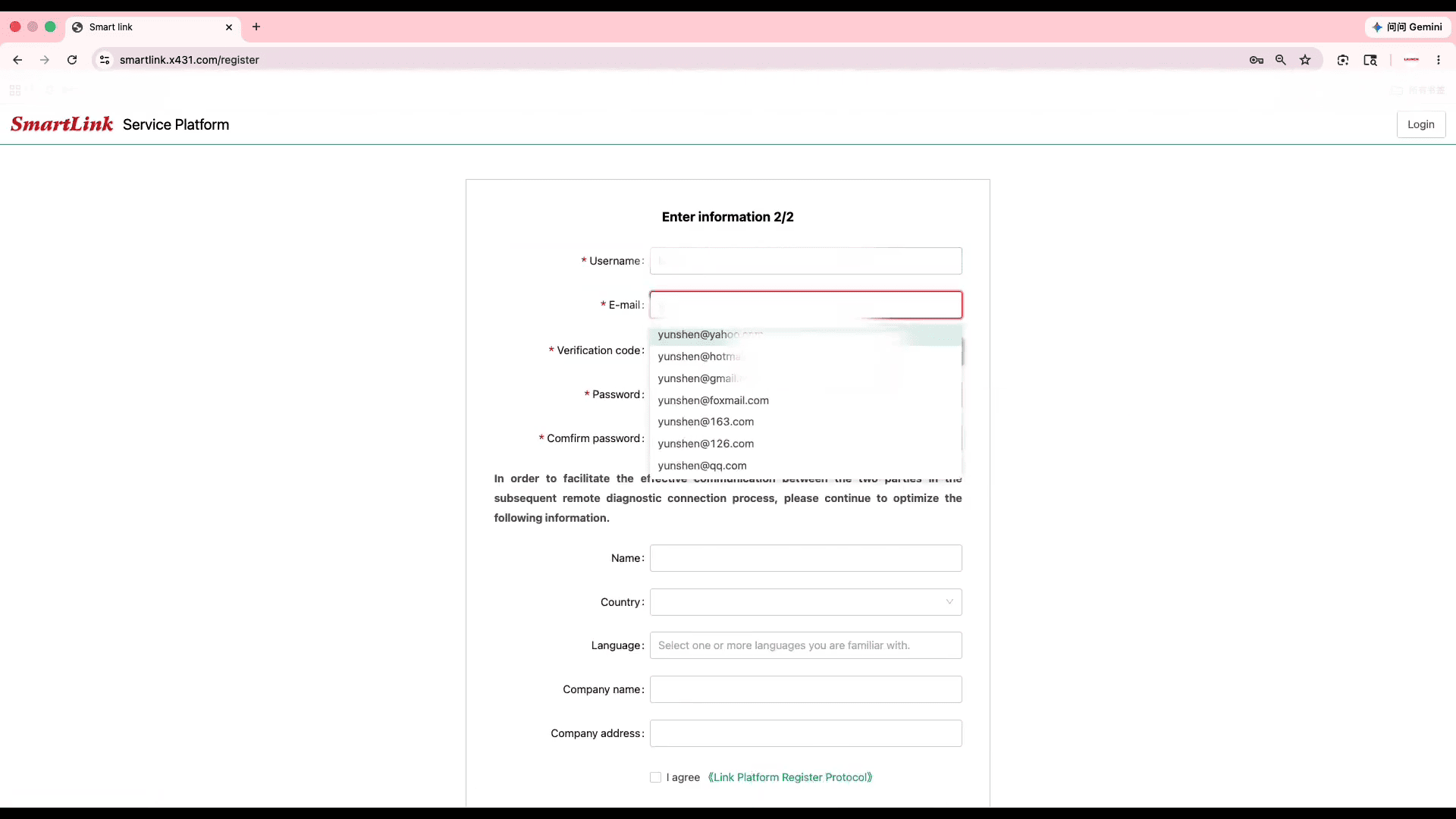
Click Get Verification Code
Enter the verification code sent to your email
Create a secure password
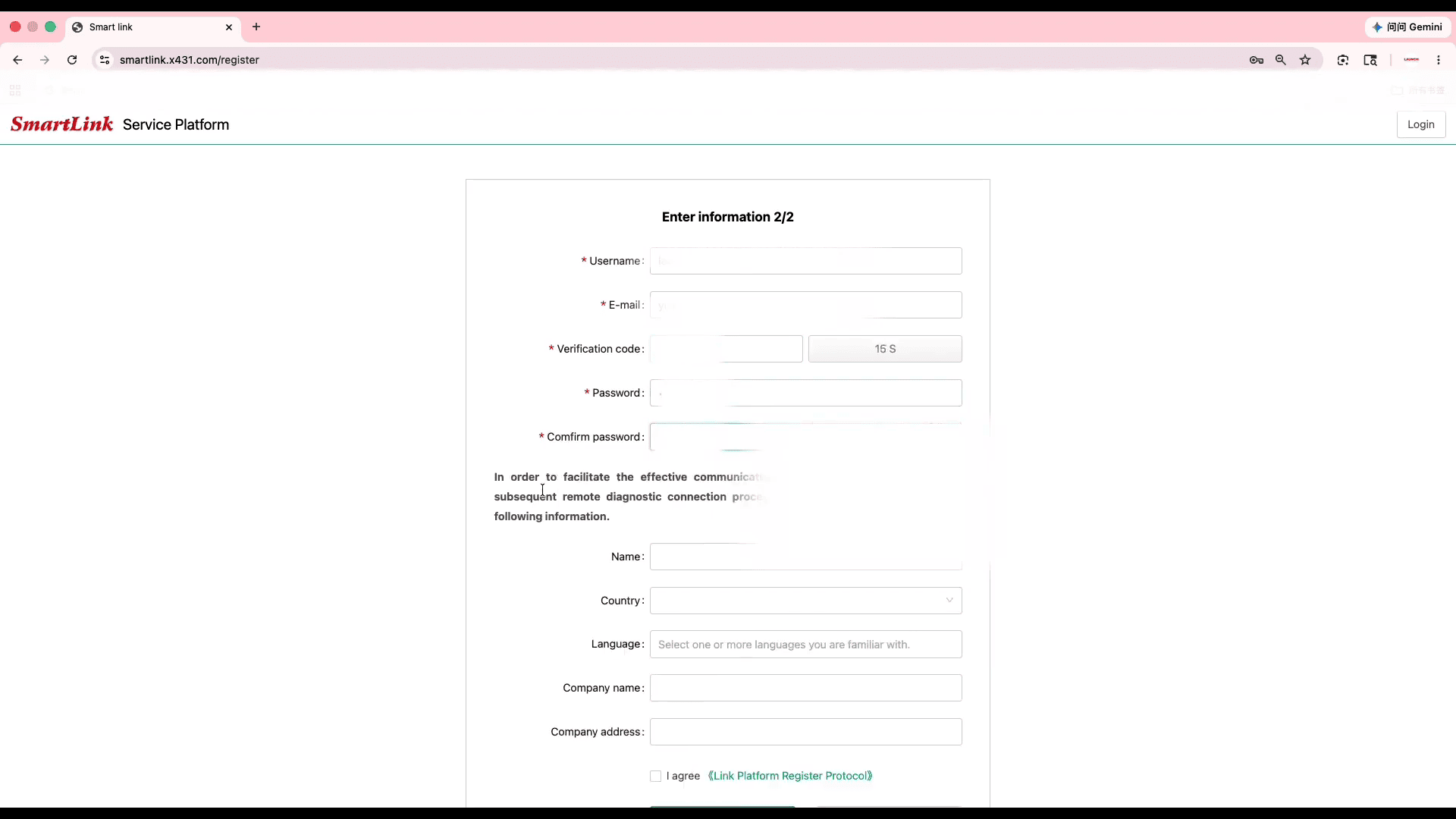
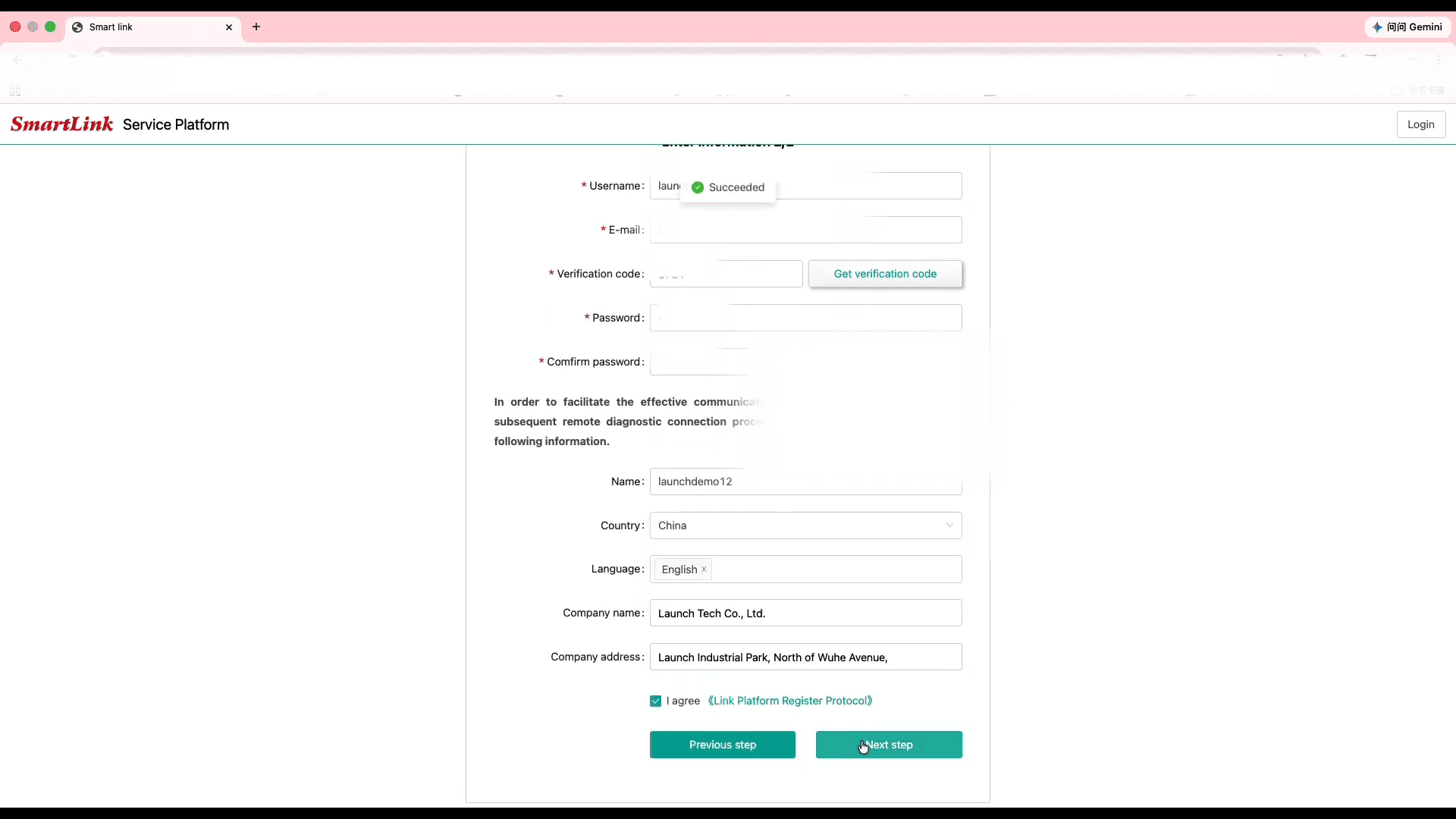
Fill in your name
Select your country/region
Choose your preferred language
Click Next Step
Note: Each email address can only be used for one SmartLink account.
Step 3. Log In
Return to the SmartLink platform and log in using your newly created account.
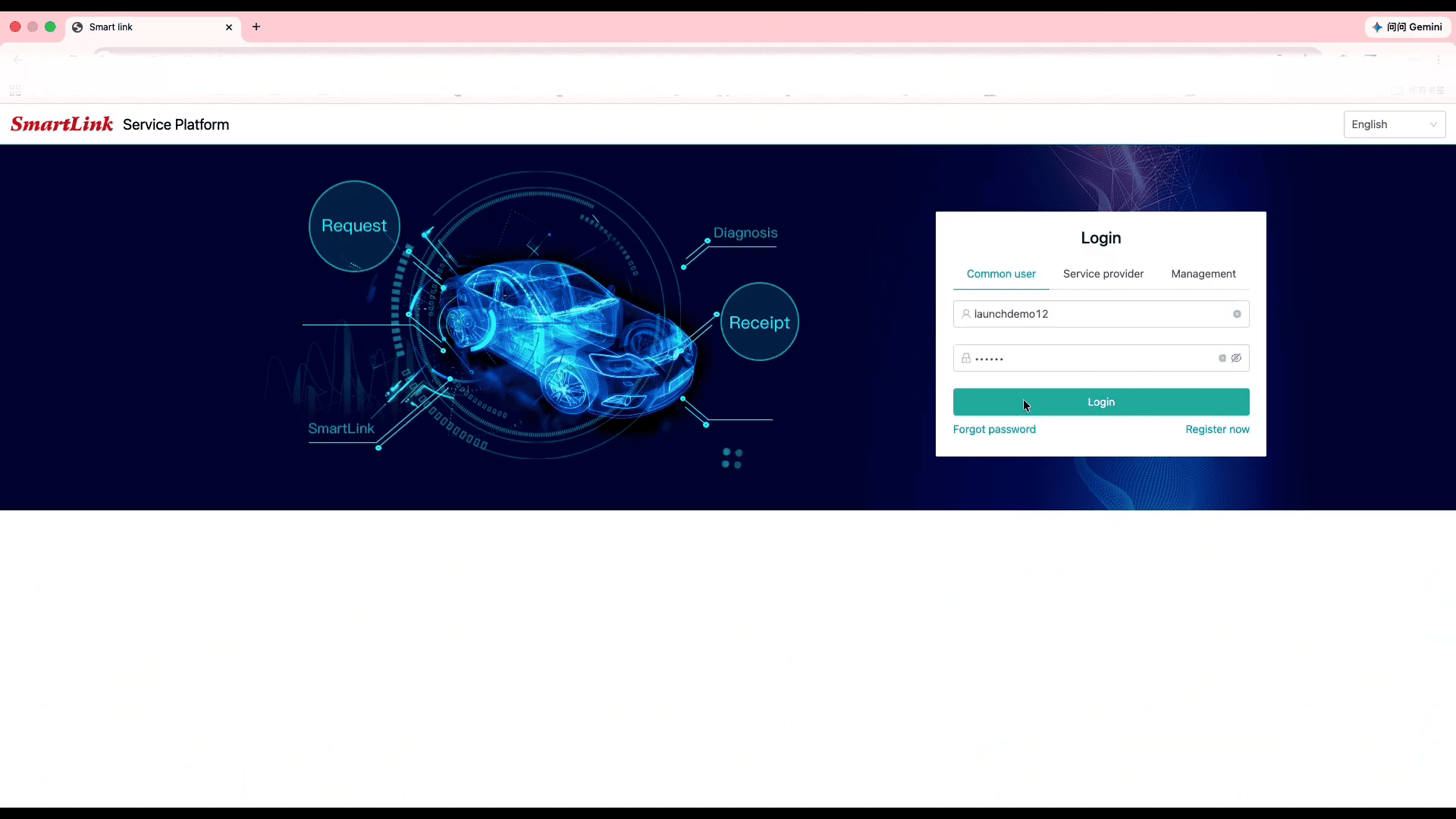
Step 4. Activate Your Device
After logging in:
- Click OK to bind your device
- Enter the Serial Number (S/N) and Activation Code found on the product envelope
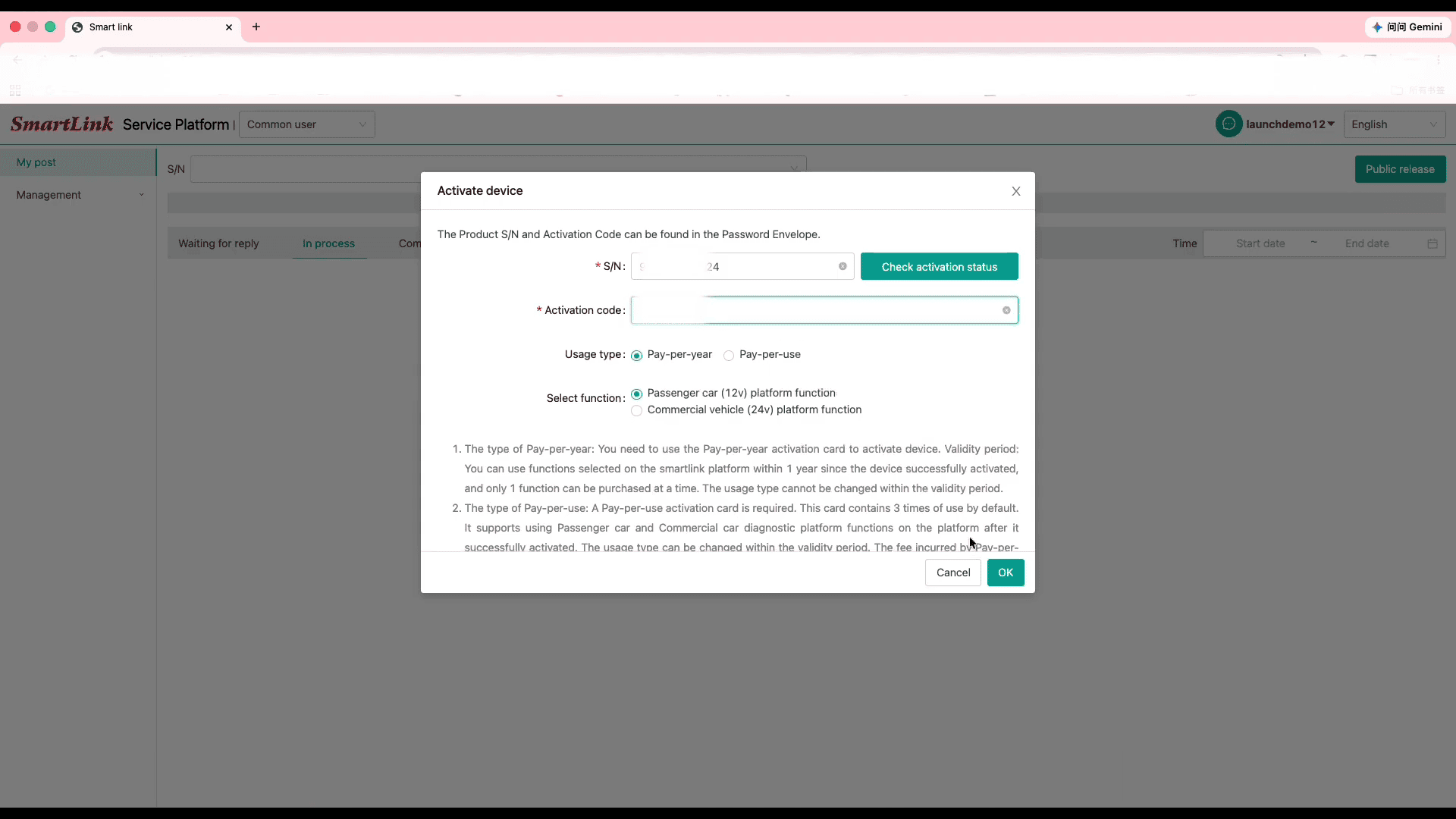
Select the Pay-Per-Use service option
Click Skip if you want to configure service options later
Your SmartLink C device is now successfully linked to your account.
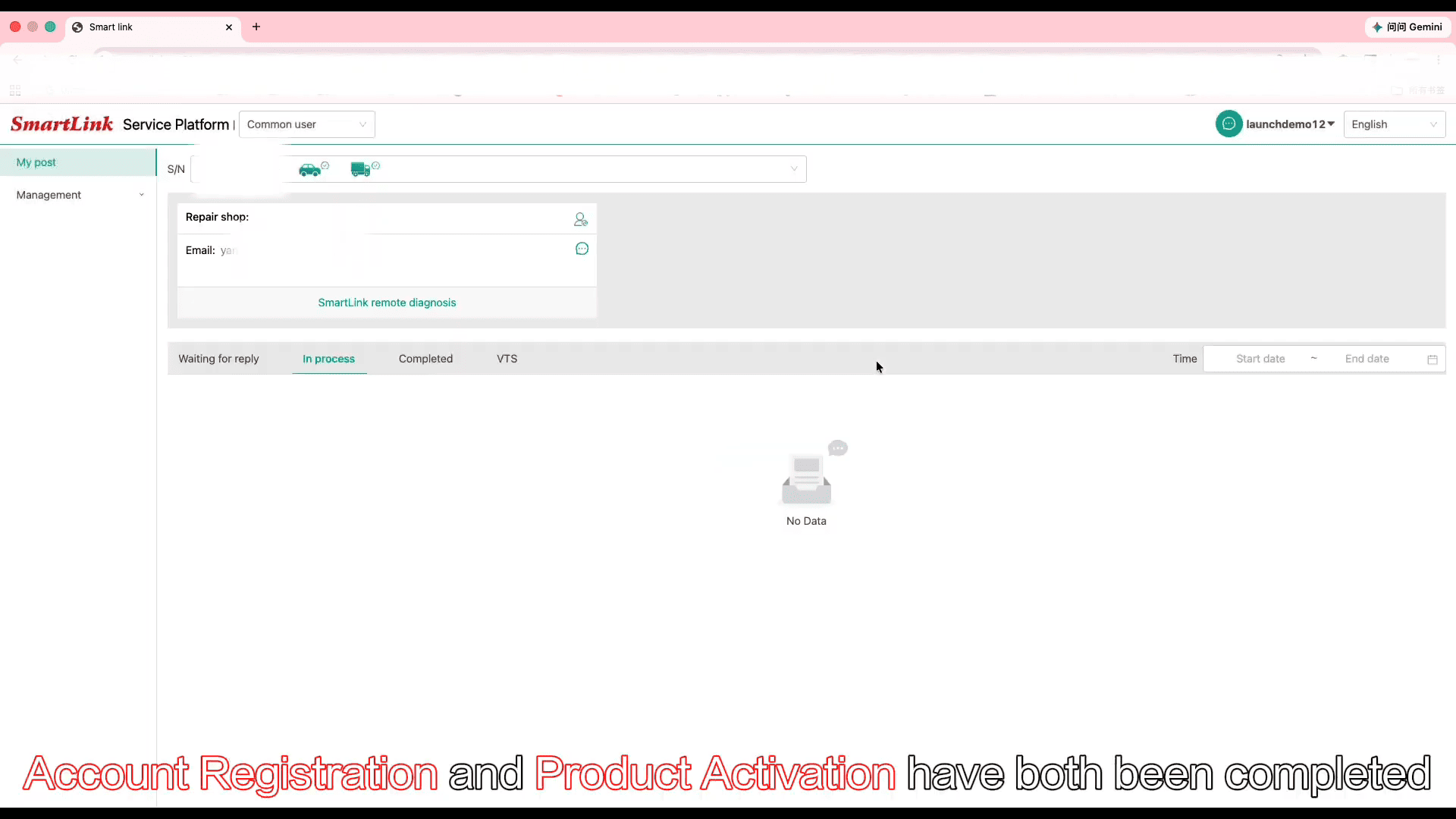
Registration Complete!