
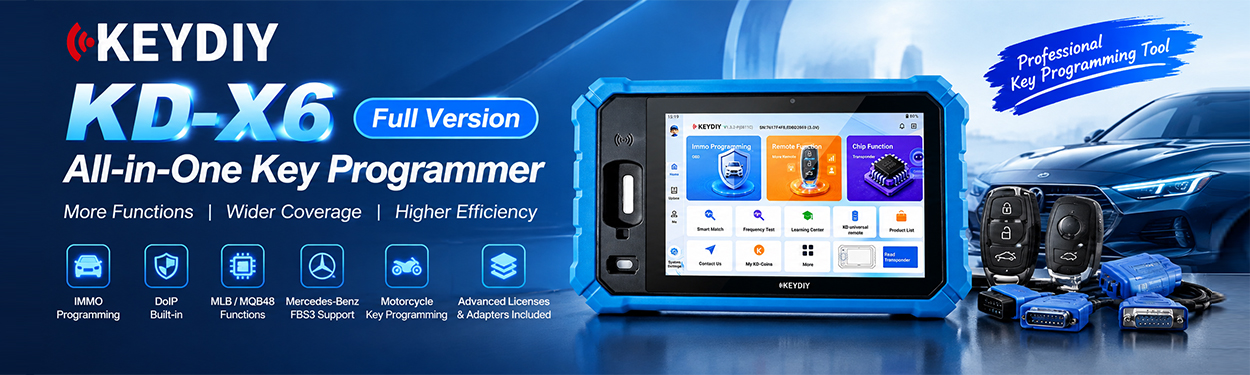
KEYDIY KD-X6 Key Programmer can program smart keys for the 2022–2023 XPeng P7 when all original keys are lost. In this demonstration, KEYDIY ZB71-4 Smart Key is used, and the procedure is completed without entering a PIN code.
Step 1: Select the XPeng P7 Smart Key System
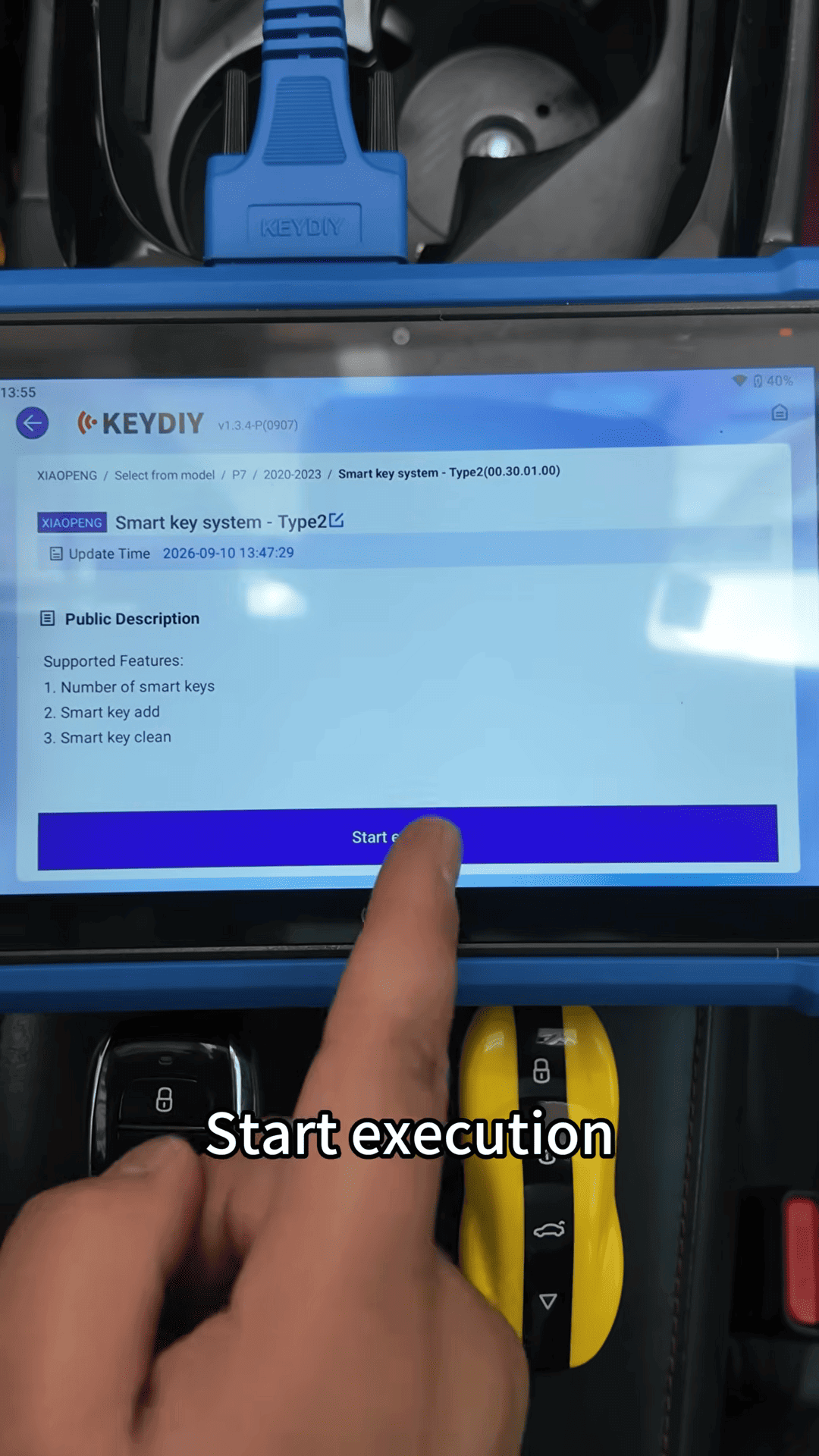
Connect the Xhorse X6 to the vehicle and enter IMMO Programming.
Select [P7] → [2022]–[2023] → [Smart Key System Type 2] → [Start execution]
Step 2: Clear the Existing Smart Key Data
Select Clear Smart Keys and confirm the operation.
KD-X6 will ask you to verify the VIN. Confirm that the VIN is correct and continue.
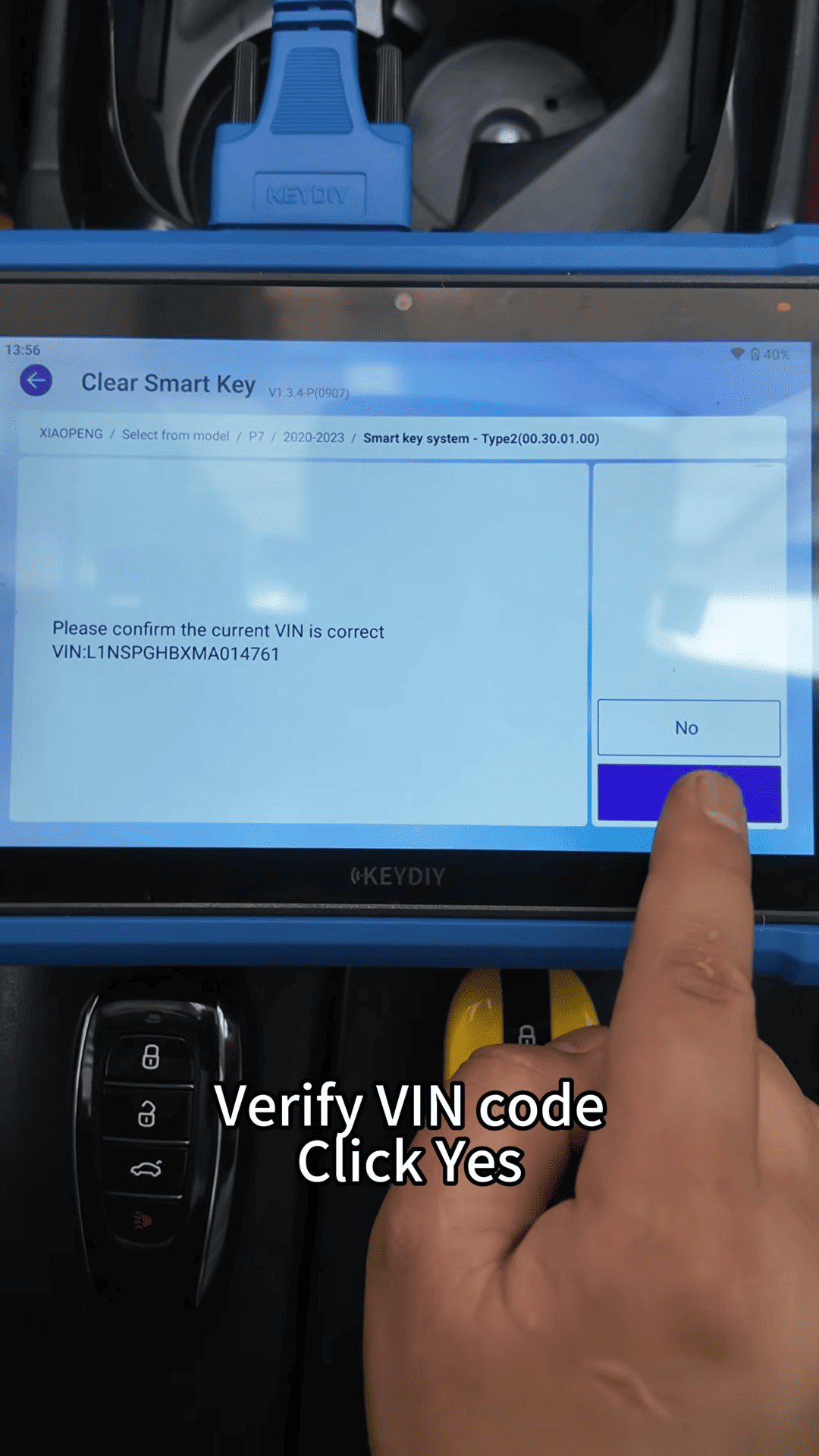
After the clearing operation is completed, select Read Key Quantity.
The tool should show [Key Quantity: 0]
This confirms that the previous smart key data has been cleared.
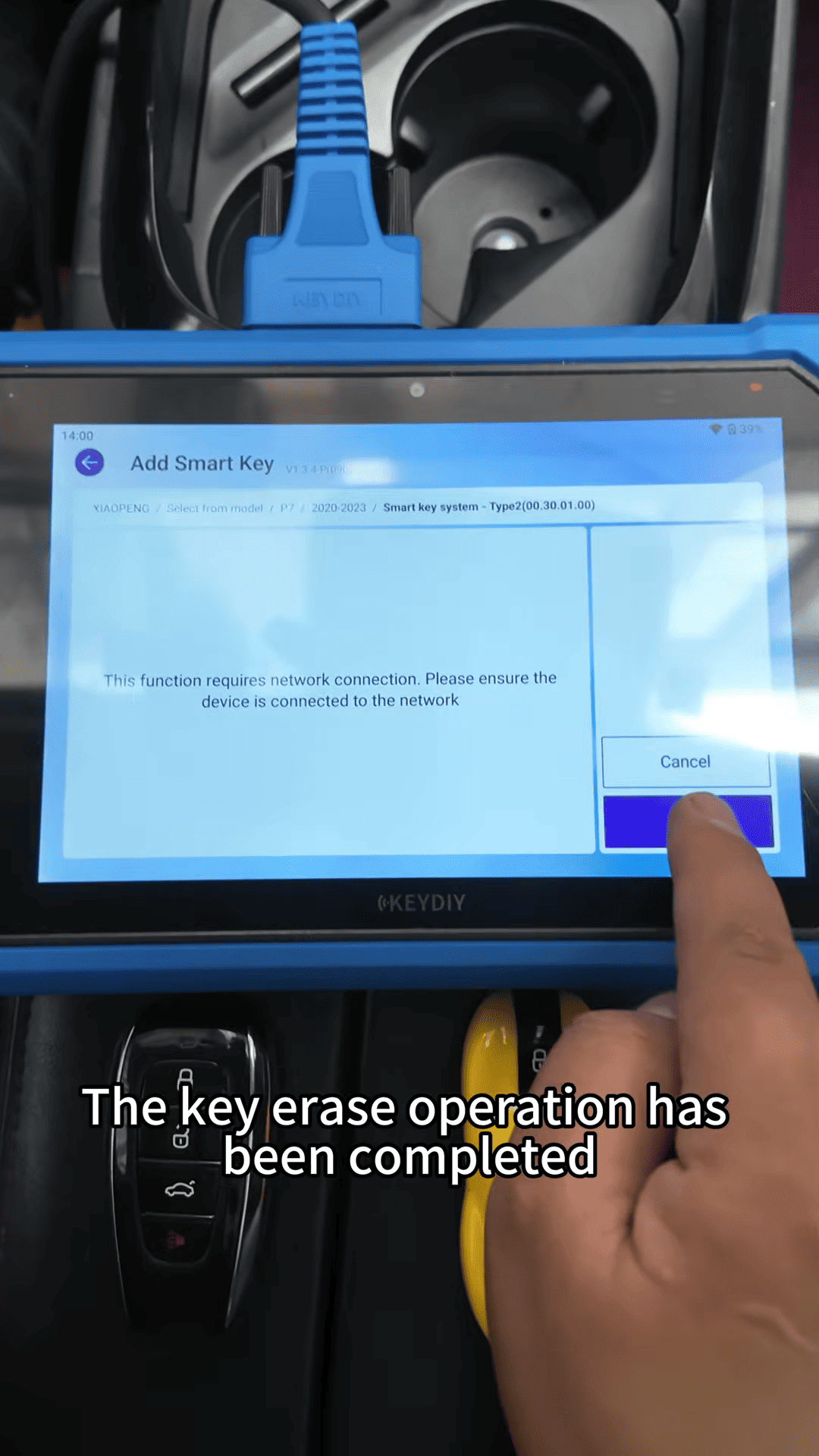
Step 3: Add the Smart Keys
Select [Smart Key] → [Add Key] and confirm the VIN again.
Place the key to be programmed in the driver-side cup holder, which is the sensing area for key matching.
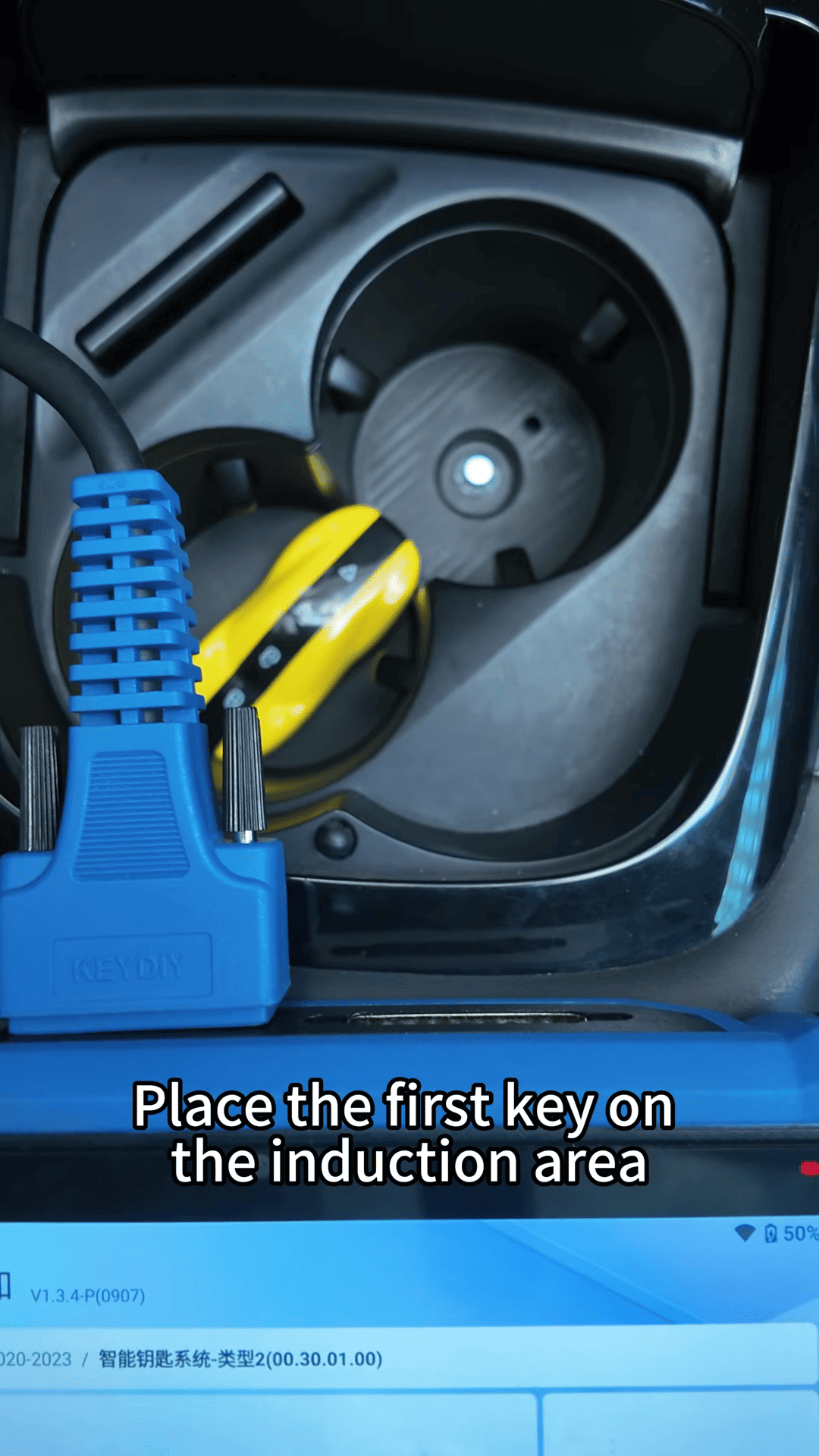
Tip: If the key cannot be detected, remove the mat from the cup holder and try again.
Keep any other keys outside the vehicle during programming.
Place the first KEYDIY ZB71-4 key in the sensing area and click OK. The X6 will program the key and display a successful programming message.
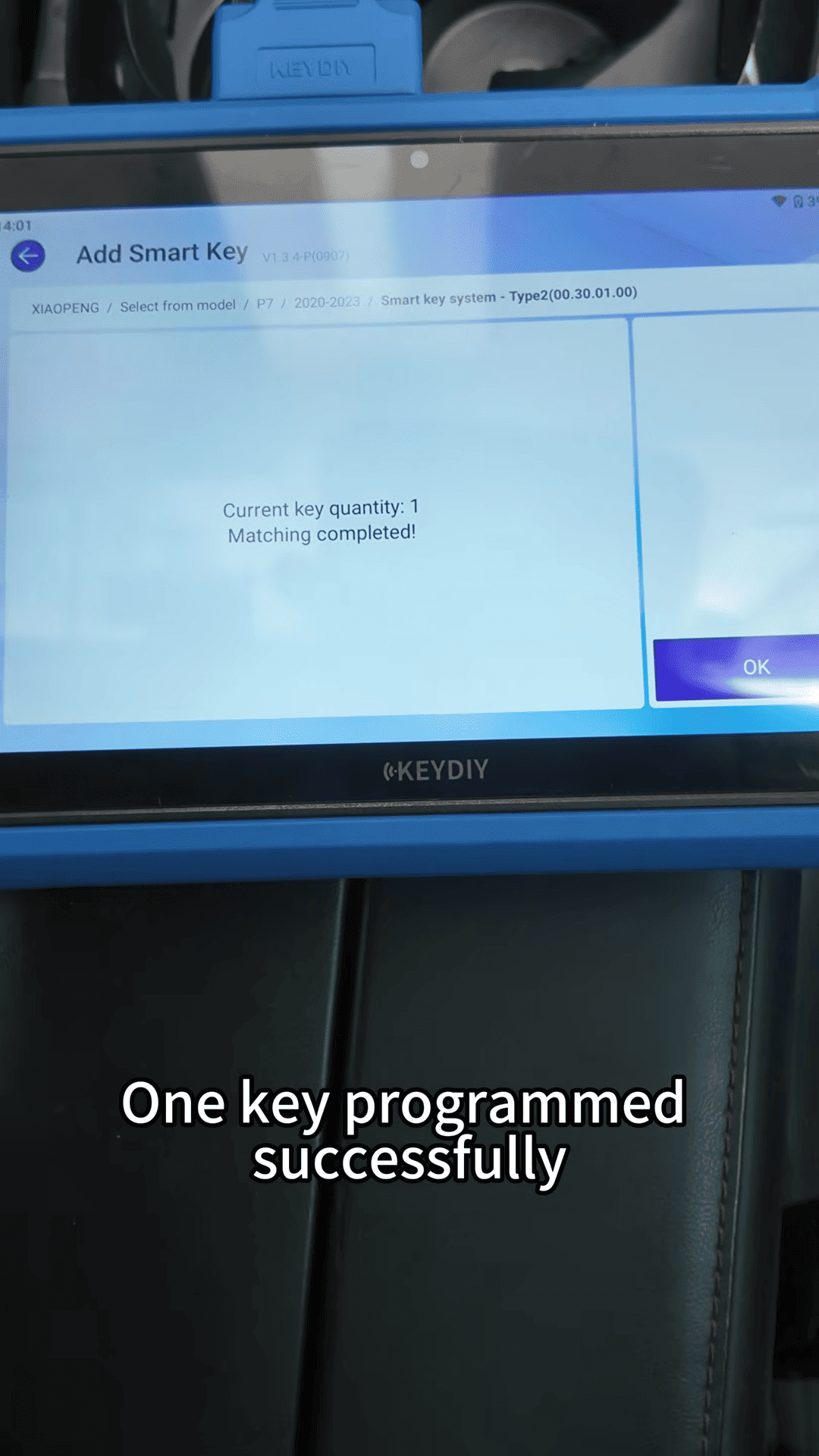
To program the second key, take the first programmed key outside the vehicle and place the second key in the sensing area.
The tool should show [Current Key Count: 2]
The second key is then successfully matched.
Step 4: Test the Programmed Keys
After programming, test both smart keys to make sure all important functions work correctly.
For each key, check
Remote lock/unlock
Keyless start
Vehicle power-on and READY status
Gear selection
Charging port control
Trunk button
Walk-away locking
Passive unlock
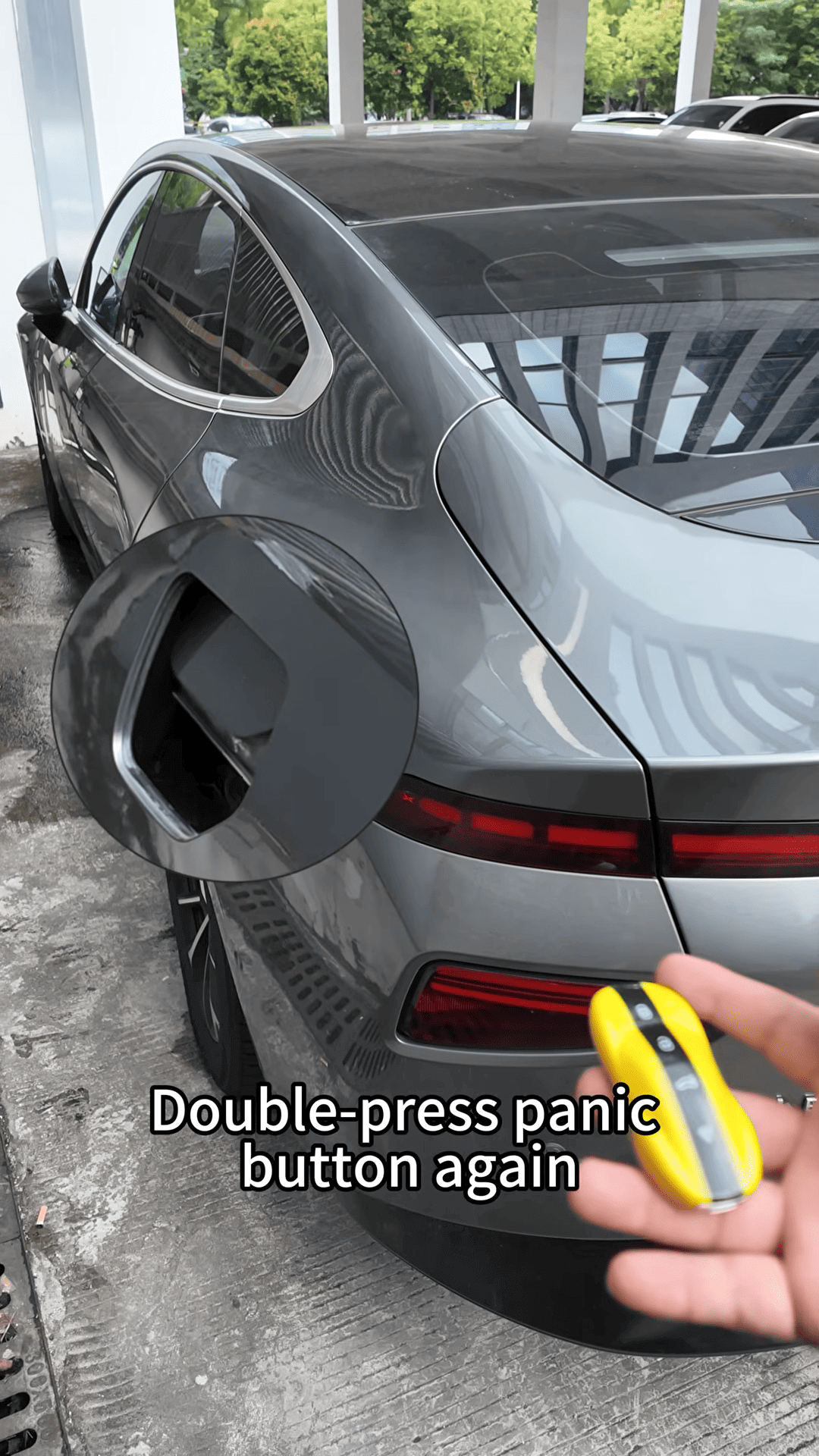
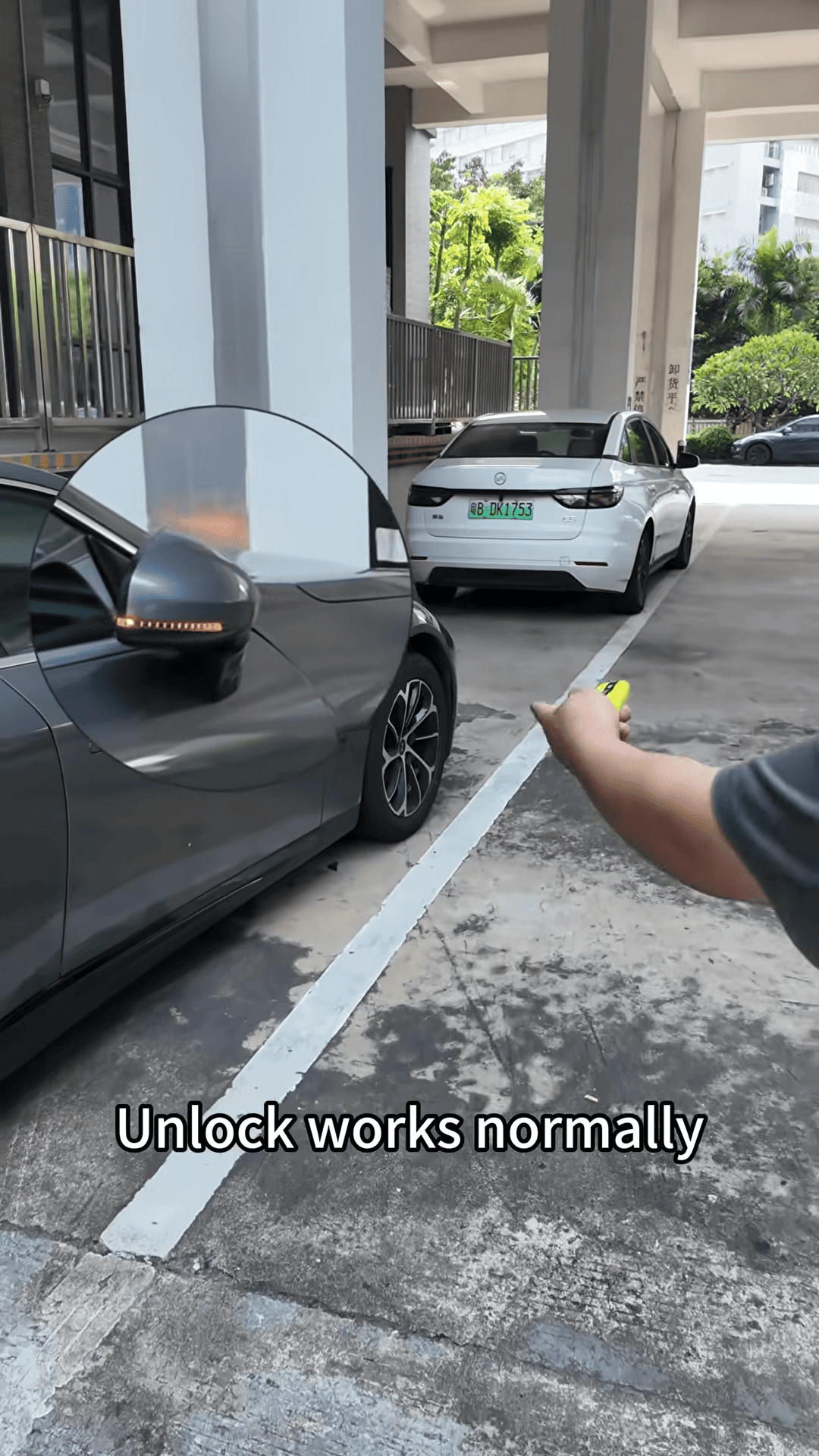
In the demonstration, both programmed keys pass the tests.
Video guide