


Problem
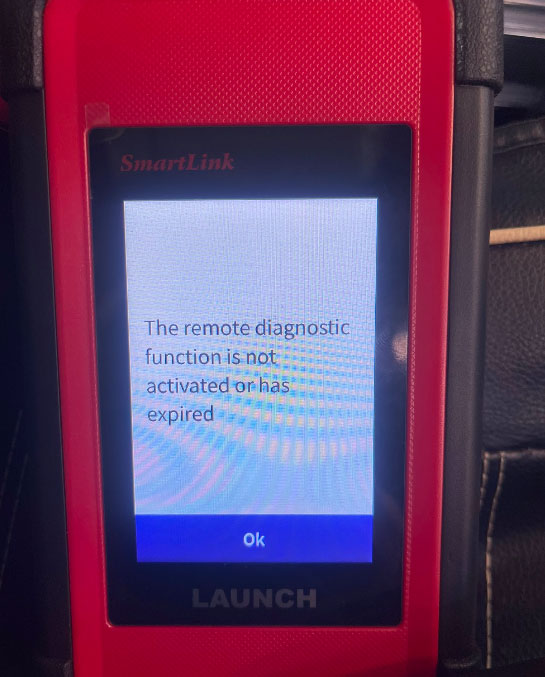
When using LAUNCH X431 PAD VII Elite with SmartLink, you may encounter the following message The remote diagnostic function is not activated or has expired.
This issue can occur when the SmartLink is connected to the Internet during use.
Solution
To resolve the remote diagnostic activation error, follow the steps below.
1. Disconnect the SmartLink from the Internet
Disconnect X-431 PAD7 SmartLink from the network before using it.
2. Keep the SmartLink Offline During Use
Make sure the SmartLink remains offline while performing the diagnostic operation.
Avoid reconnecting the SmartLink to the Internet during use, as this may cause it to enter Super Remote Mode and trigger the activation or authorization warning again.
3. Check the Diagnostic Function
After disconnecting the network connection, restart or continue using the SmartLink and check the diagnostic function again.
Tech support:
WhatsApp: +86 150 0270 5698
Phone: +86 150 0270 5698
E-Mail: sales@CardiagTool.co.uk