

Learn how to read the immobilizer PIN code and program new smart keys on a 2019 Peugeot 408 with all keys lost using OBDSTAR X300 Classic G3 and Key SIM simulator.
Preparation
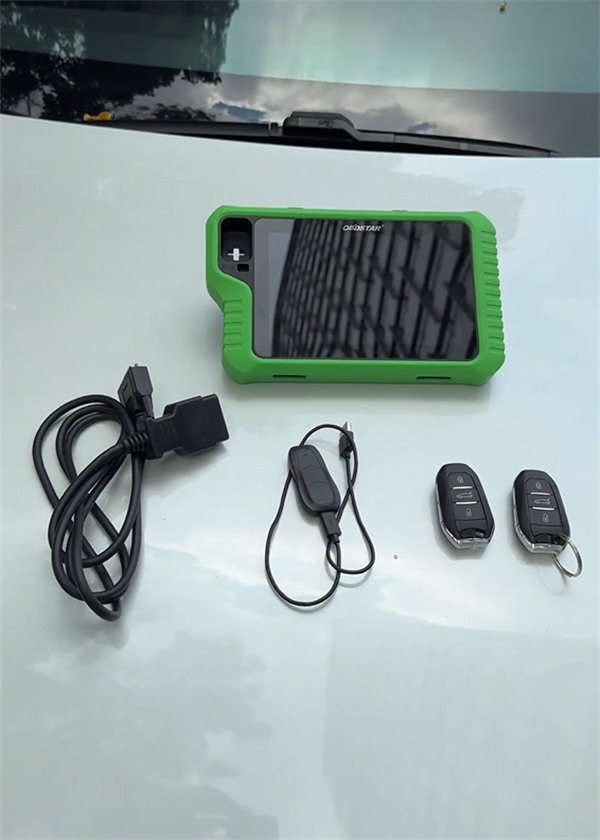
- OBDSTAR X300 Classic G3 key programmer (Key Master G3)
- OBDSTAR Key SIM Key Simulator
- Main Cable
- Two New Keys
Step-by-Step Programming Guide
Step 1: Read Immobilizer PIN Code
1. Locate the OBD diagnostic port beneath the right side of the steering wheel and connect X300 Classic G3main cable.
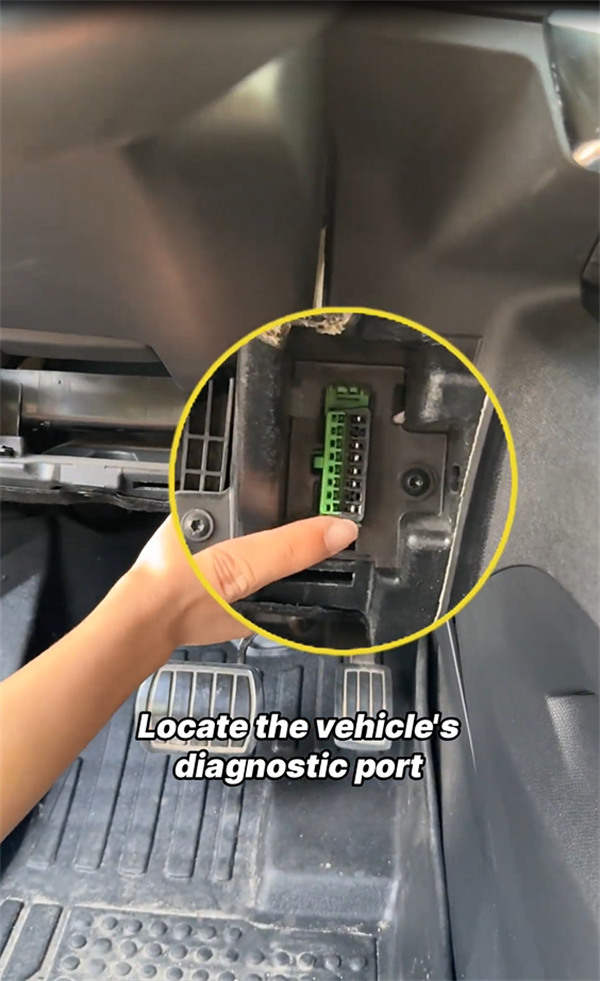
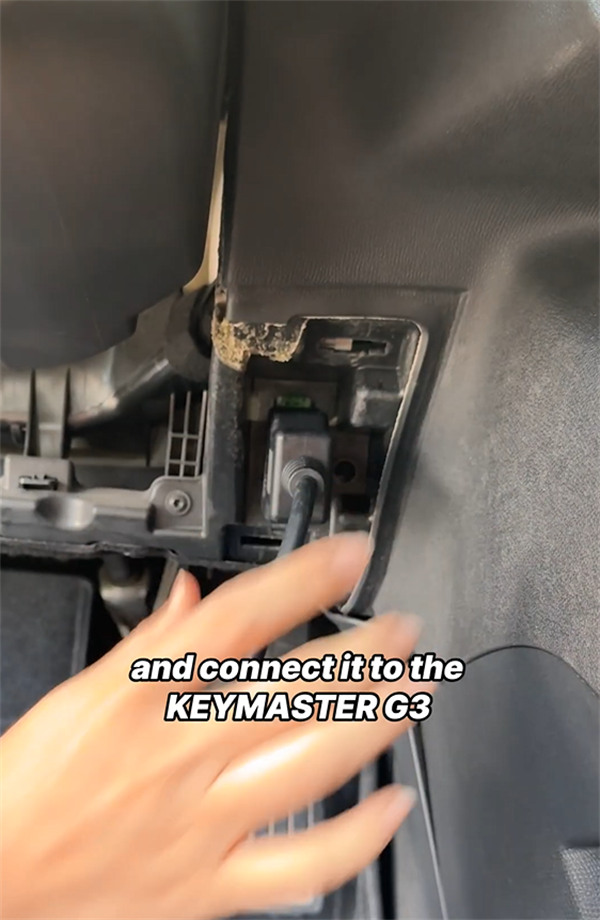
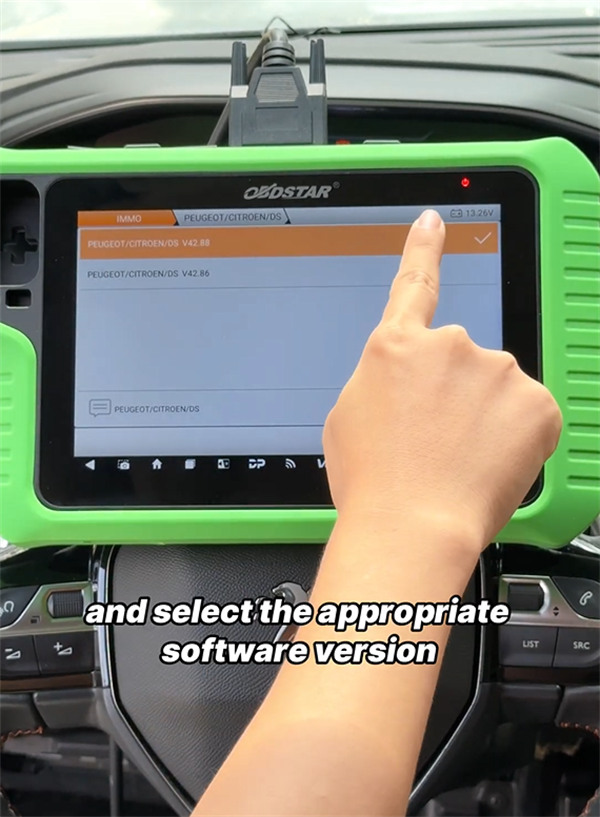
2. Select IMMO from the home screen, search for Peugeot in the top-right search bar, and choose the correct software version (e.g.V42.88)
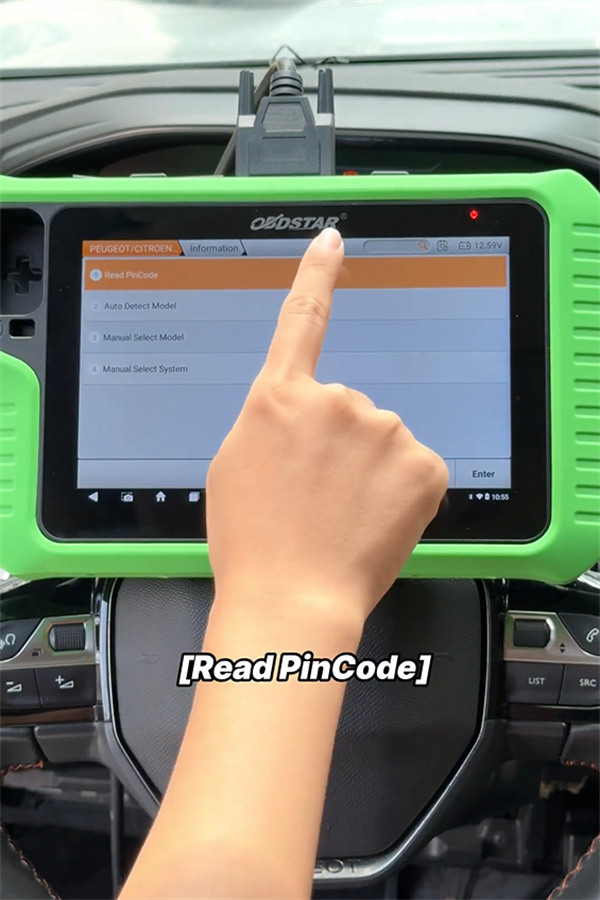
3. Select Read PIN Code, then choose BY KEY SIM(ID4A).
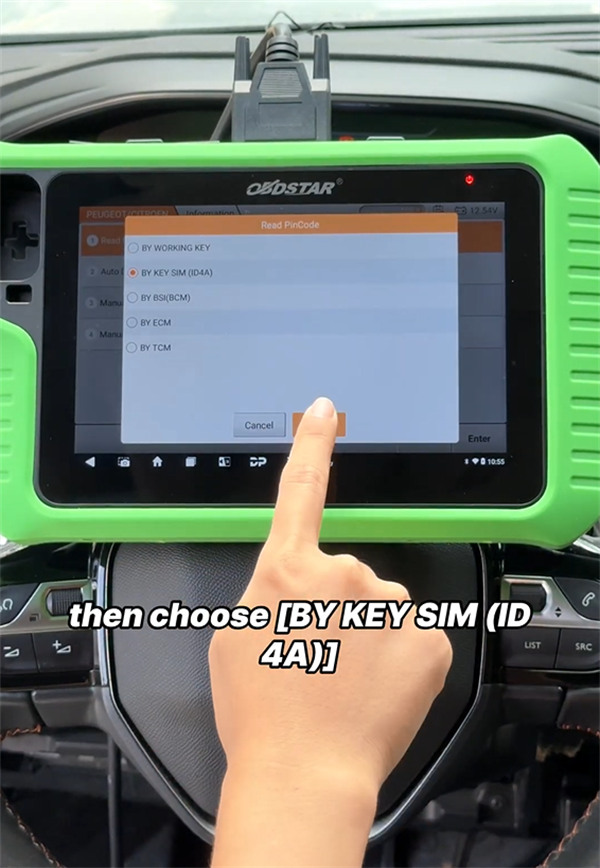
4. Turn on the vehicle hazard lights when prompted on screen.
5. Connect Key SIM Simulatorto OBDSTAR G3 unit and tap OK.
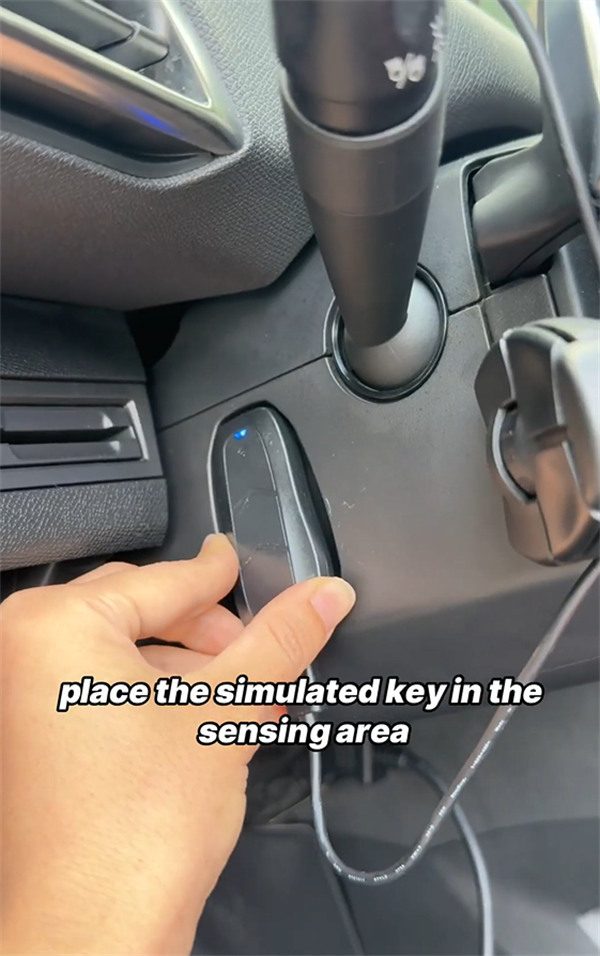
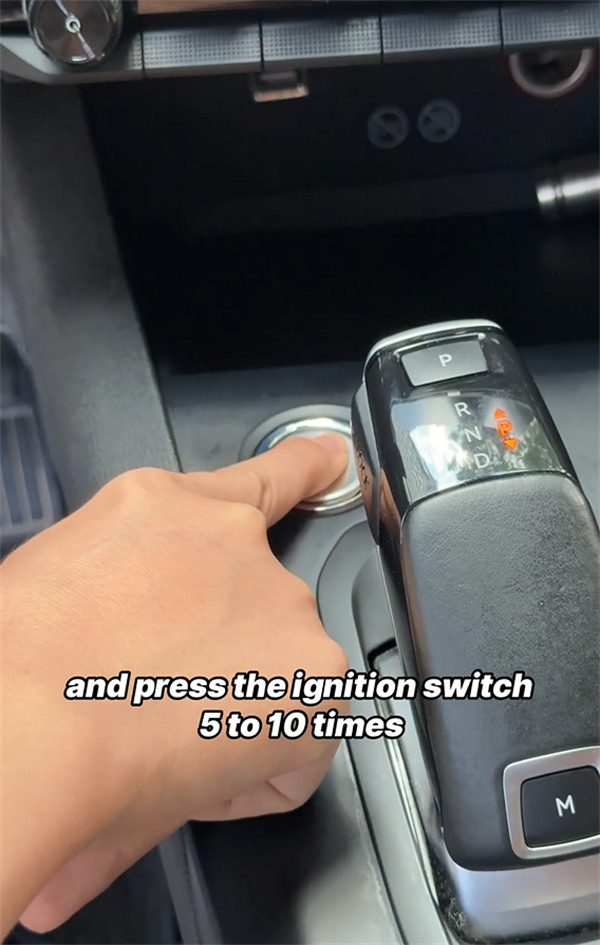
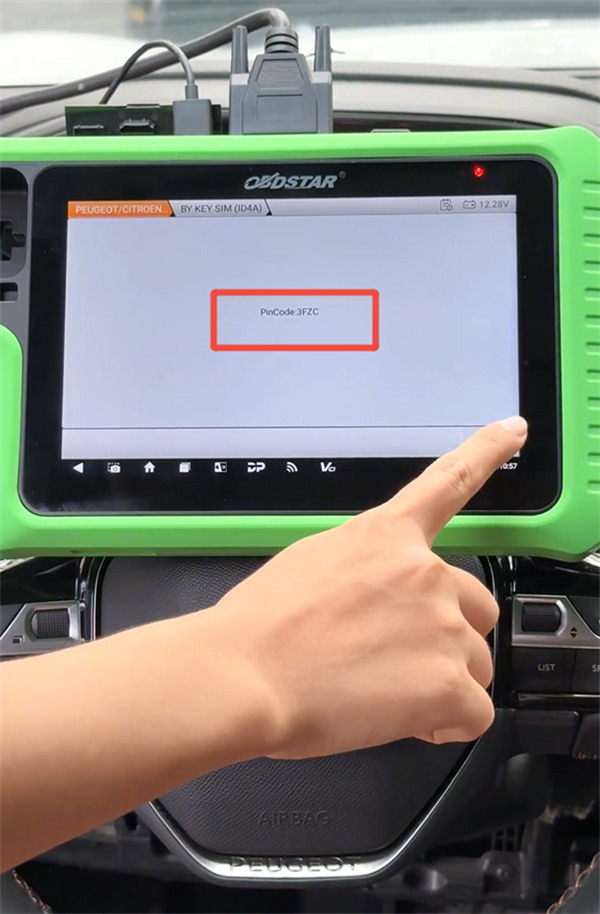
6. Hold Key SIM simulated key near the vehicle key sensing area and press the Engine Start switch 5 to 10 times until the screen confirms the PIN code. Write down or take a photo of the PIN code.
Step 2: Program New Smart Keys
1. Remove OBDSTAR Key SIM Simulator from the vehicle interior.
2. Select Auto Detect Model> PEUGEOT. Confirm the detected VIN, vehicle model, and configuration details.
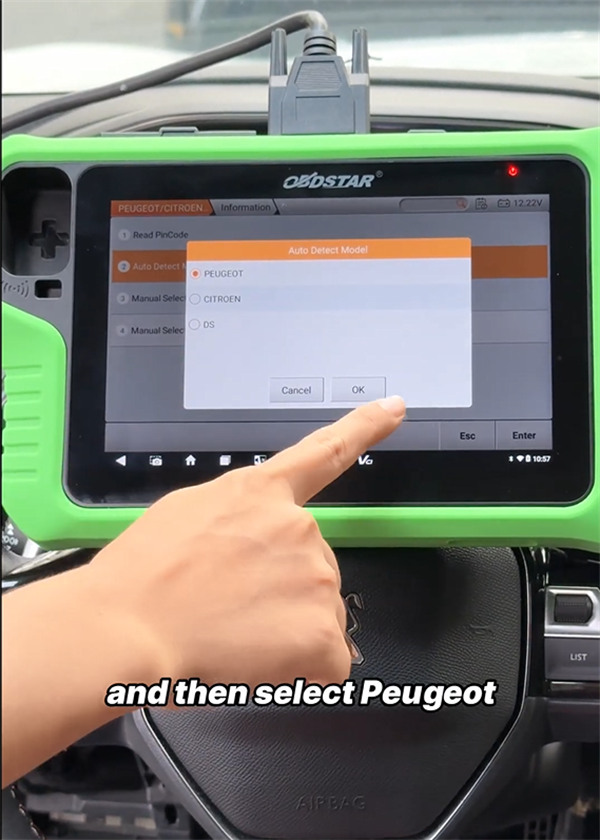
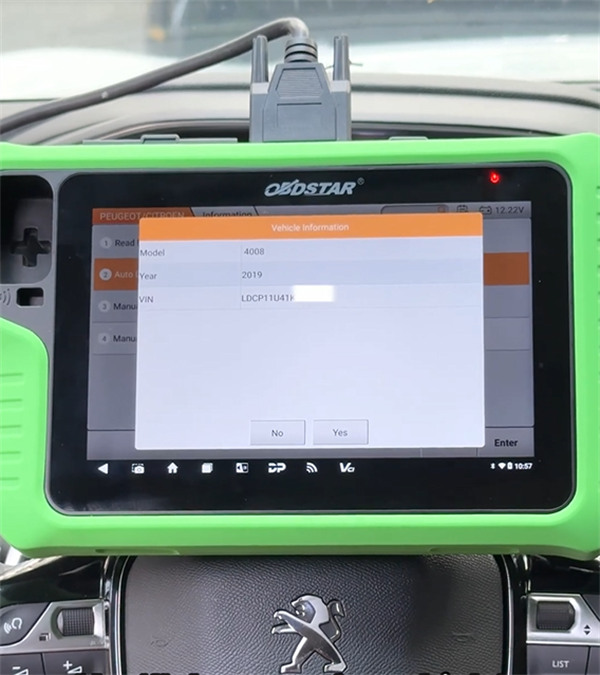
3. Select PROXIMITY> Program Keys.
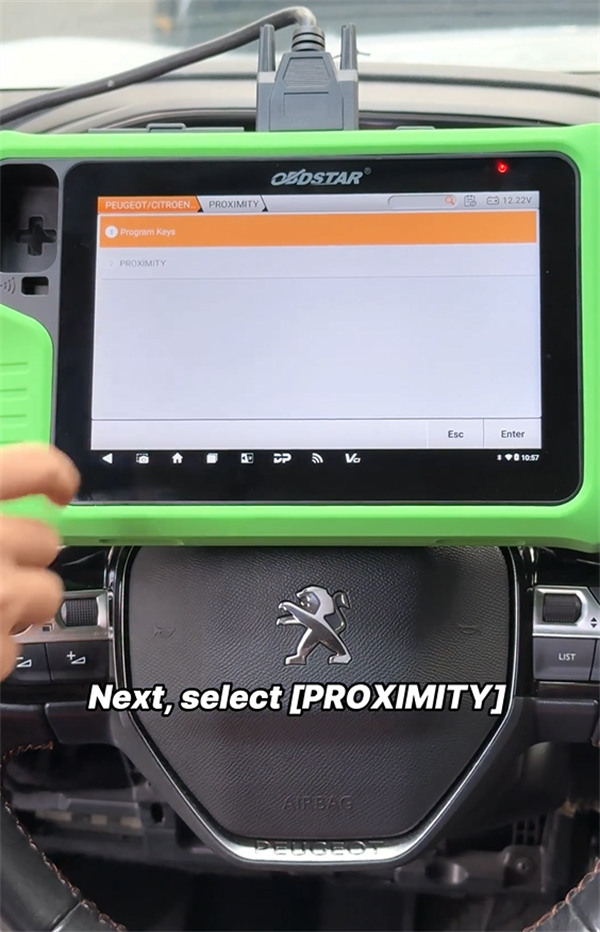
4. Ensure hazard lights remain on, tap OK, and enter the PIN code retrieved in Step 1.
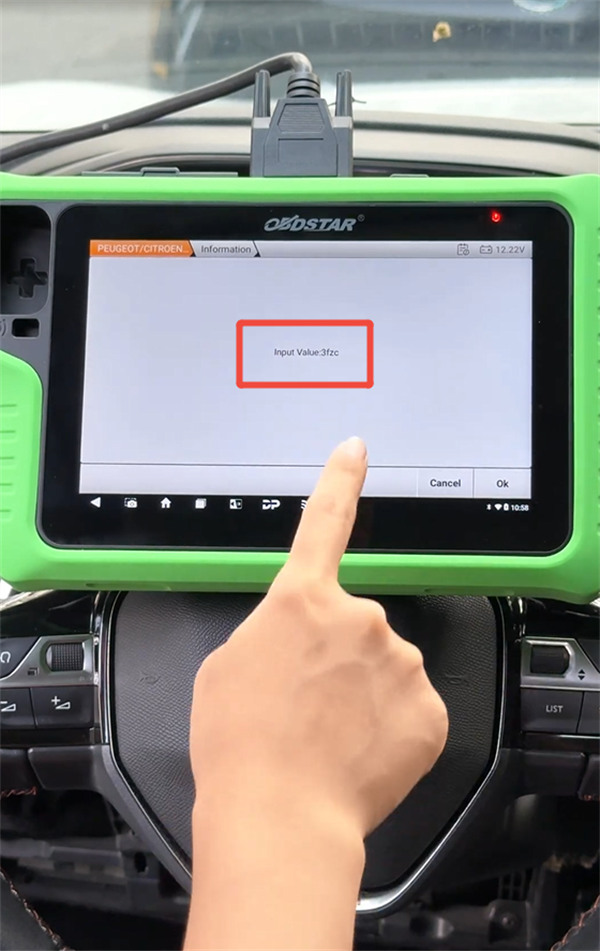
5. Enter the total number of keys to program (e.g., 2).
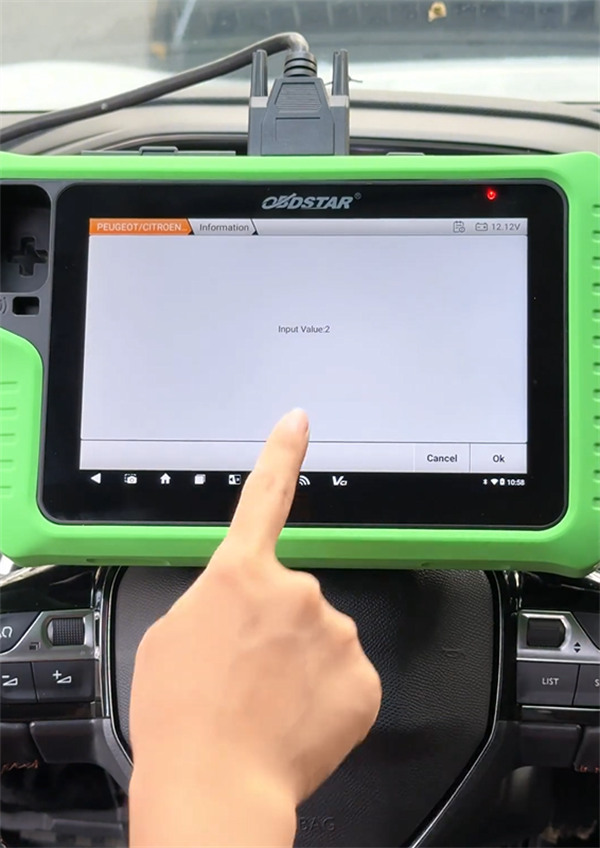
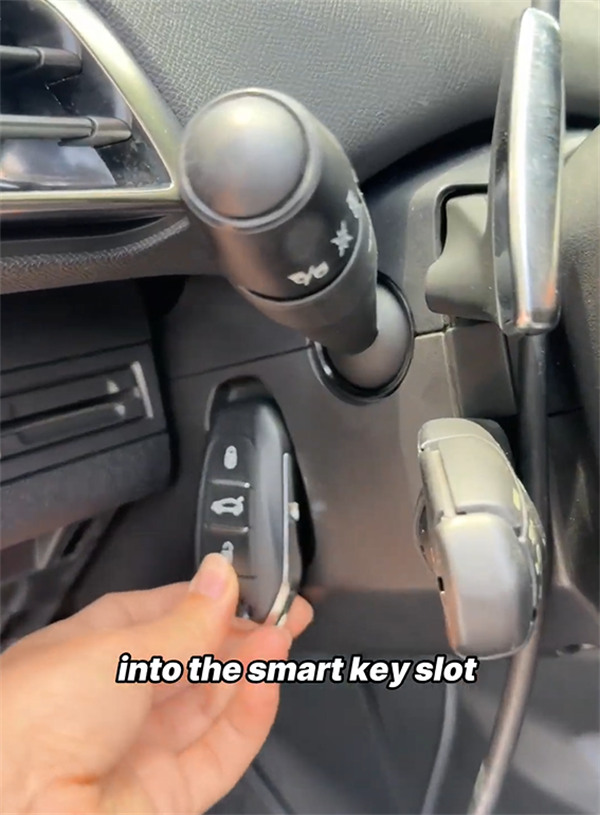
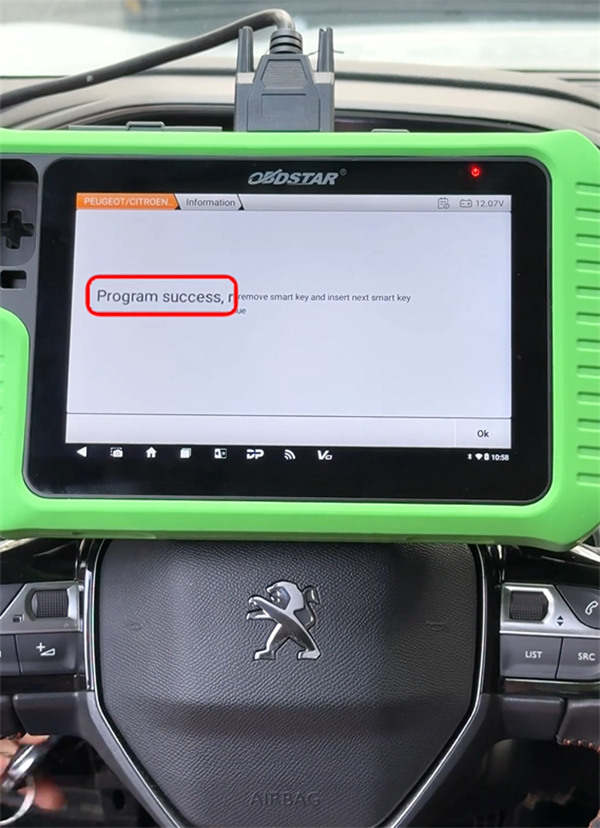
6. Place the first new key into the smart key slot and tap OK. Once confirmed, switch to the second key and tap OK.
7. Start the engine with each key as prompted on the device. Once the engine starts successfully, the key programming process is complete.