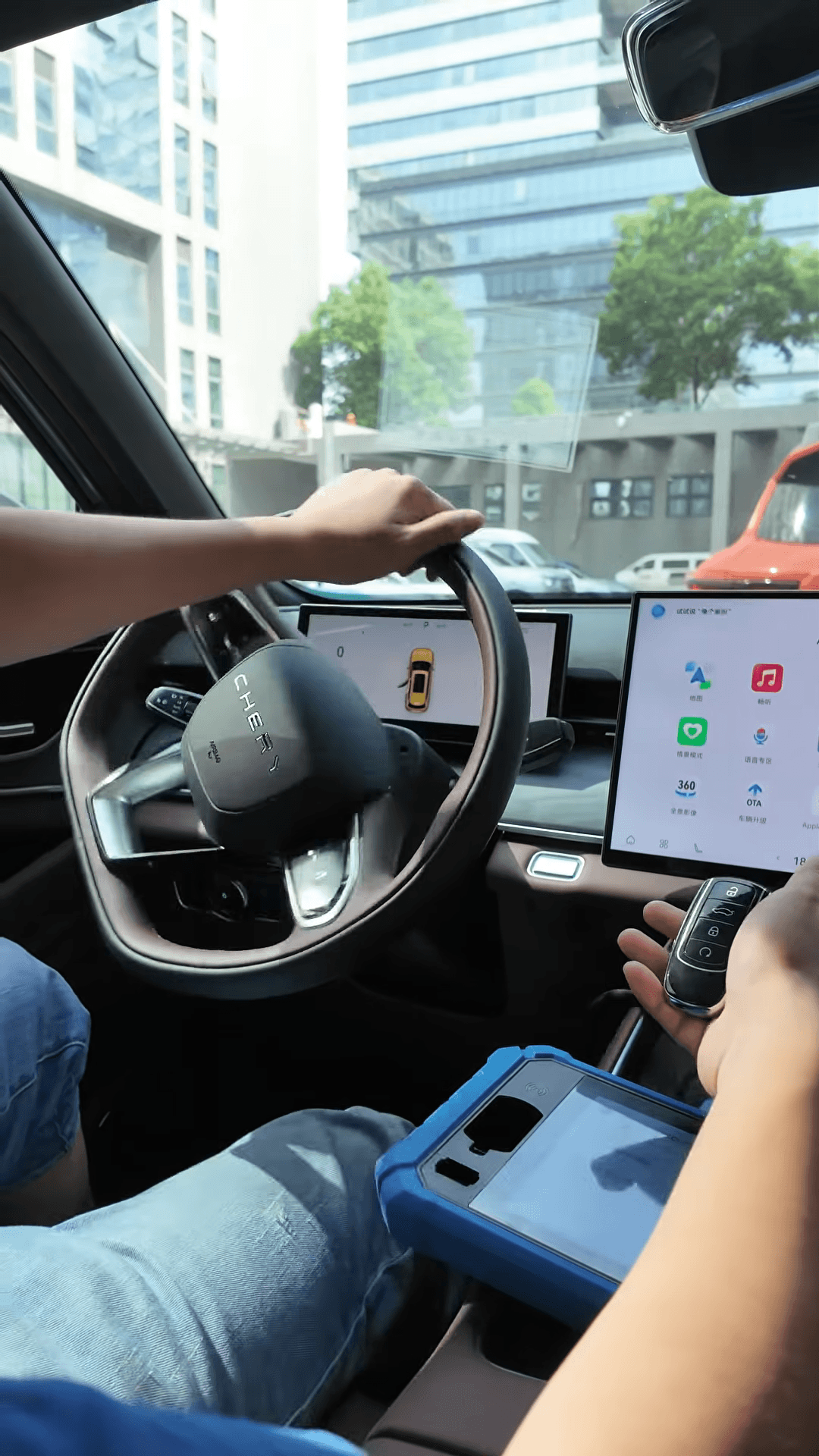
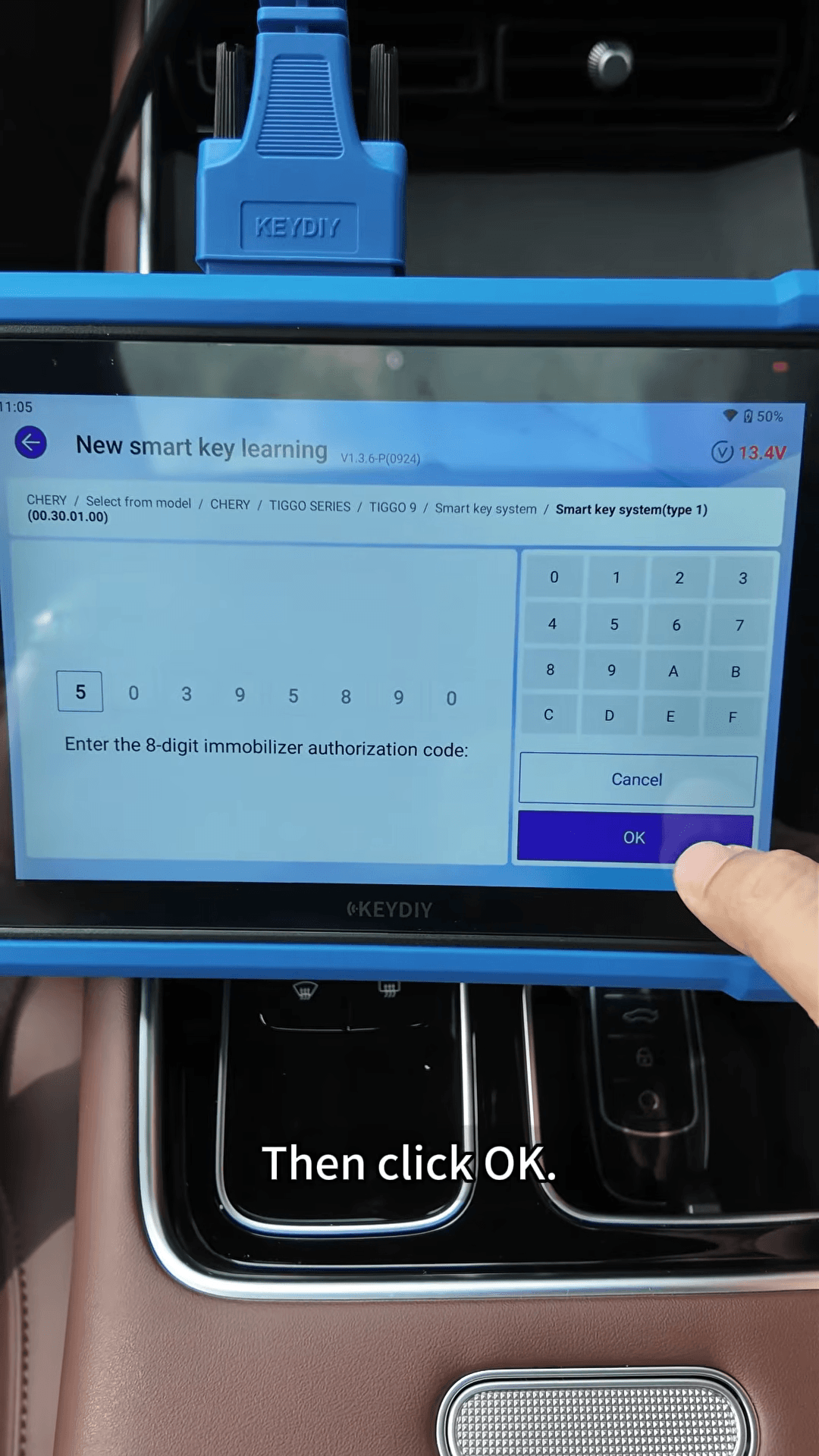
In this guide, we demonstrate an all-keys-lost smart key programming procedure on a Chery Tiggo 9 using KEYDIY KD-X6, including remote generation, immobilizer programming and key function testing. The immobilizer authorization code was read in advance, and no PIN entry was required during the shown programming procedure.
1. Generate the KD Universal Key Remote
Connect KD-X6 to the vehicle through the OBD port, then prepare KEYDIY ZB71-4.
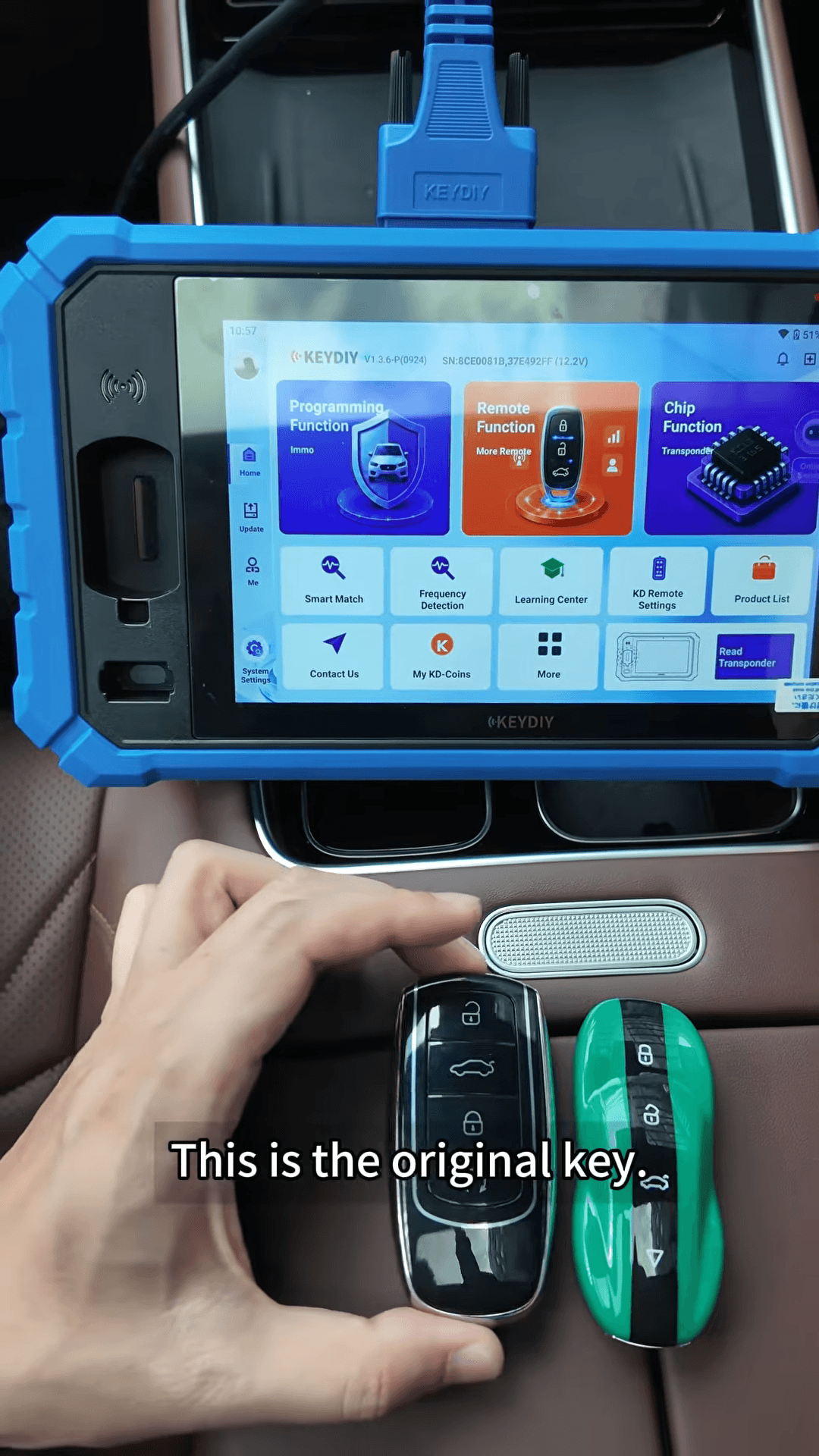
On the KD-X6, follow this menu path
Remote Function → Smart Key Remote → Chery → TIGGO → TIGGO 9 ID47
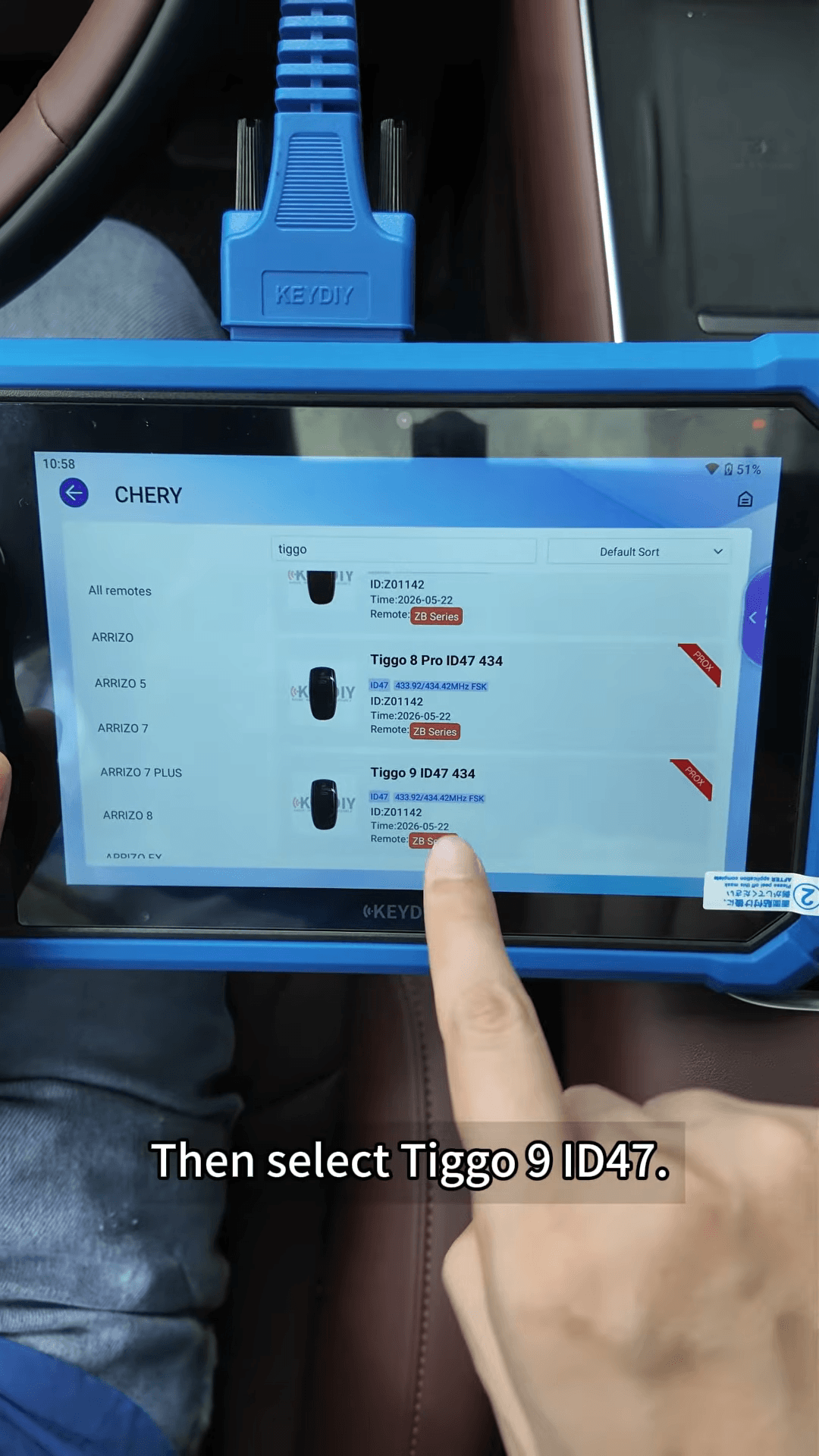
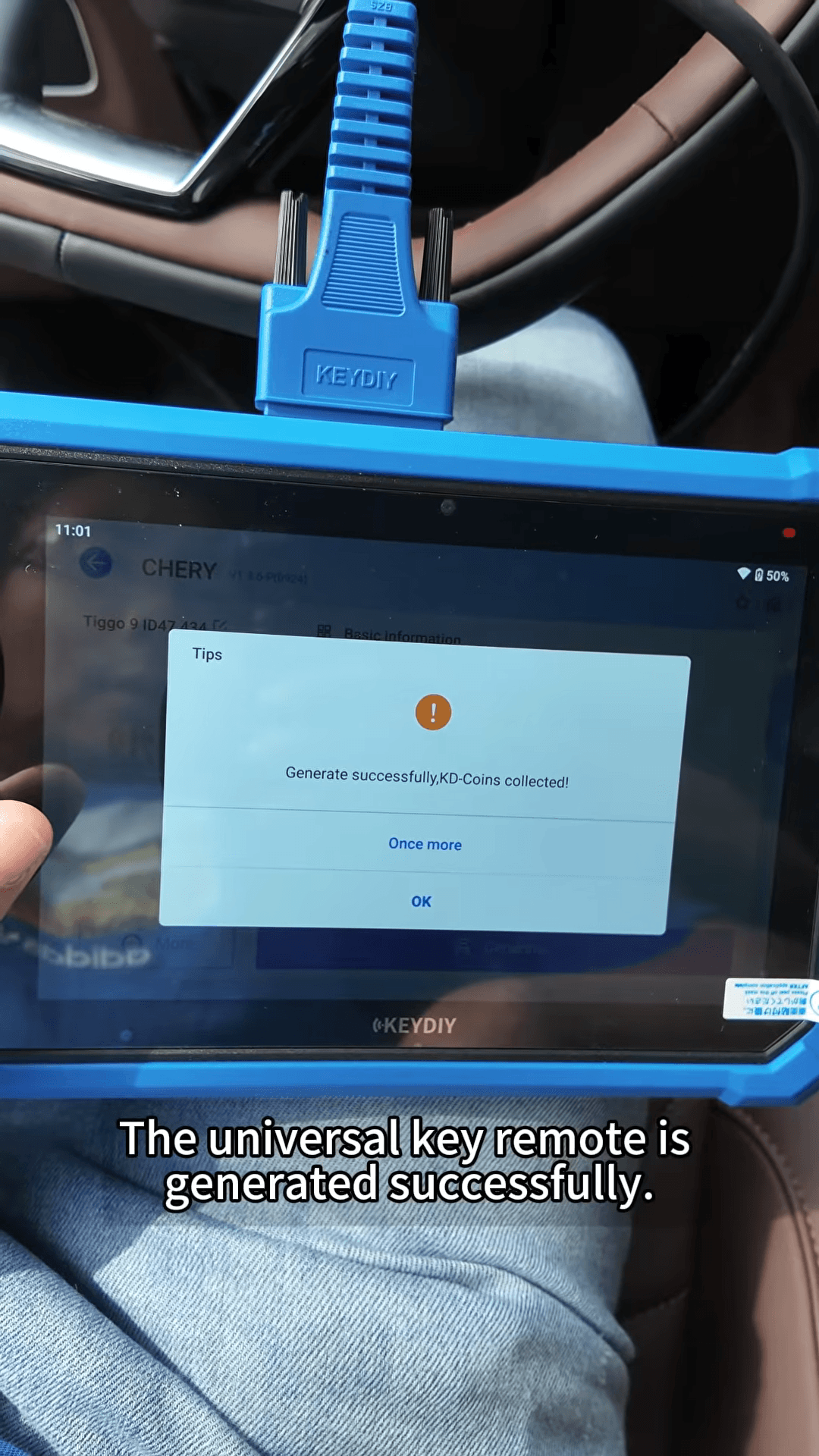
Select the correct remote and start wireless generation. Once the remote generation is successful, return to the main menu.
2. Enter the Immobilizer Programming Menu
Programming Function → IMMO Programming → Chery → Select by Model → TIGGO Series → TIGGO 9 → Smart Key System → Type 1
Tap Start Execution, then select New Smart Key Learning.
3. Learn the Smart Keys
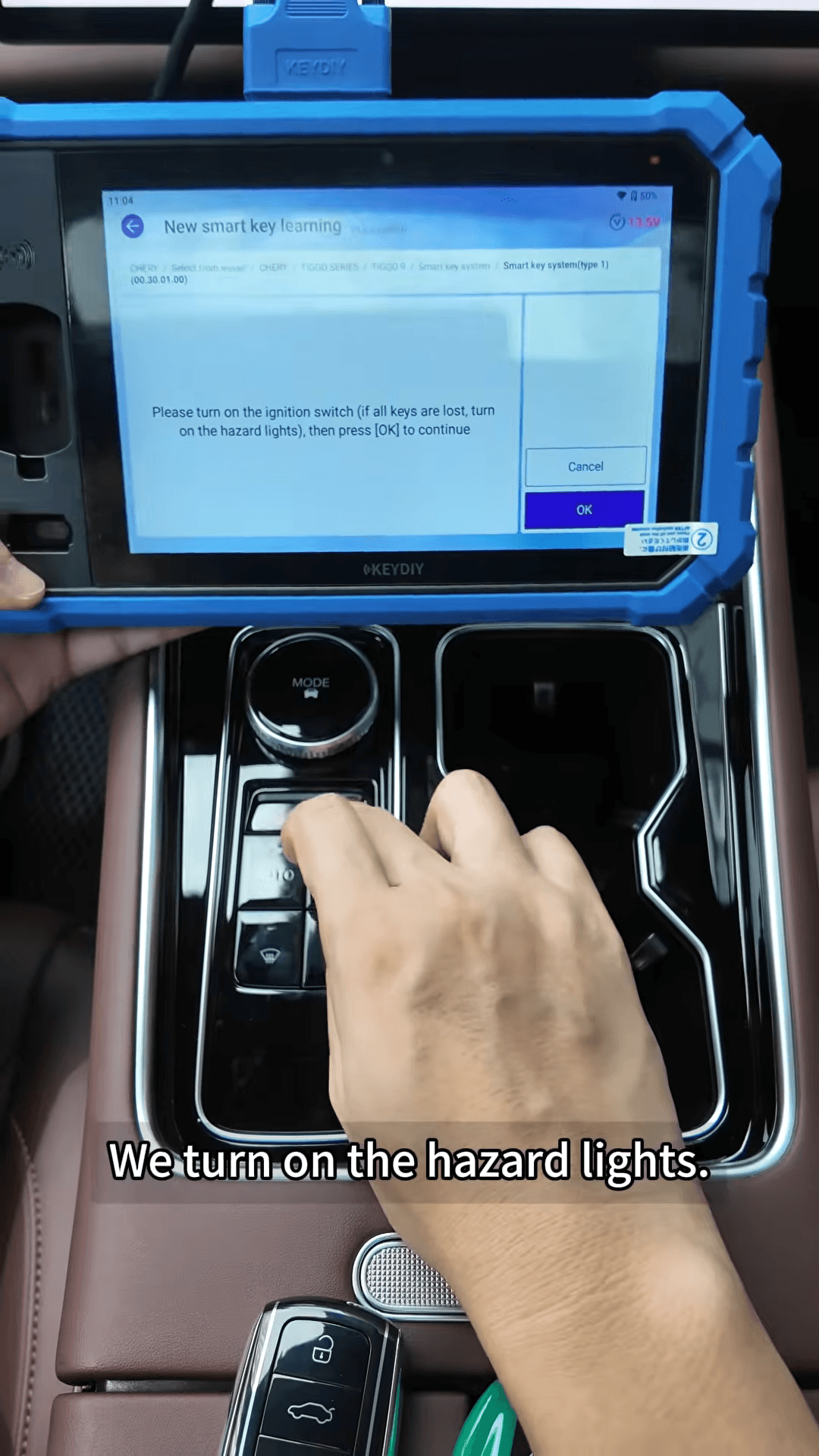
1. Turn on the hazard lights when prompted.
2. Place the key in the vehicle’s designated sensing area, located at the bottom of the cup holder in this demonstration.
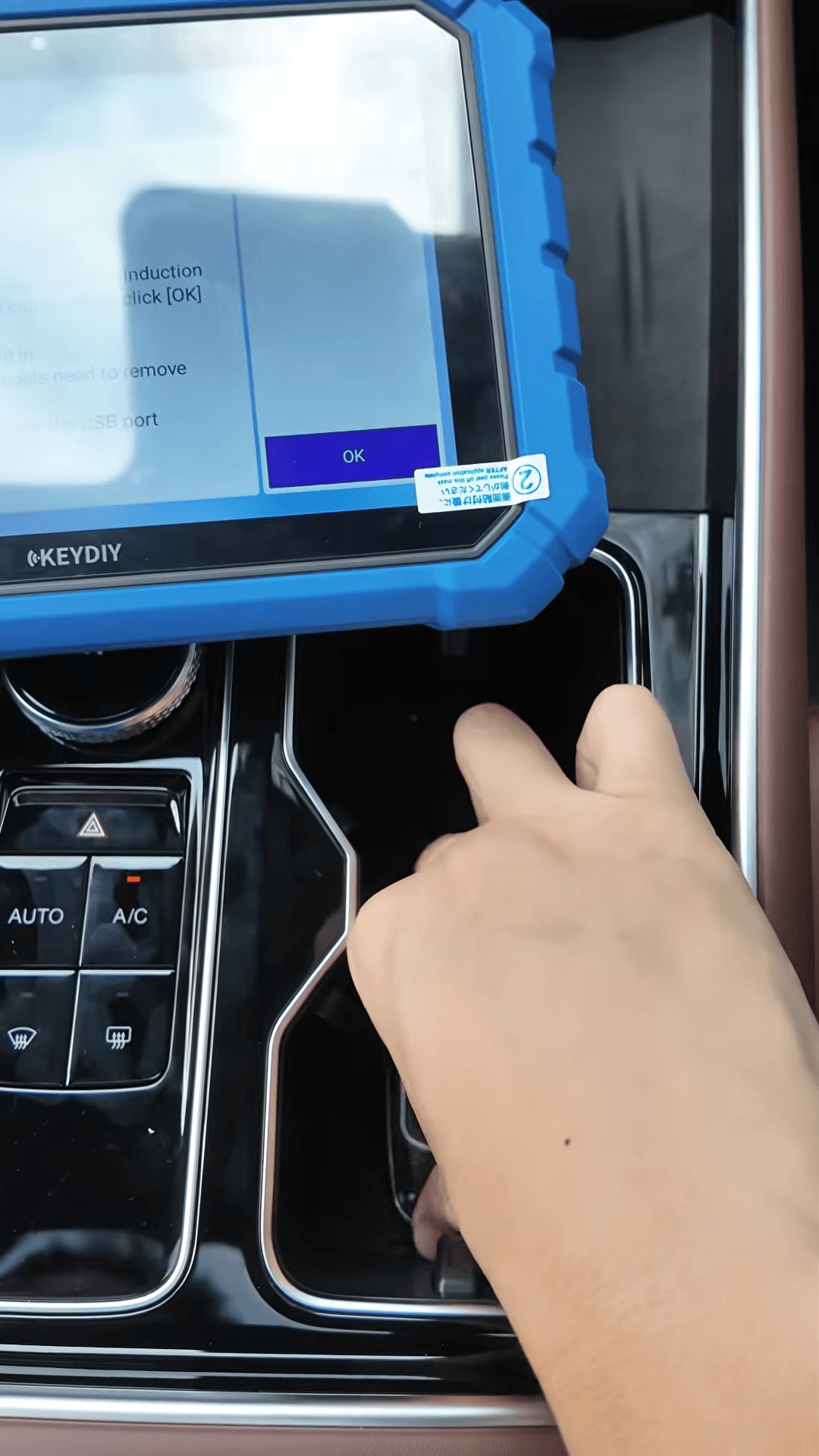
3. Remove other keys from the vehicle as instructed by the device.
4. Continue through the on-screen prompts and complete the first key-learning operation.
5. Remove the programmed key and place the second KEYDIY ZB71-4 Smart Key in the sensing area.
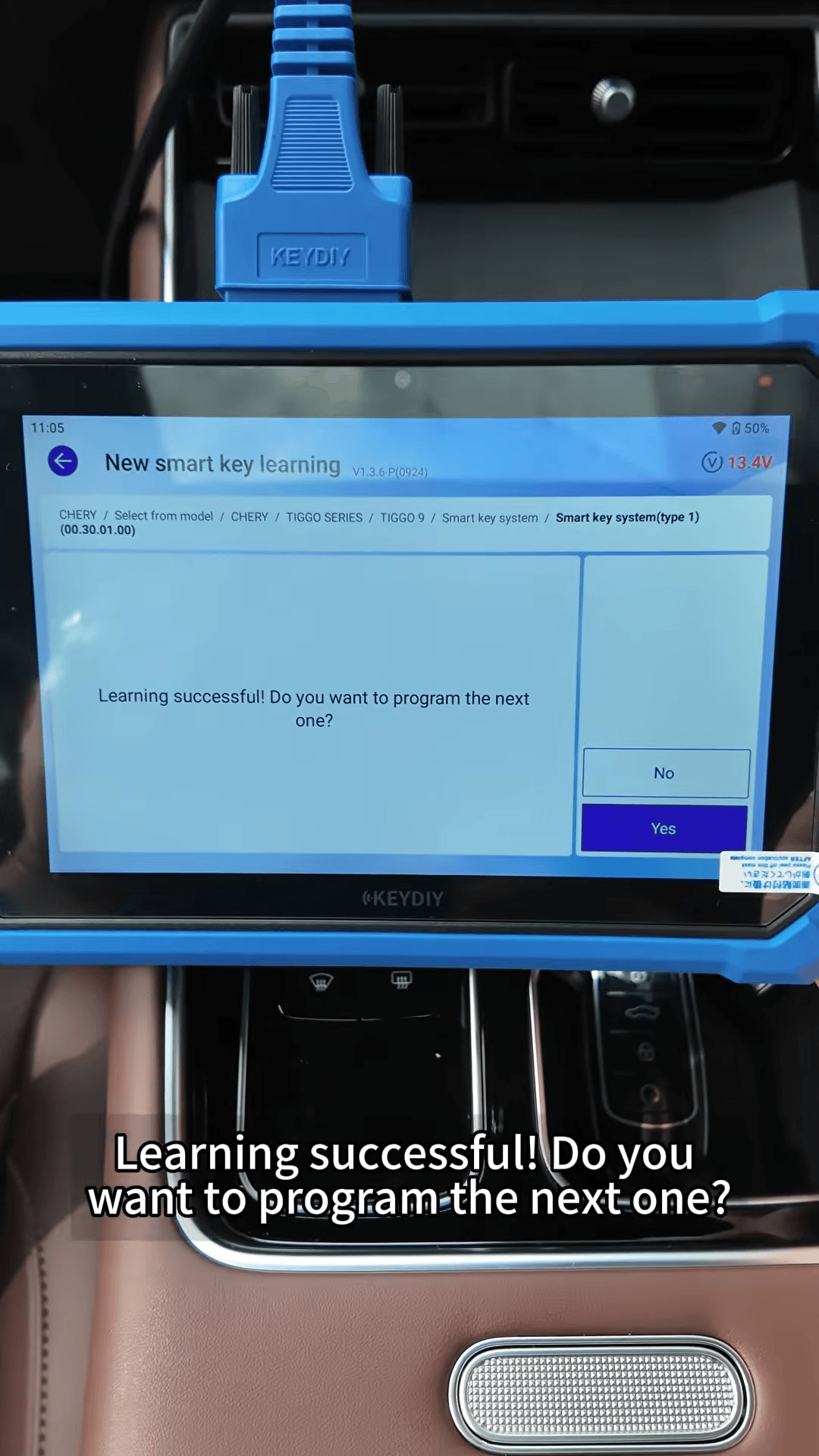
6. Confirm the next key-learning operation and wait for the success message.
The demonstration finishes with two learned keys: the original key and the newly programmed KD universal key.
4. Test Both Keys