


In this guide, we demonstrate how to perform a lost smart key programming procedure for Ford MKX 2016–2017 using Lonsdor K518 Pro. This method follows a step-by-step guided workflow through the device and requires an OBD connection plus a key loss cable.
1. Connect the Device
Start by connecting Lonsdor K518 Pro key programmer to the vehicle’s OBD interface.
Power on the device and navigate to [IMMO] → [Remote] → [Ford] → [MKX (2016–2017)]
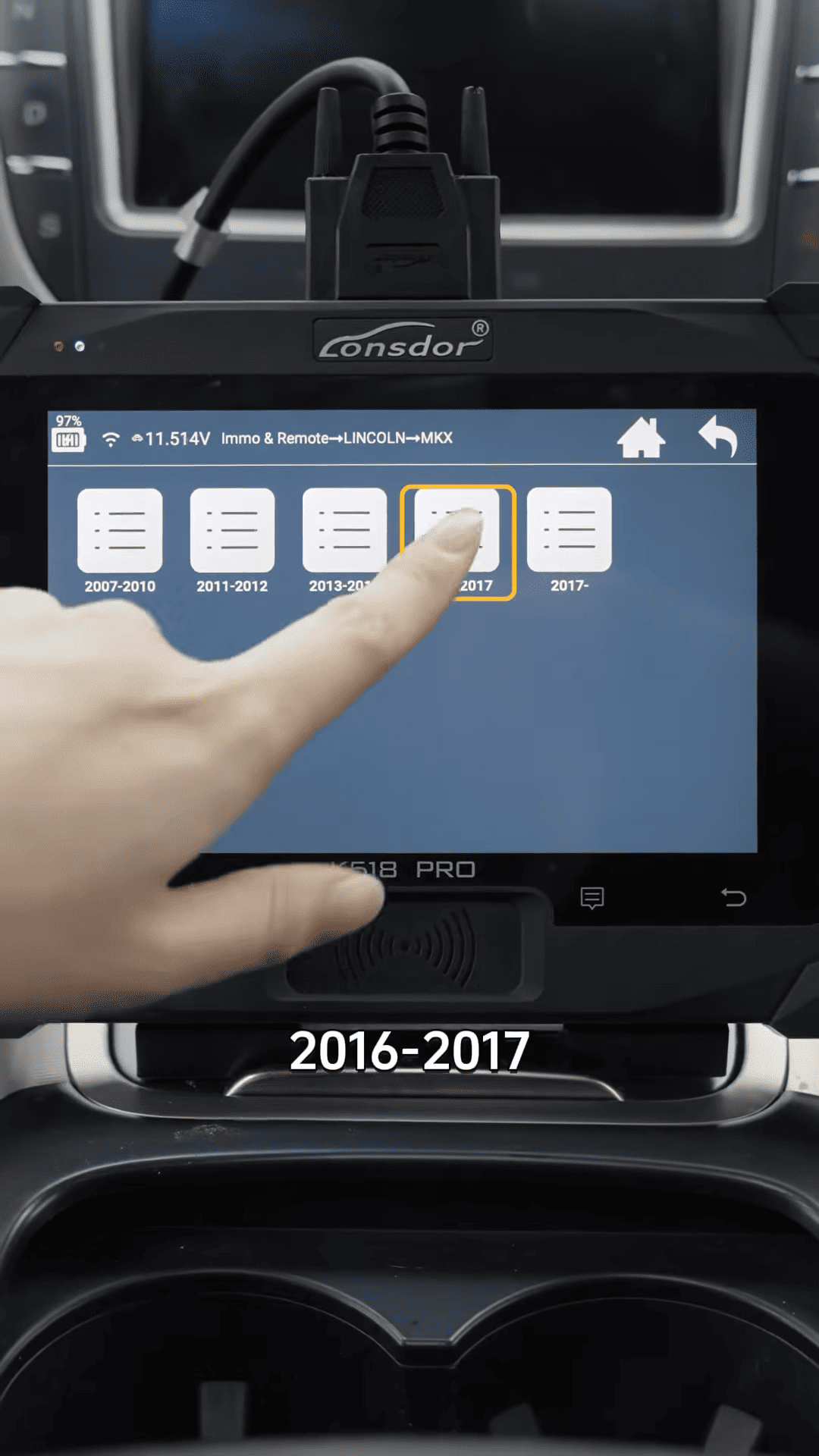
Select the function [Smart Key] – [All Keys Lost]
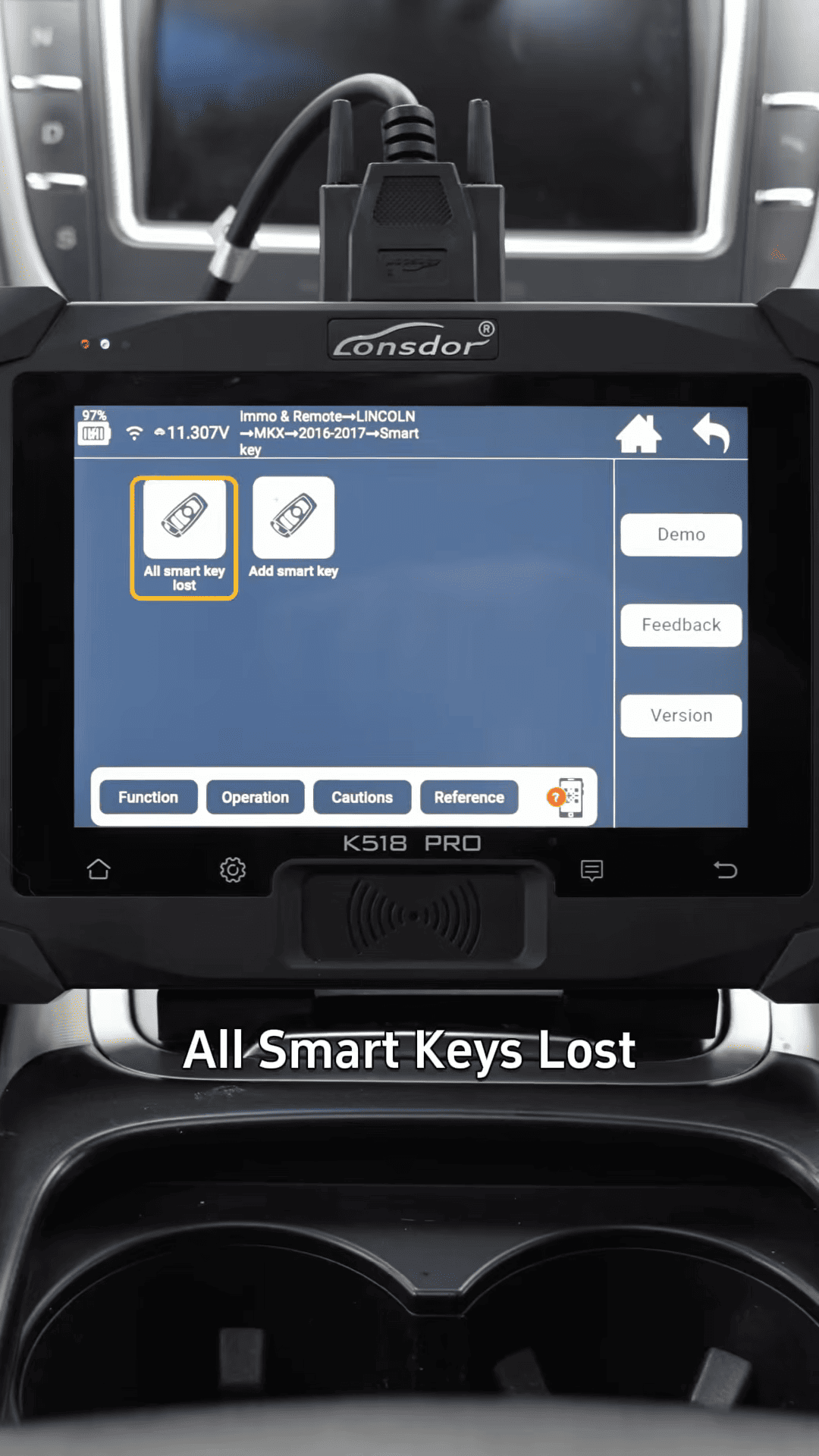
2. Follow On-Screen Instructions
The system will guide you through vehicle access steps. You will be prompted to
1. Open and close the driver door
2. Confirm each step on the device screen
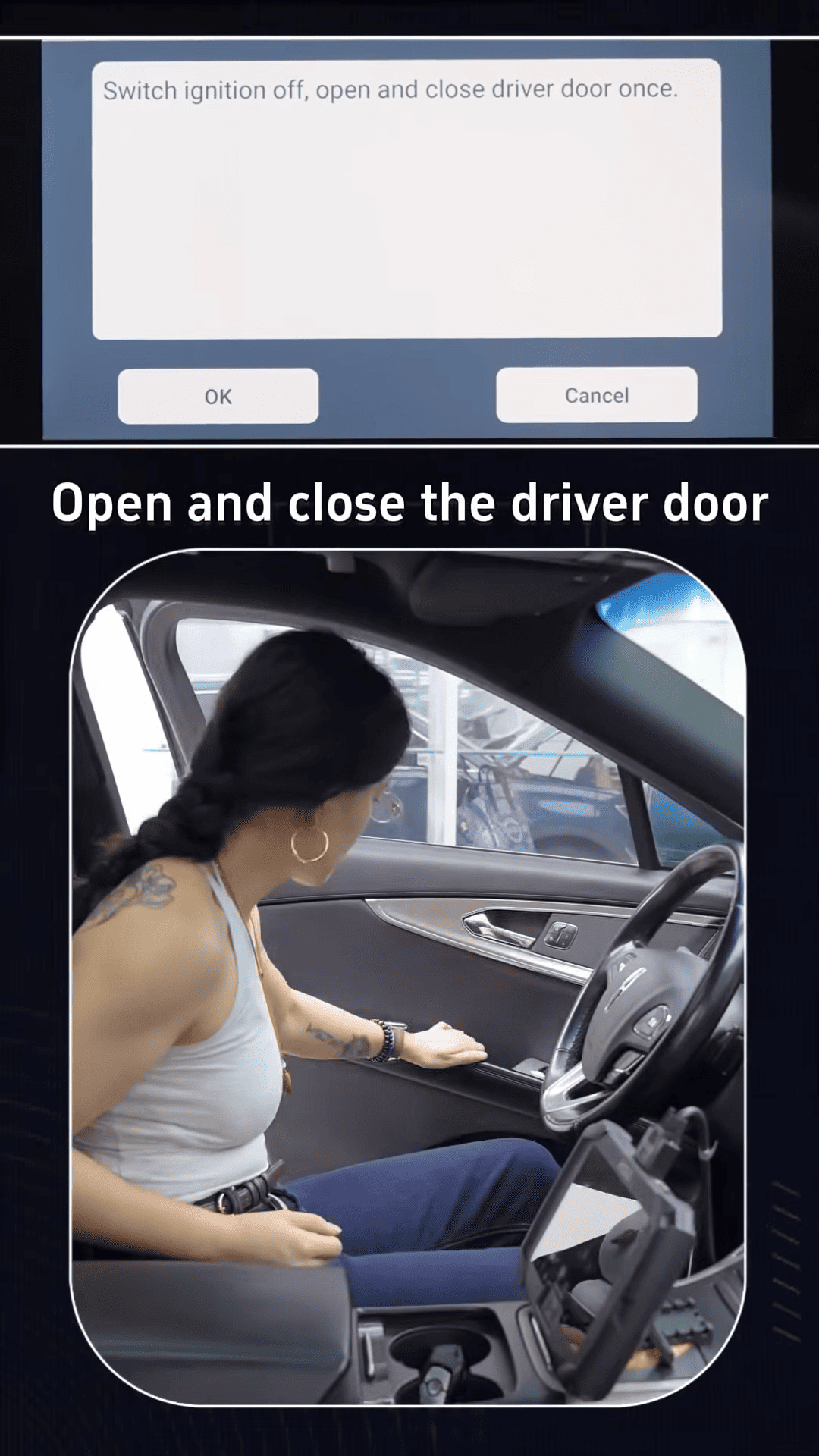
Continue following instructions carefully. Do not skip prompts.
3. Key Loss Cable Setup
At this stage, the system requires the key loss cable.
Turn off the ignition
Disconnect the vehicle battery
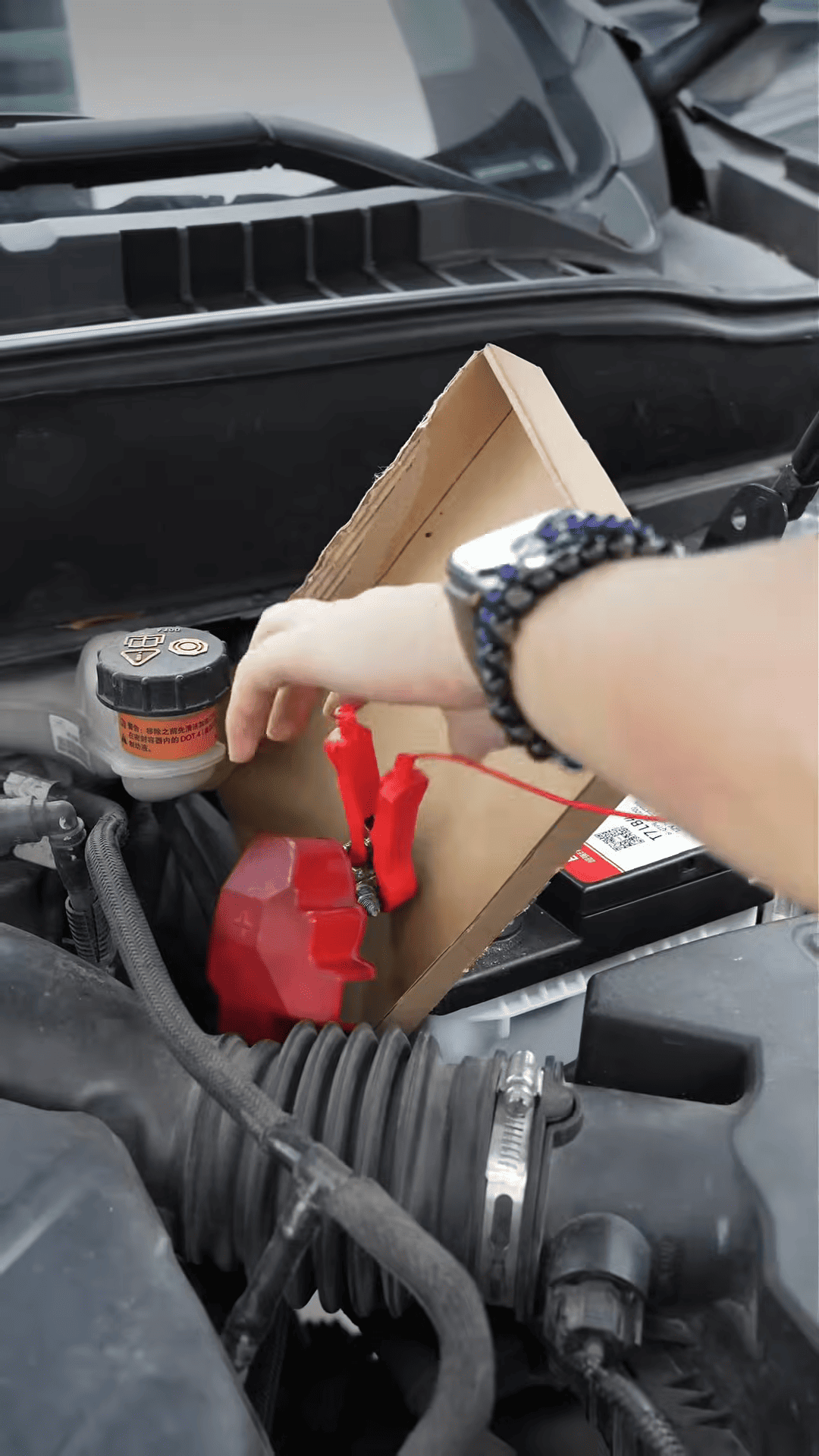
Connect the key loss cable (K-line/Odometer bypass depending on setup)
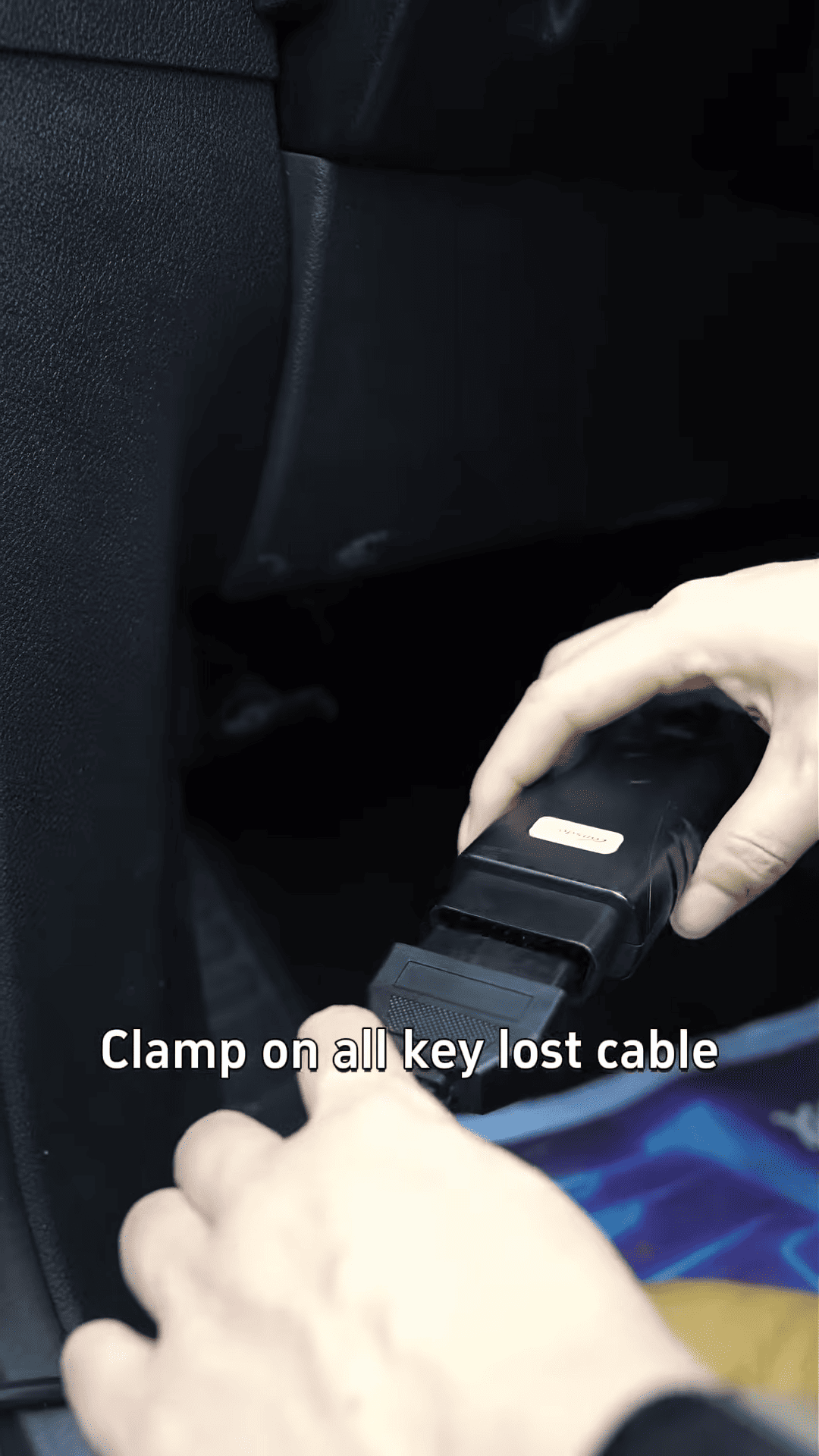
Wait approximately 10 seconds before proceeding.
4. Battery Reconnection & Data Reading
The system will instruct you to reconnect the battery.
Once reconnected:
1. Continue on K518 Pro
2. The device will begin reading immobilizer data
3. Wait until the screen shows “Data read out successfully”
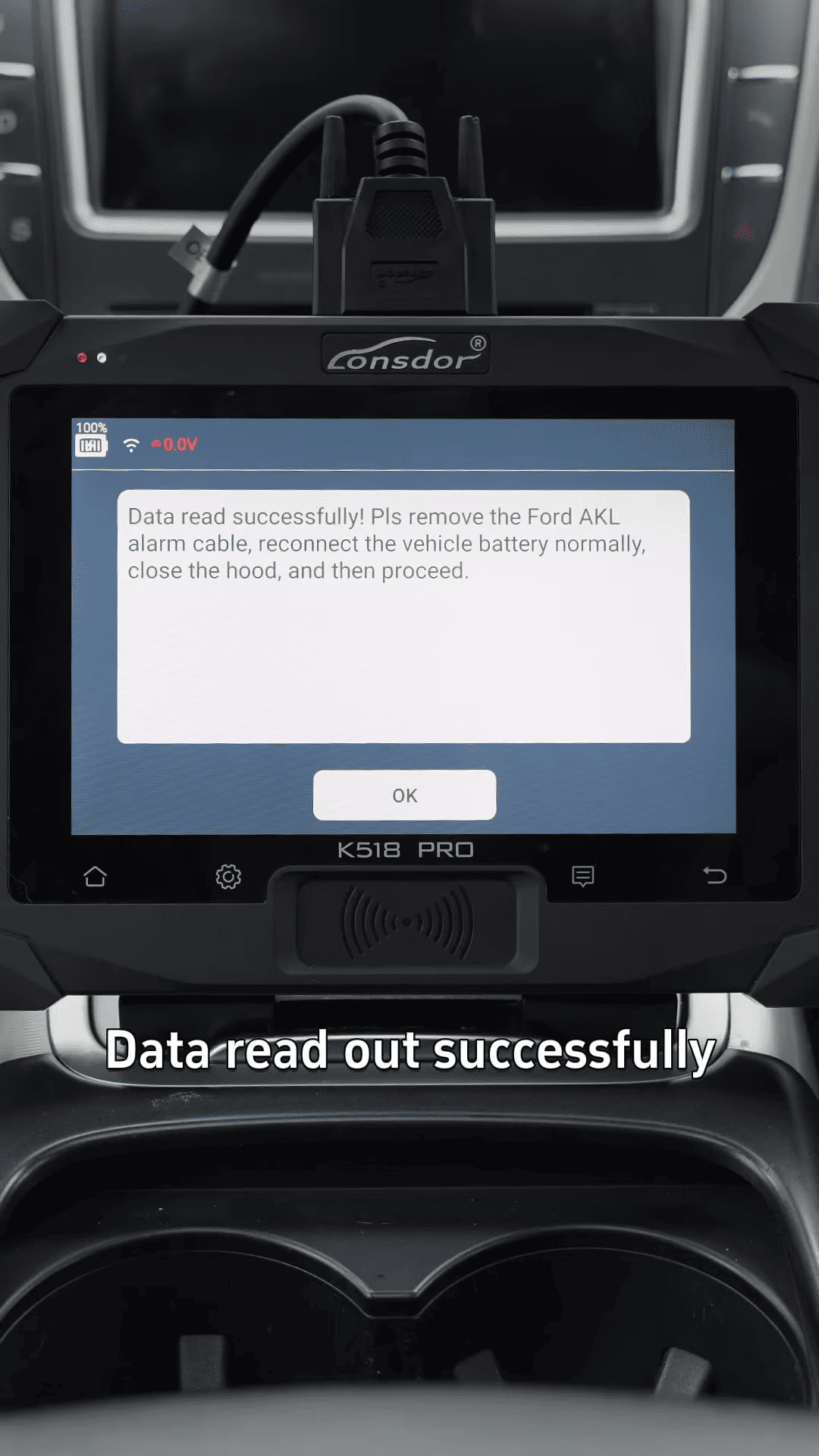
After completion:
- Remove the key loss cable
- Reconnect the OBD cable directly to the vehicle
5. Smart Key Programming
Now place the smart key into the emergency sensing area inside the vehicle.
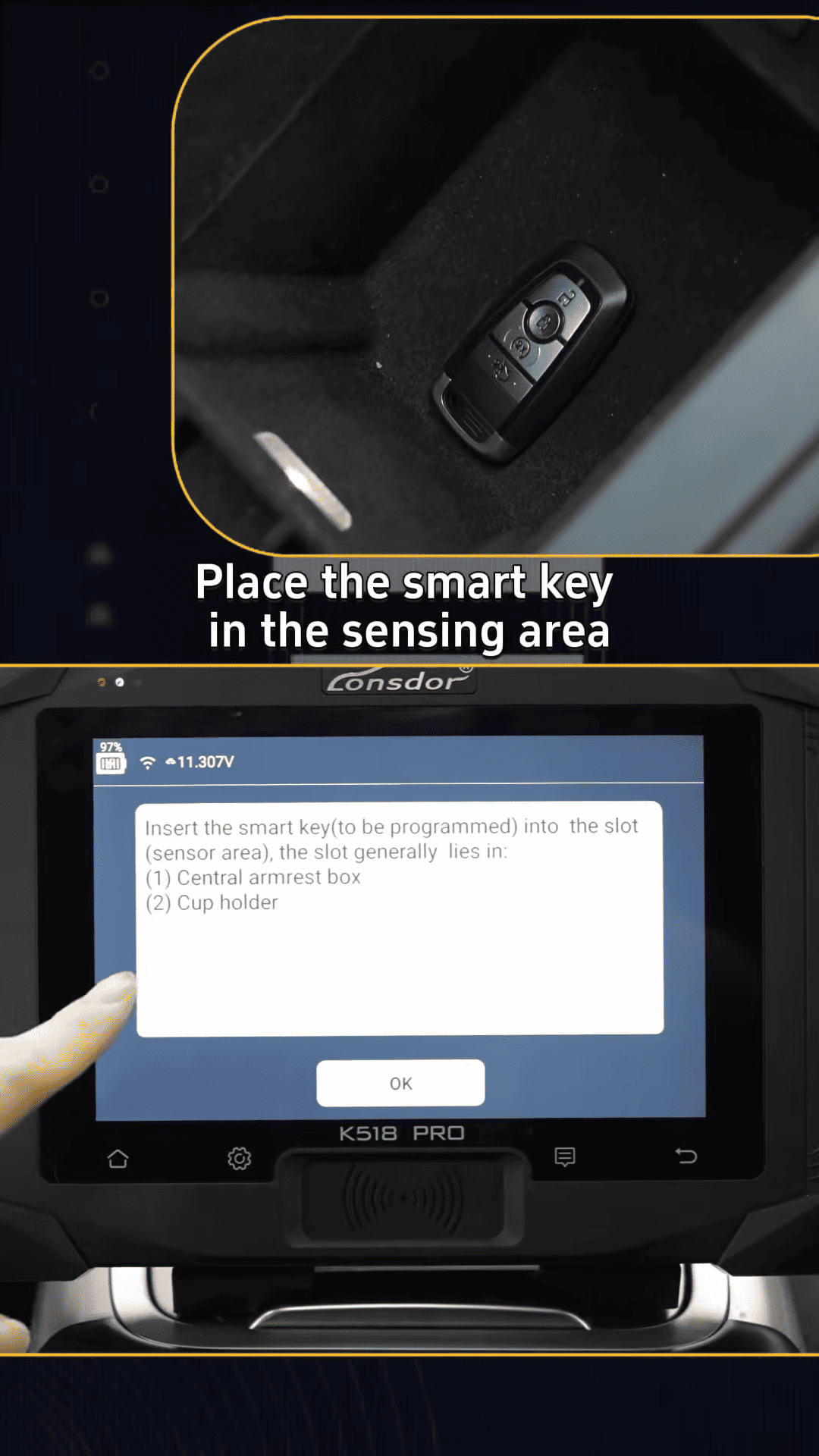
Follow the prompts:
- First key programmed successfully
- Confirm on screen
- Repeat for second key if available
The device will show [Programming Succeed]
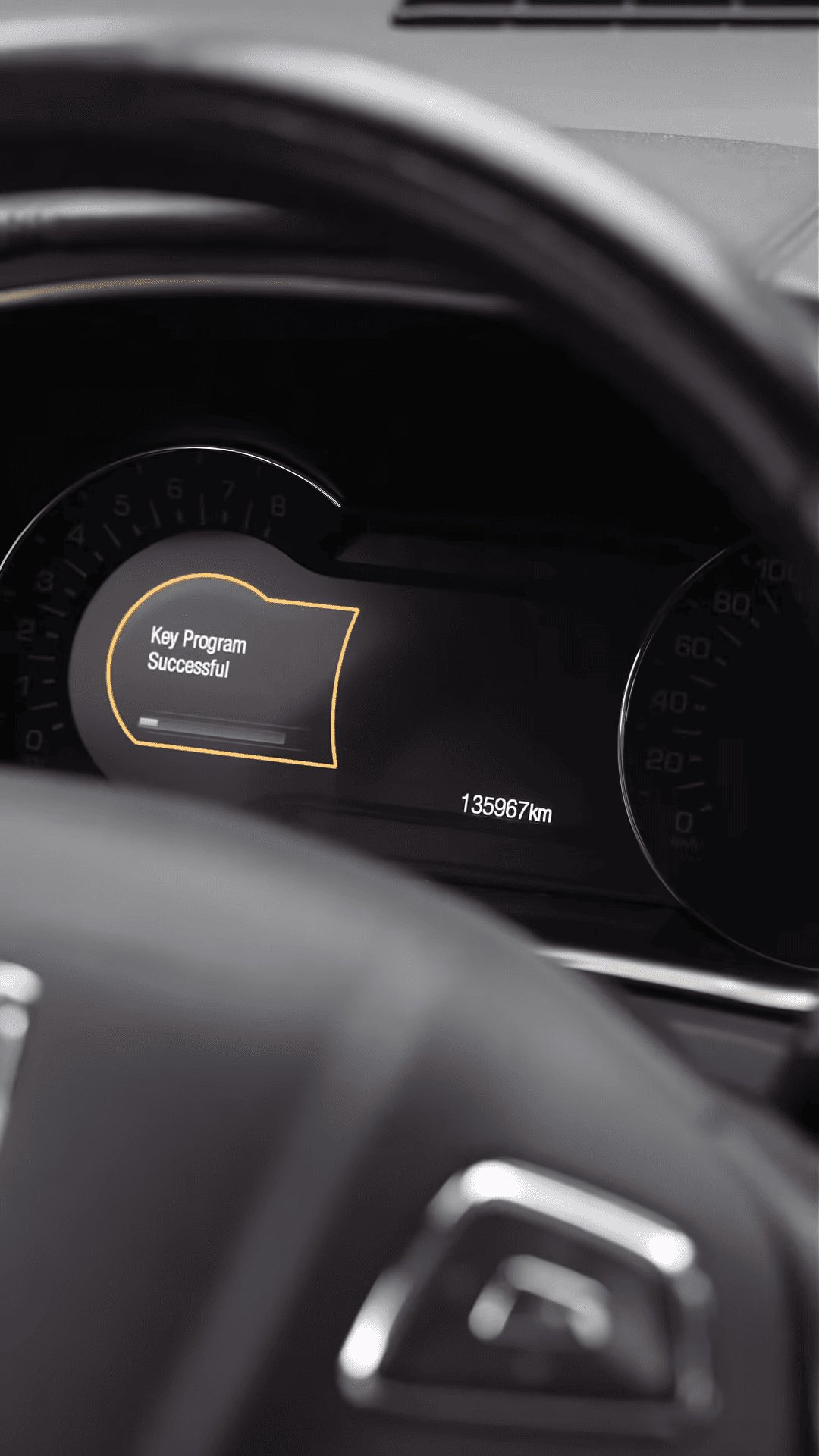
At this point, you can choose Cancel/Exit to finish the session.
Final Step
Verification
Test both smart keys:
1. Lock/unlock functionality
2. Start/stop engine operation
If all functions respond correctly, the programming process is complete.