

Newest update for you! KESS V2 software Ksuite V2.25 V2.28 is Available at cardiagtool.co.uk, both versions have bees tested and verified working without issues, you can use it at a ease.
This blog will guide you how to install KESS V2Ksuite V2.25 V2.28 on windows XP, and use this software to read BMW E90 ECU.Enjoy it!
Pros: No need J-LINK, No need tokens.Perfect version.
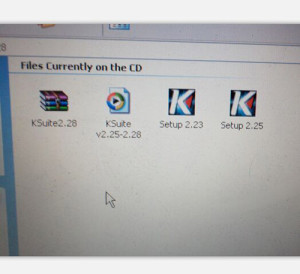
Files currently on the packed CD
How to install KESS V2 software Ksuite V2.25? (Step by step guidance)
Step1: Install Ksuite V2.25
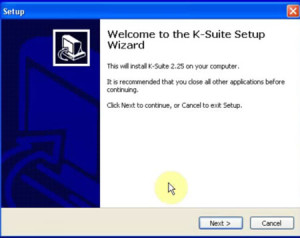
Open K-suite [Setup2.25] wizard
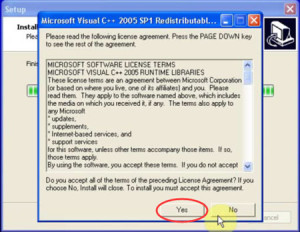
Accept all of the terms of license agreement, click YES
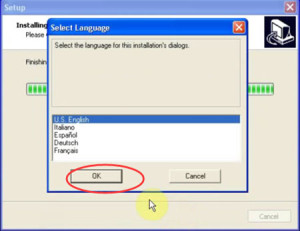
Then select language and click OK to continue
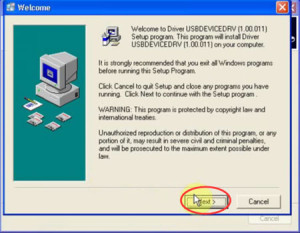
Click Next to begin installing USB driver
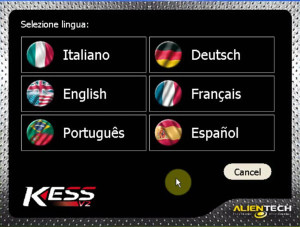
Support language: Italian, German, English, French, Portuguese, Spanish
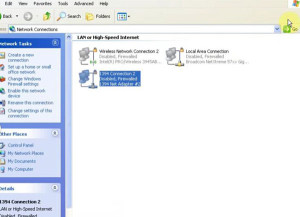
Step2: Disable the network
You should disable all network connections
Step3:
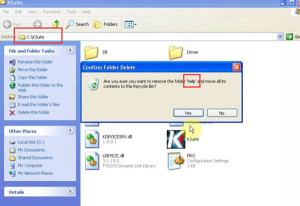
Go to C:\KSuite and remove the folder [help]
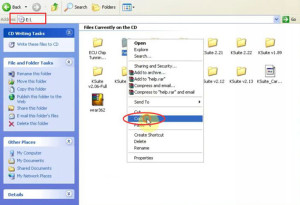
Copy another [help] folder in desk E:\ to C:\KSuite
Step4: install software for USB device
Choose install the software automatically and click Next
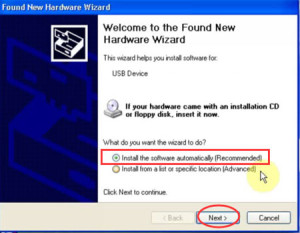
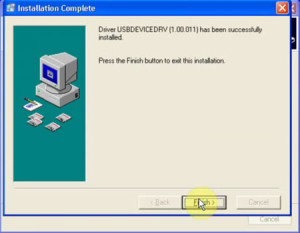
Click finish to close the wizard
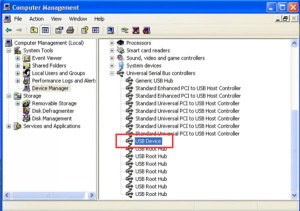
And go to computer management-> Device Manager
Step5: Read BME E90 ECU
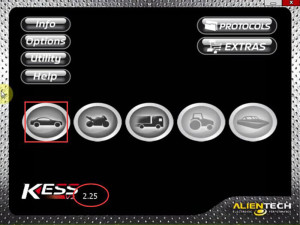
Open Ksuite on the desktop
Click the icon
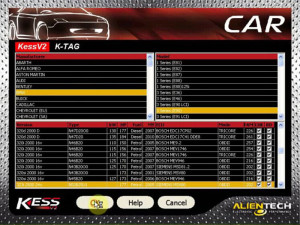
Select BMW, E90
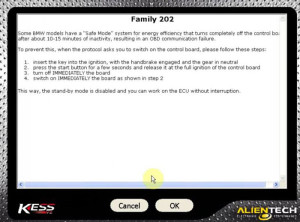
Click OK
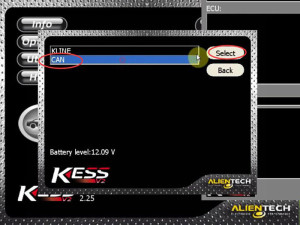
Select CAN
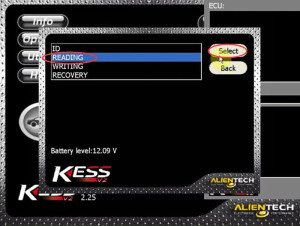
READING
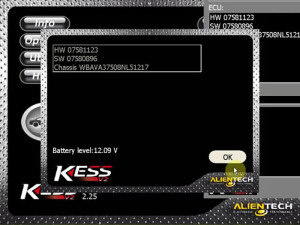
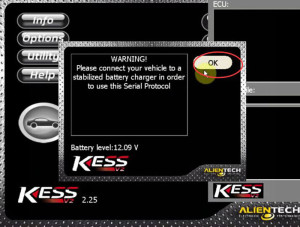
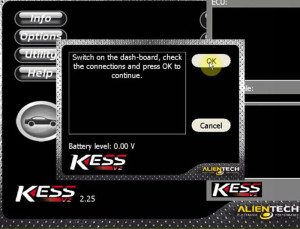
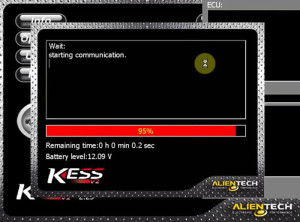
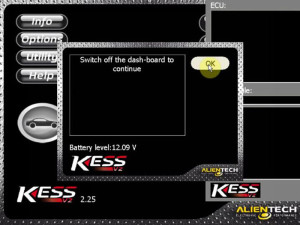
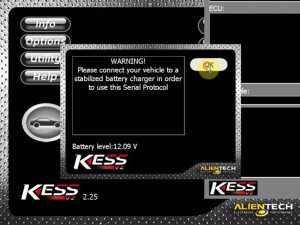
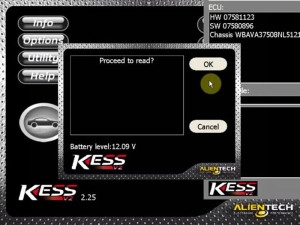
Click OK to proceed to read
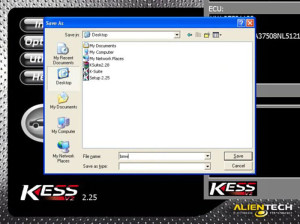
Save the file
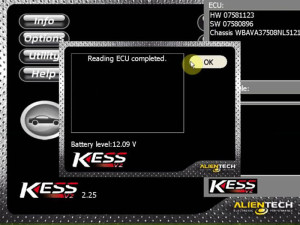
Reading ECU completed!
How to install KESS V2 software Ksuit V2.28?
Delete [Setup 2.25] on the desktop
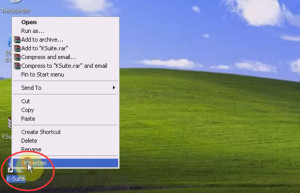
Right click [K-Suite] application, choose [Properties]->[Find Target]
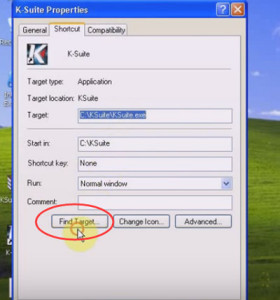
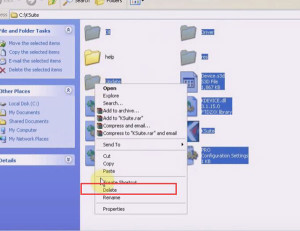
Then Delete all files in C:\KSuite except [help] folder
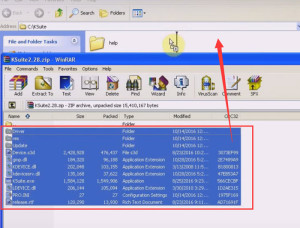
Then open [Ksuite2.28.zip] and copy all files to C:\KSuite
Then you can delete [Ksuite2.28.zip] on the desktop and open K-Suite to use
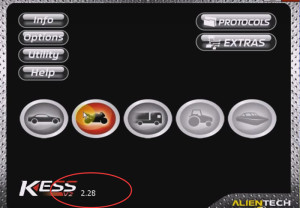 31
31
Click [Option] to choose the software language you want
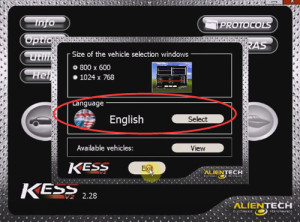
Now you can use KESS V2 Ksuite V2.28 to read E90 ECU follow Step5
Where to get KESS V2 Ksuite V2.25 V2.28?
http://www.cardiagtool.co.uk/v211-kess-v2-firmware-v4036-perfect-version.html