
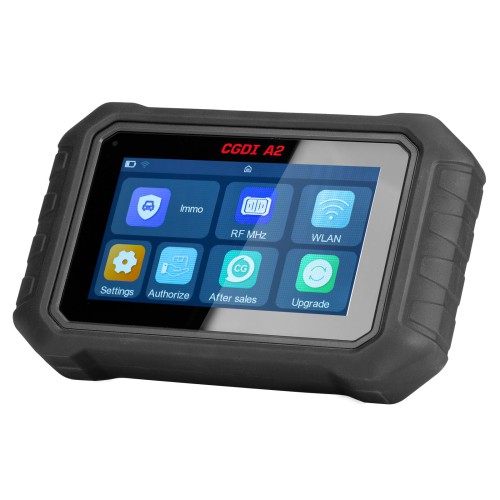
CGDI A2 is the next-generation professional key programming tool designed for efficiency and precision. This guide covers the core Mercedes-Benz Anti-Theft License functions, hardware requirements, and step-by-step operational workflows.
1. Supported Functions
Compared to CGDI MB, the CGDI A2 currently focuses on five essential pillars:
- EIS (Lockhead) Reading/Writing
- Password Calculation
- Key Reading/Writing
- Key File Generation
- Wiring Diagrams
Note: Functions such as ELV Synchronization, reading brand new BGA keys, CGPKE key upgrades, and frequency switching are currently not supported in the initial version.
2. Required Hardware & Accessories
To perform these operations, ensure you have the following components:
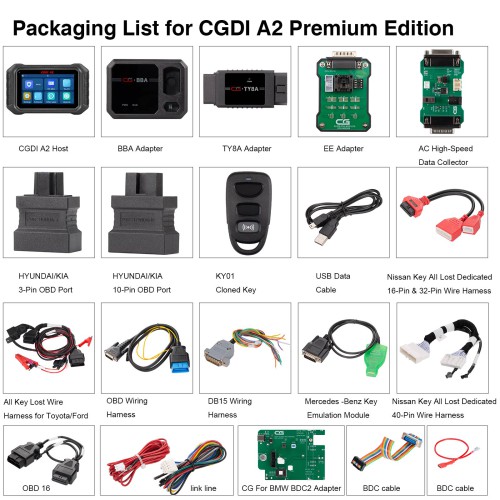
- Main Unit: CGDI A2 Host
- Cables: OBD cable (with yellow clip) and Mini-USB data cable
- Adapters: BBA Adapter, Mercedes-Benz Simulator Key, and AC Fast Accumulator
- Wiring Harness: Standard AC harness (compatible with CGMB)
3. Core Operational Procedures
A. Reading/Writing EIS (via OBD)
Connect CGDI A2 Key Programmer directly to the vehicle’s OBD port using the OBD cable.
B. Key Reading & Writing
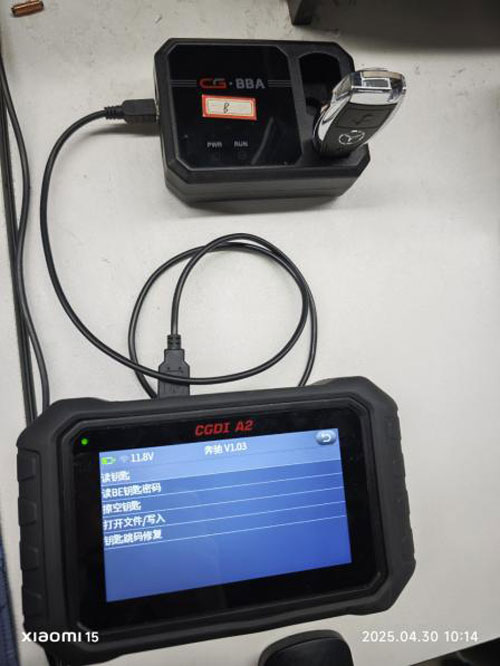
- Connect the CGDI A2 to the BBA Adapter via USB cable.
- Insert the key into the BBA Adapter keyhole to begin the read/write process.
C. Password Calculation (Add Key)
Used when at least one working key is available.
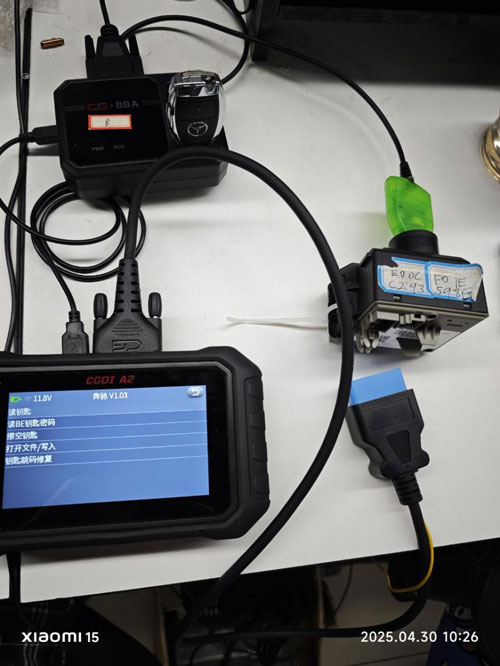
- Connect the device to the EIS via OBD cable.
- Connect the BBA Adapter to the host via USB.
- Insert the working key into the BBA Adapter.
- Navigate to: Password Calculation -> Data Collection -> Add Key.
1. All Keys Lost (AKL) Procedures
| Mode | Setup Requirements | Software Path |
| Standard Mode | Connect Host to EIS (OBD) + BBA Adapter (USB) + Simulator Key | Password Calc -> Data Collection -> AKL -> Auto Identify -> Standard Mode |
| Fast Mode | Connect Host to EIS (OBD) + BBA Adapter (USB) + Simulator Key + AC Fast Adapter | Password Calc -> Data Collection -> AKL -> Auto Identify -> Fast Mode |
Summary for Professionals
The CGDI A2 streamlines the Mercedes-Benz programming workflow by integrating a user-friendly interface with robust hardware. For “All Keys Lost” scenarios, utilizing the AC Fast Accumulator is highly recommended to significantly reduce data collection time.