
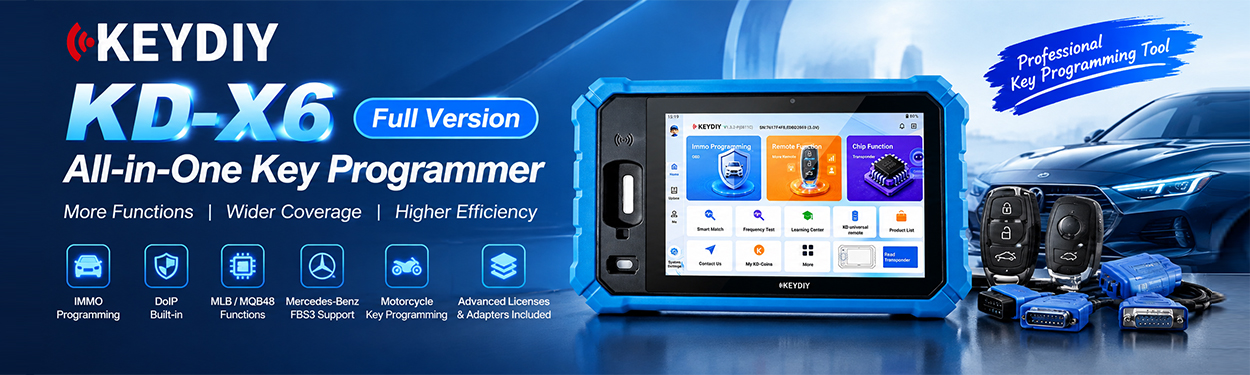
KEYDIY KD-X6 can handle Audi MLB key programming using a single device, without a PC, additional equipment, or a verification or service code. In this guide, we’ll walk through the process using an Audi Q7 as an example, from collecting the original key data to generating a dealer key and programming the keys.
Make sure the vehicle and key system are supported before proceeding. Follow KD-X6 wiring diagram for the specific vehicle.
Step 1: Select the Audi MLB Immobilizer System
1. Open Programming Function.
2. Select Immo Programming.
3. Choose Audi.
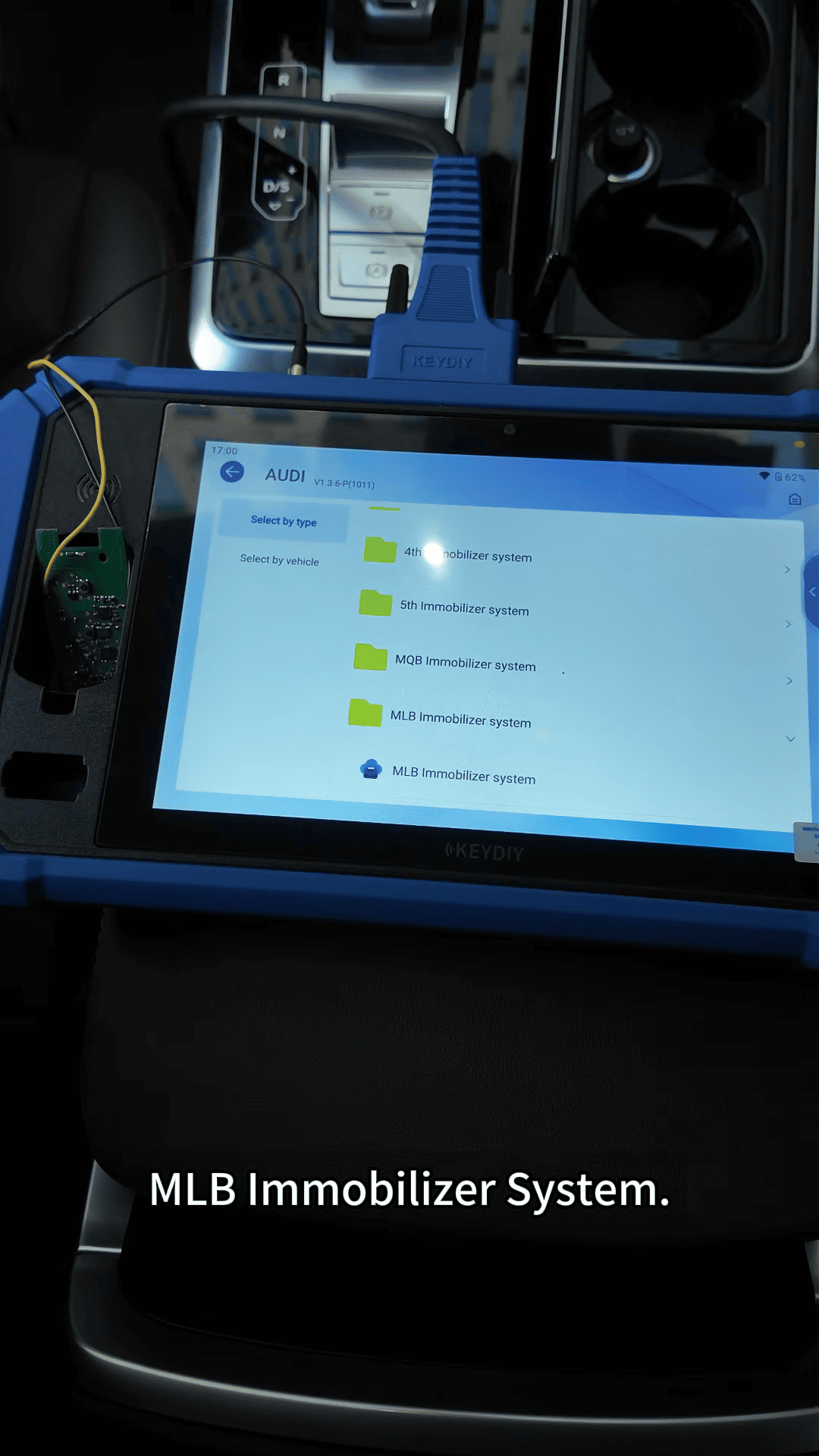
4. Select MLB Immobilizer System.
5. Click Start Execution.
6. Open the wiring diagram and select the Audi/Lamborghini diagram.
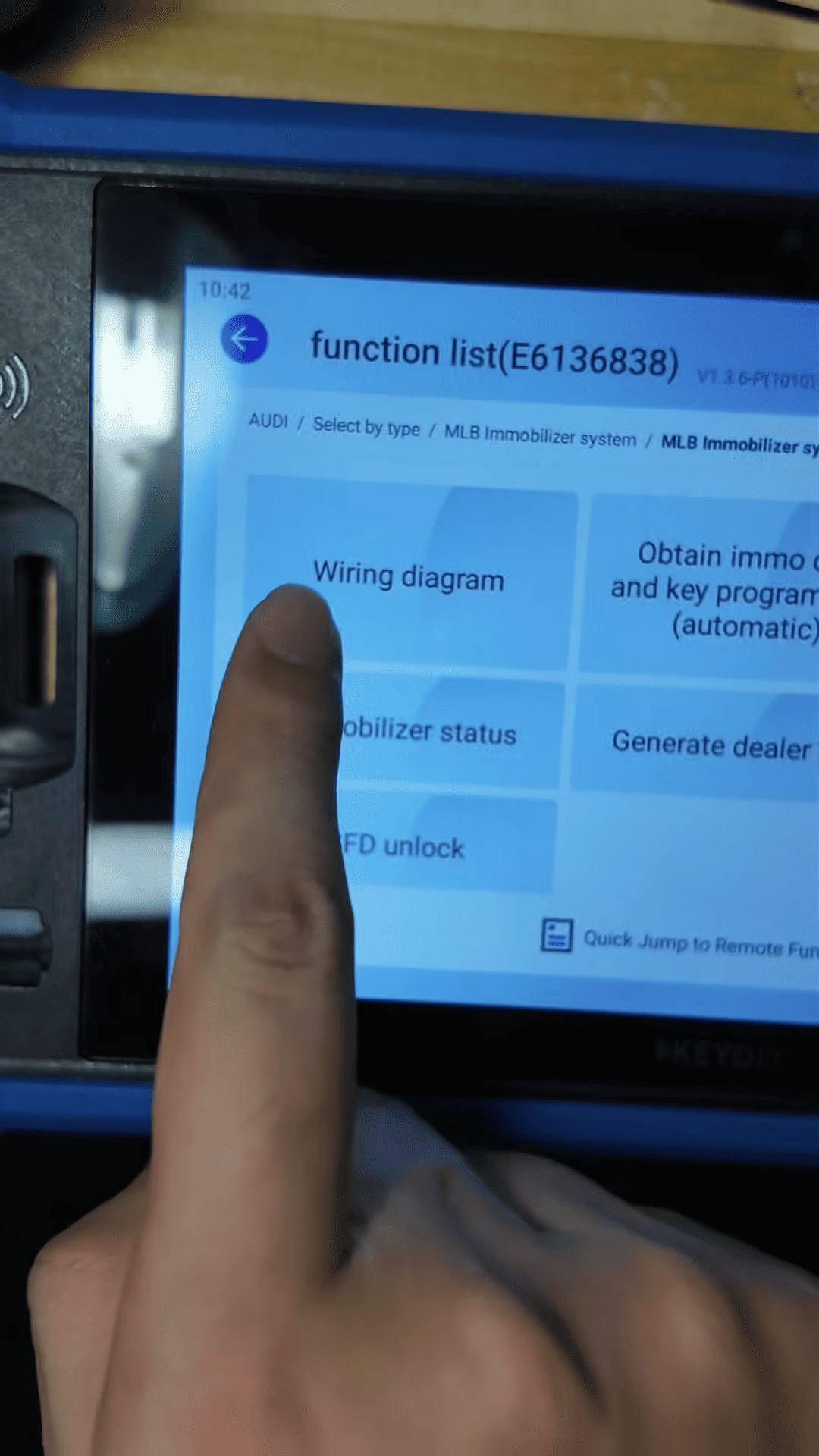
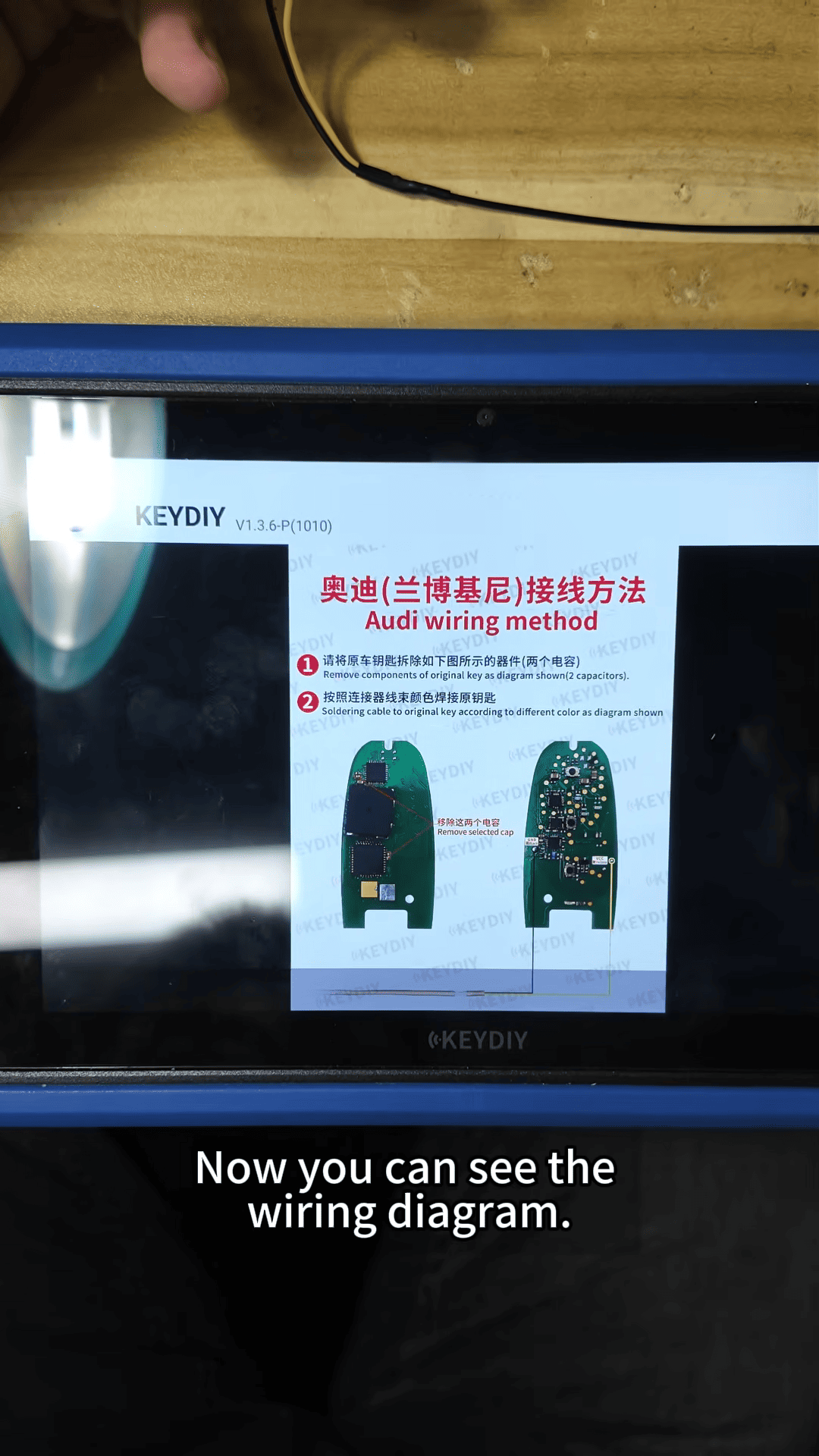
7. Complete the wiring as shown.
Once the wiring is ready, connect the KD-X6 to the vehicle’s OBD port to continue.
Step 2: Collect the Original Key Data
Return to the Audi MLB immobilizer menu and select the automatic function for obtaining immobilizer data and programming keys.
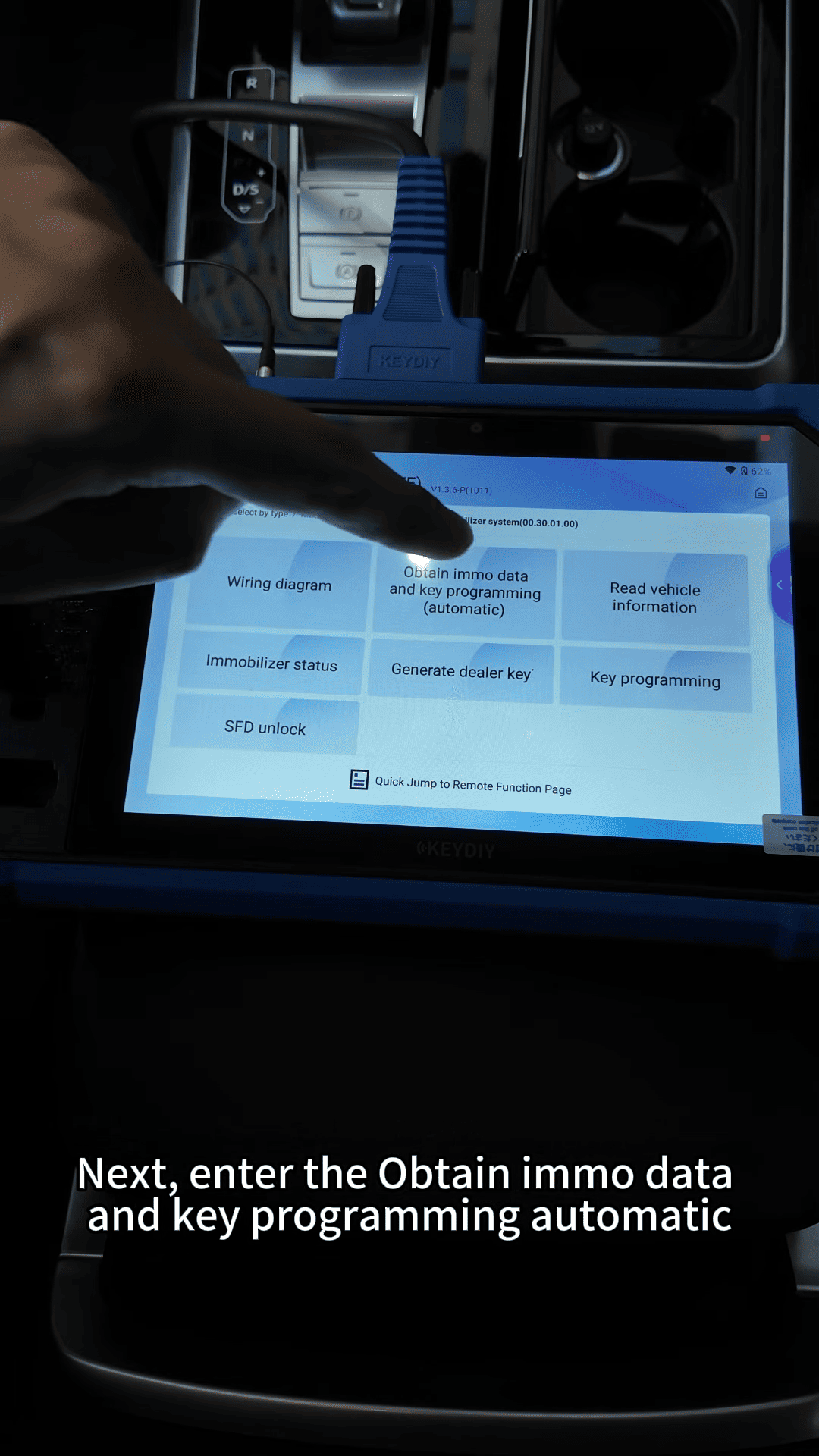
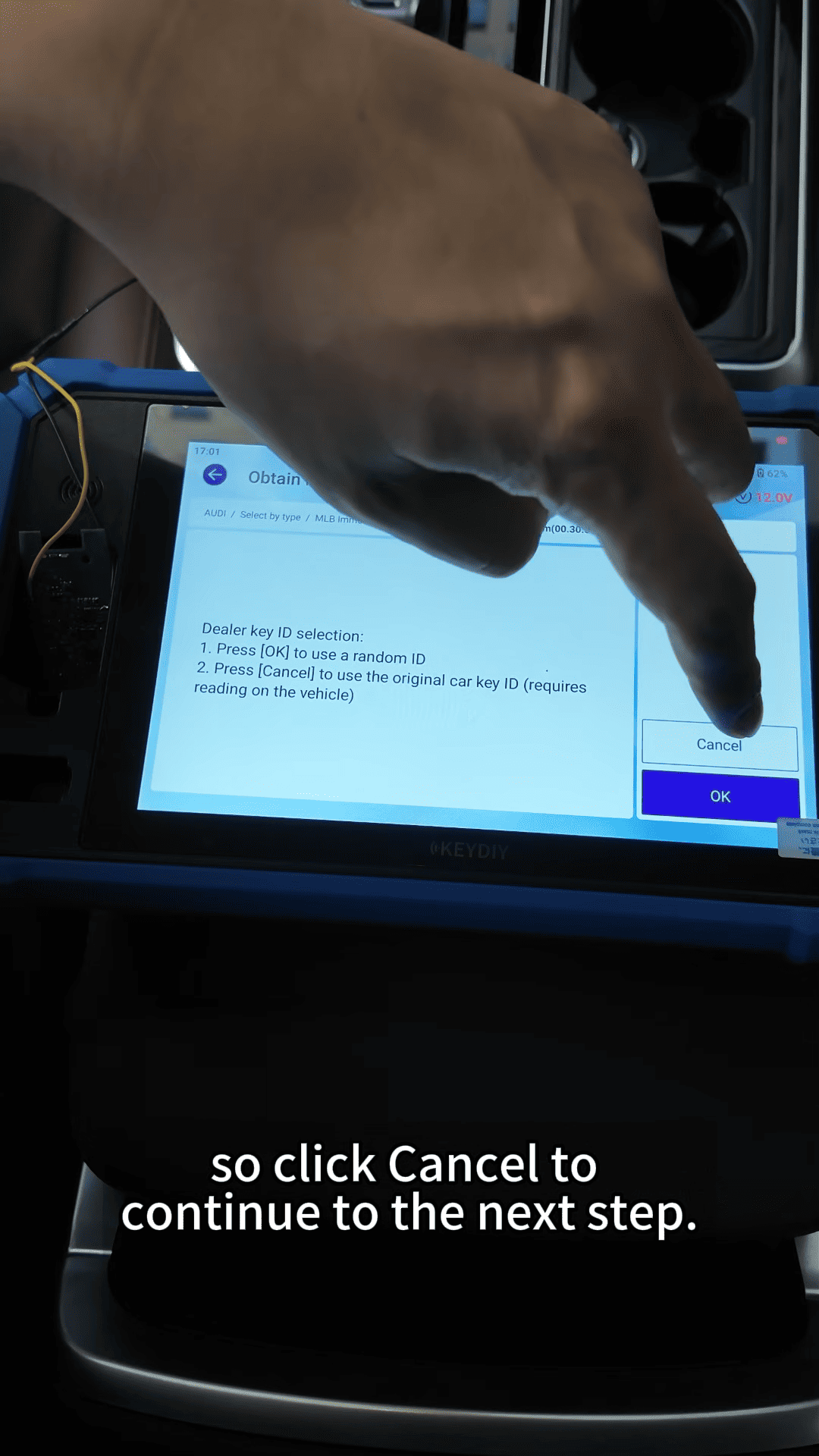
Follow the on-screen prompts. In the demonstration, the original key ID is used to continue. Switch on the ignition, turn on the hazard lights, open the hood, and turn off the air conditioning as instructed by the device.
KD-X6 key programmer will display the current key slots. Click “Collect data from original key”, then place the original key PCB in the device’s sensing area to collect the original key data. The collection and calculation process takes approximately 4–5 minutes.
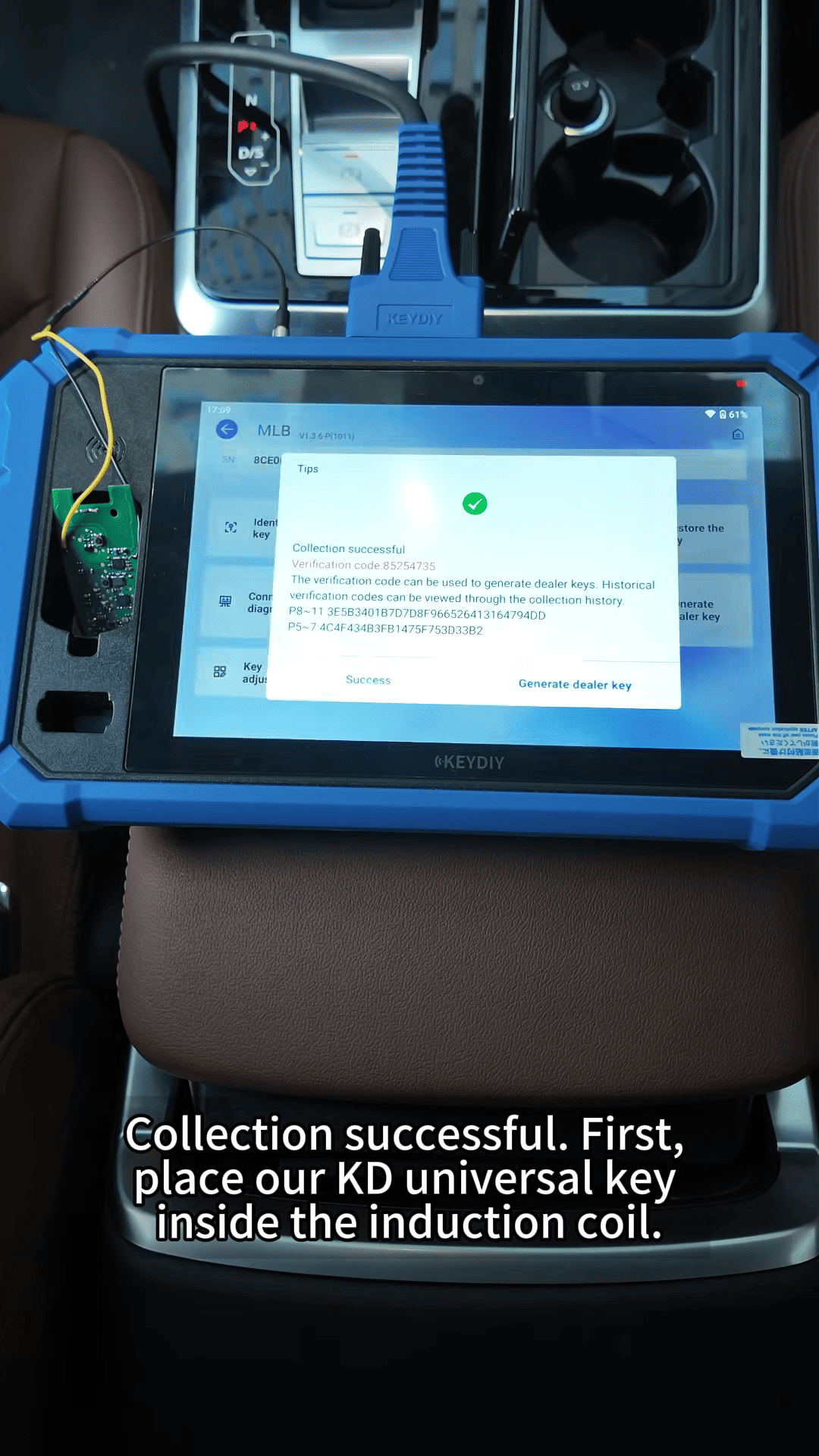
When the device confirms that data collection is successful, proceed to dealer key generation.
Step 3: Generate the Dealer Key
Place the compatible KD universal key in the KD-X6 induction coil.
1. Select Generate Dealer Key.
2. Review the detected vehicle key IDs.
3. Select the key ID for the new key.
4. Click Write Data and wait for the operation to complete.
5. Place the remote control in the induction coil when prompted.
6. Continue to generate the dealer key.
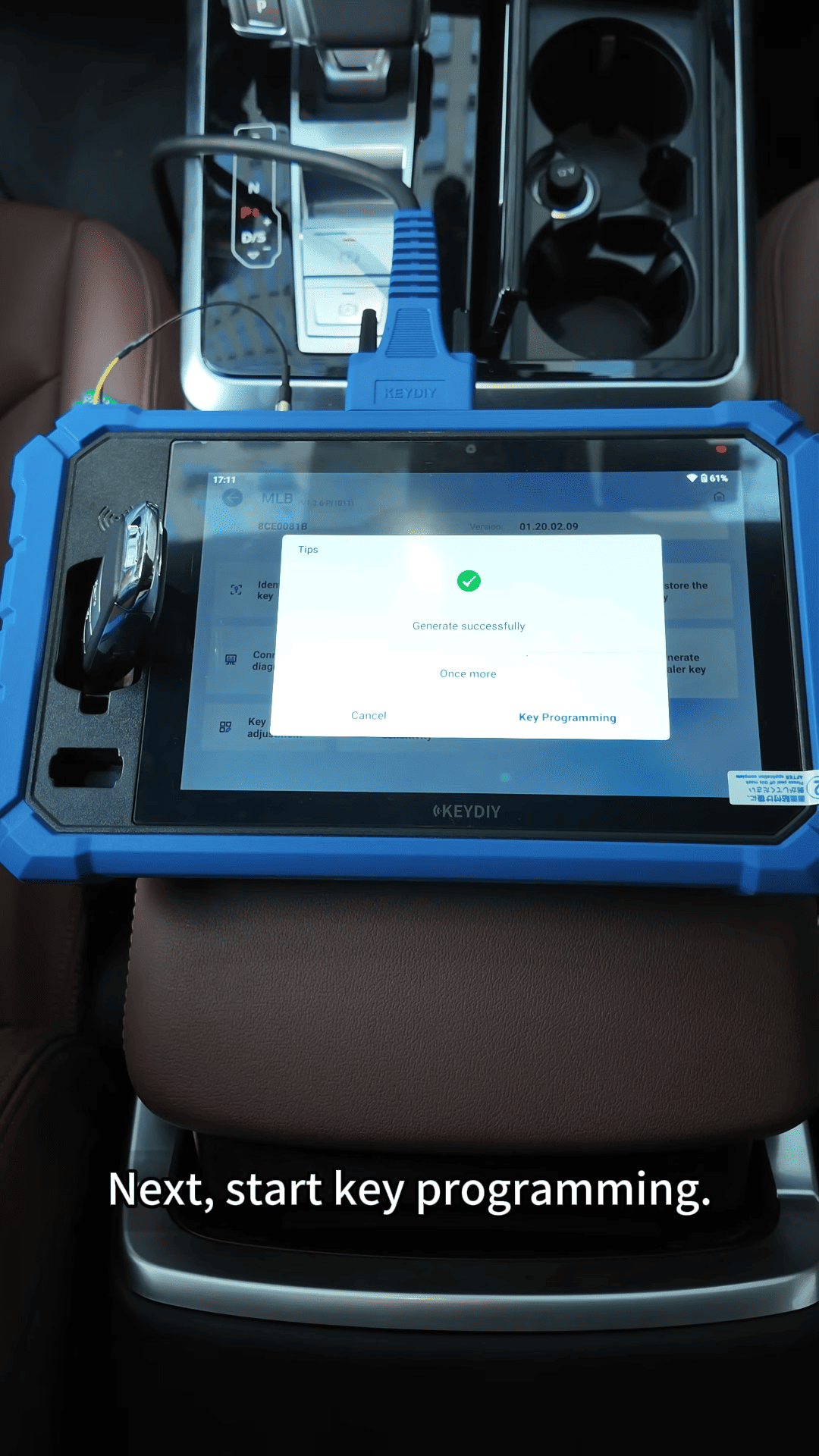
Wait for the device to confirm that dealer key generation is successful before moving on.
Step 4: Program the Keys
Prepare all keys that need to be learned, including the original keys and the newly generated dealer key.
Disconnect the data collection cable connector as instructed by the device, then enter the total number of keys to be programmed. In this Audi Q7 demonstration, three keys are learned.
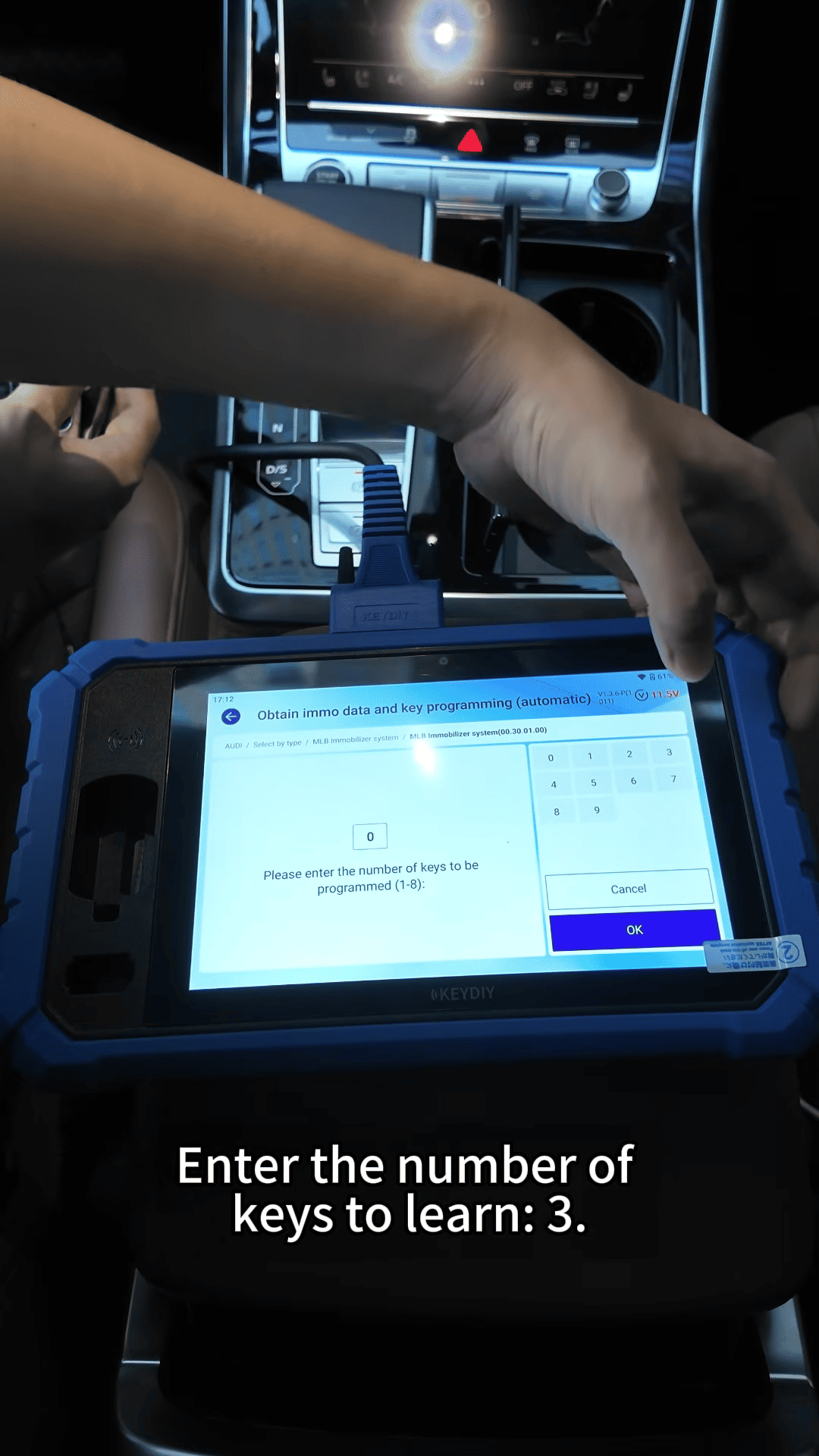
Follow the on-screen instructions to place each key in the vehicle’s designated sensing area. For the demonstrated Audi Q7, the sensing area is inside the cup holder.
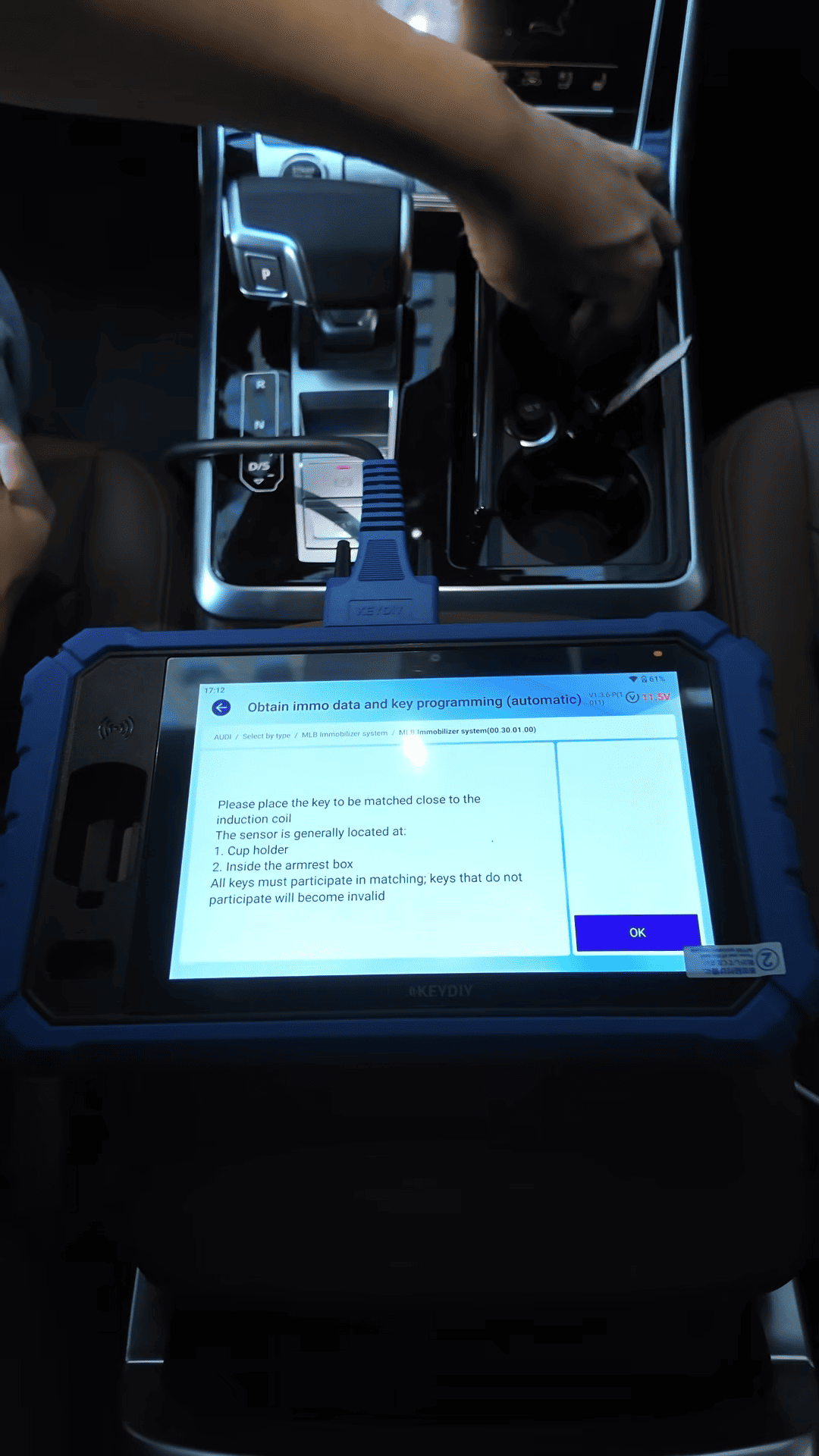
After placing each key in position, confirm the prompt to continue. The device displays the number of successfully programmed keys as the process progresses.
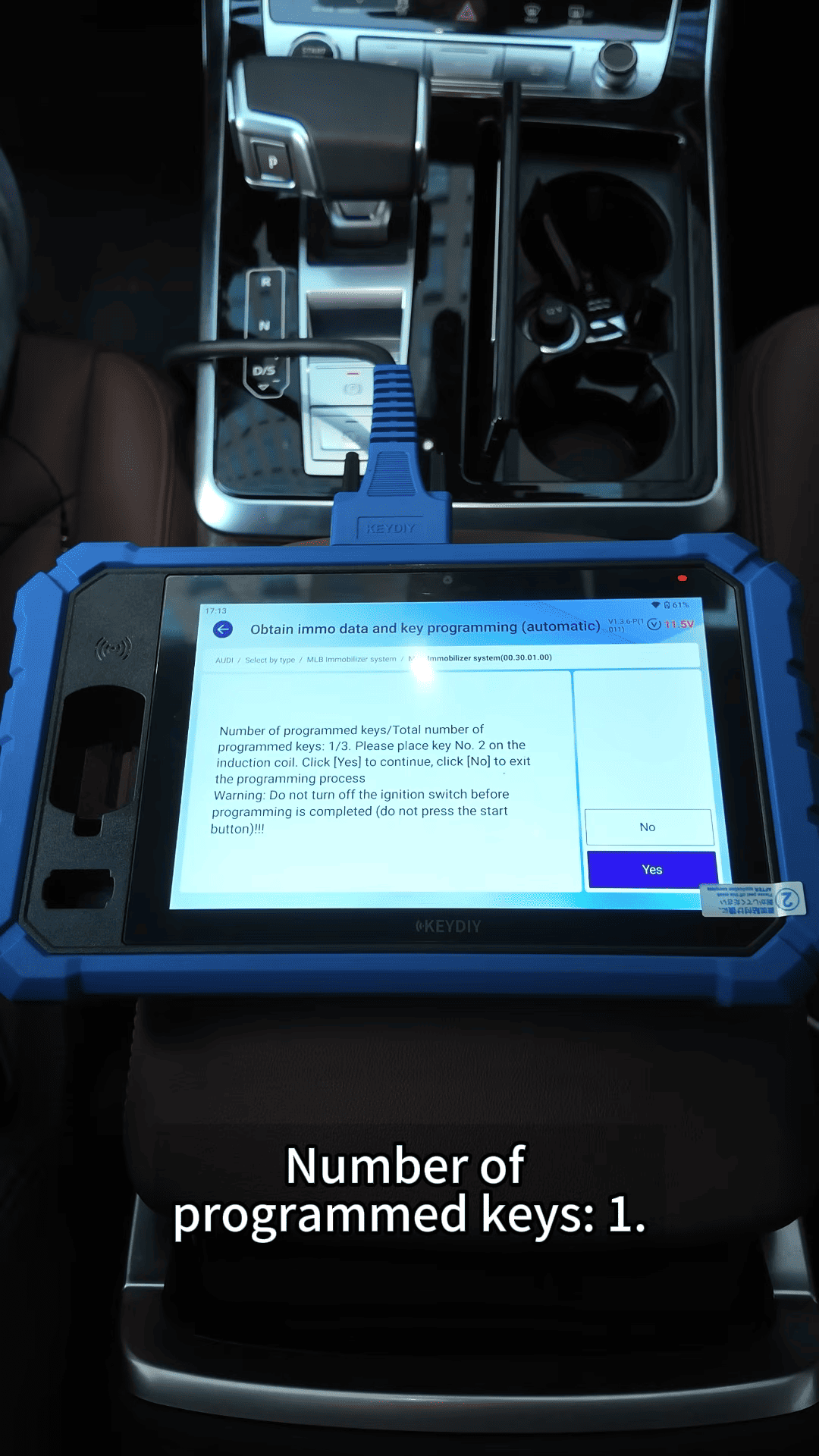
Once all three keys have been learned, KEYDIY KD-X6 key programmer confirms that key programming is complete.