



In this guide, we will show how to add a new smart key for a 2021 Jeep Wrangler using Lonsdor K518 pro key programmer with Lonsdor SGW 12+8 cable.
The whole procedure includes reading the PIN code, deleting existing smart keys, and programming a new smart key.
Required Tools
Lonsdor K518 Pro
Lonsdor 12+8 SGW cable
New Jeep Wrangler smart key
Vehicle with sufficient battery voltage
1. Connect K518 to Jeep Wrangler
First, locate the gateway connector under the steering wheel.
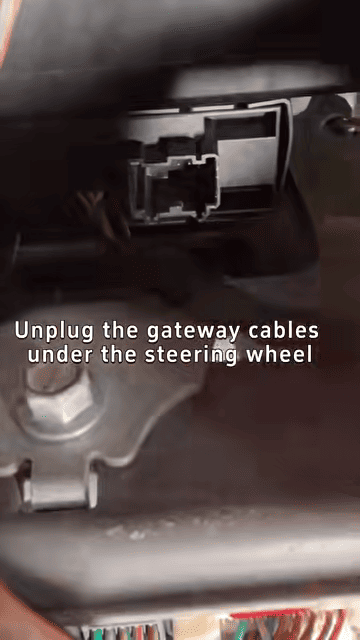
Then disconnect the original gateway cables, and connect the Lonsdor 12+8 SGW cable.
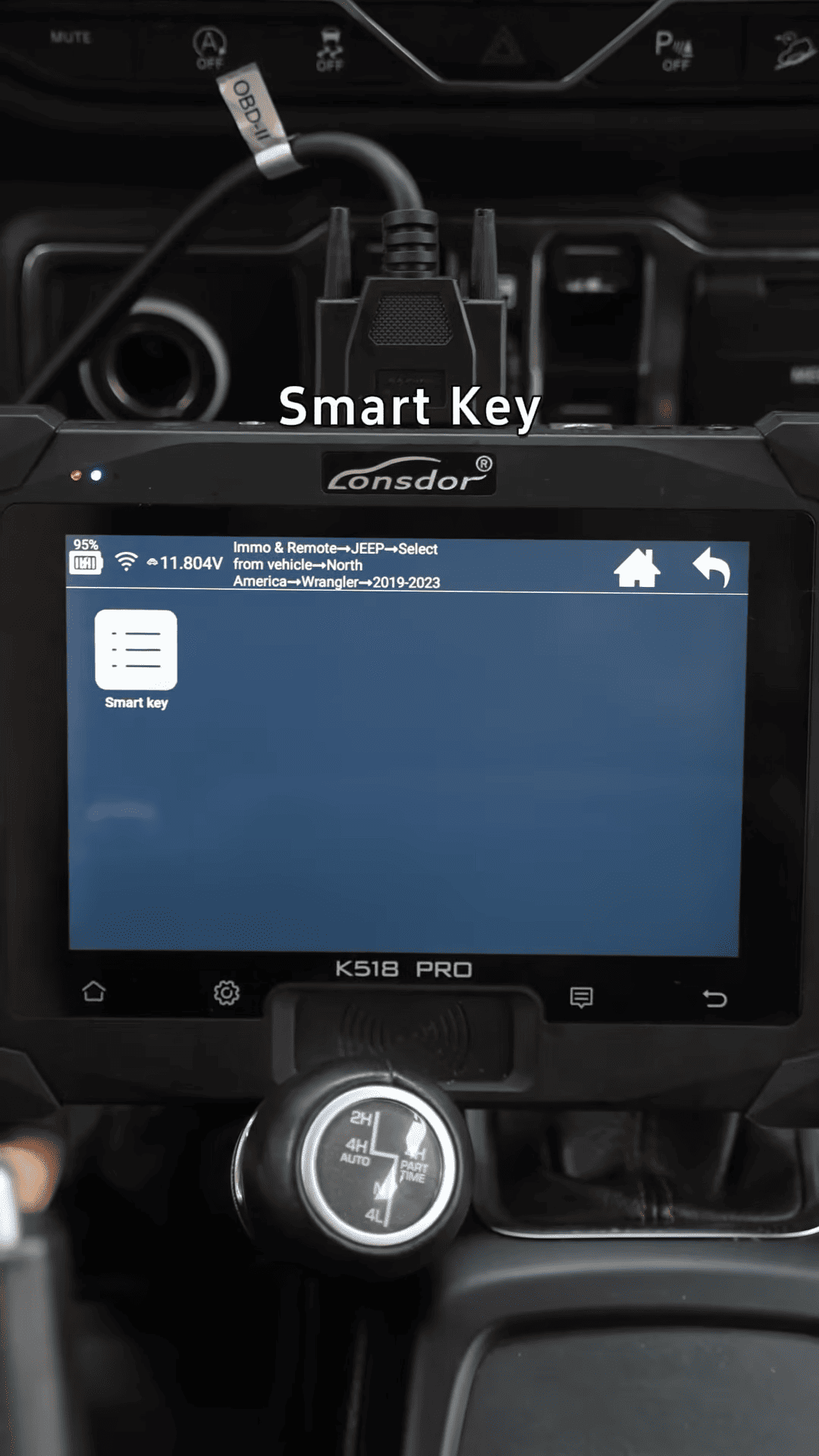
Next connect the K518 device to the vehicle through the OBD port. Enter [IMMO] → [Remote] → [Jeep]
Select [North America] → [Wrangler 2019-2023] → [Smart Key]
2. Read Jeep Wrangler PIN Code
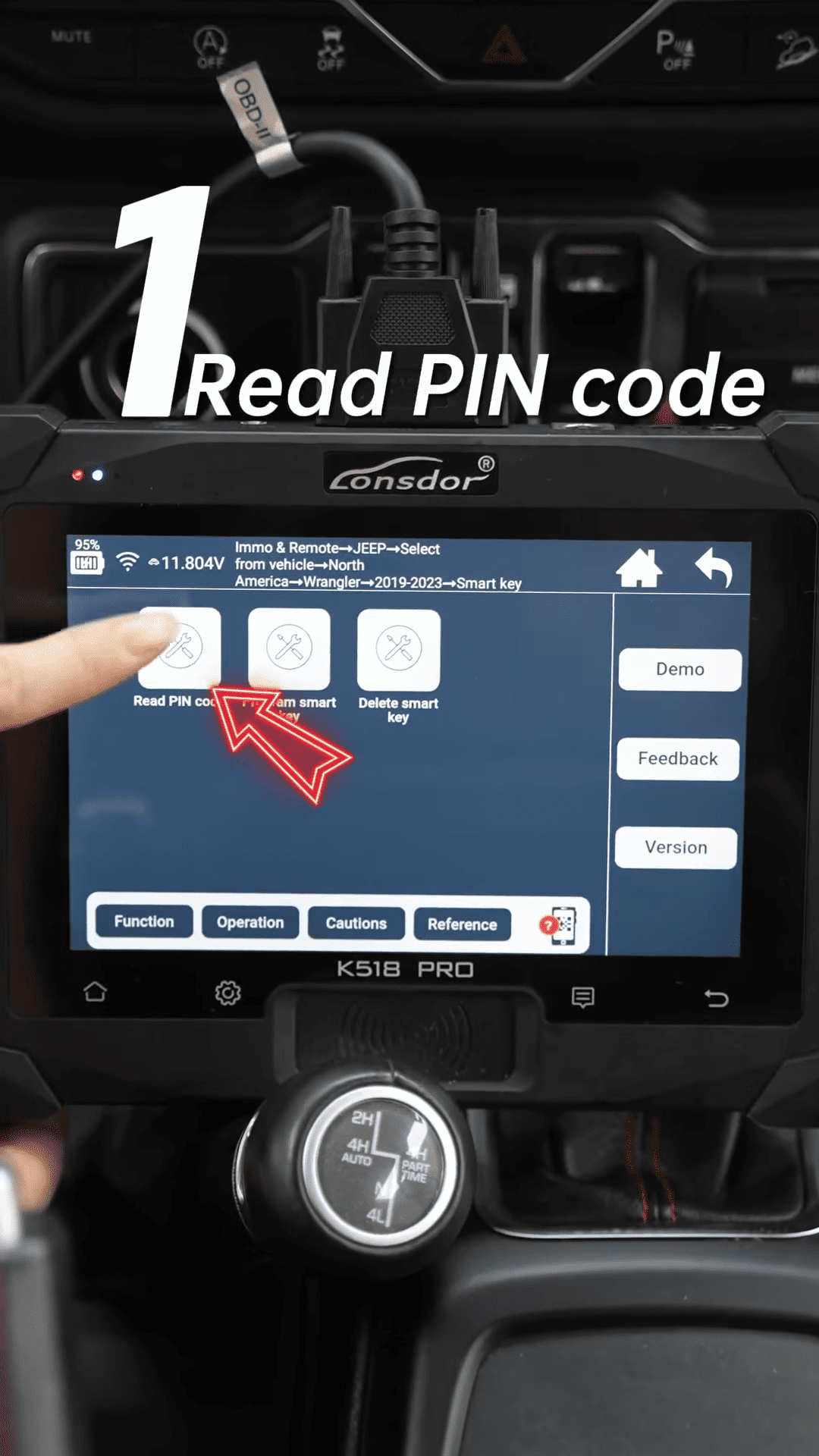
Select the first function [Read PIN code]
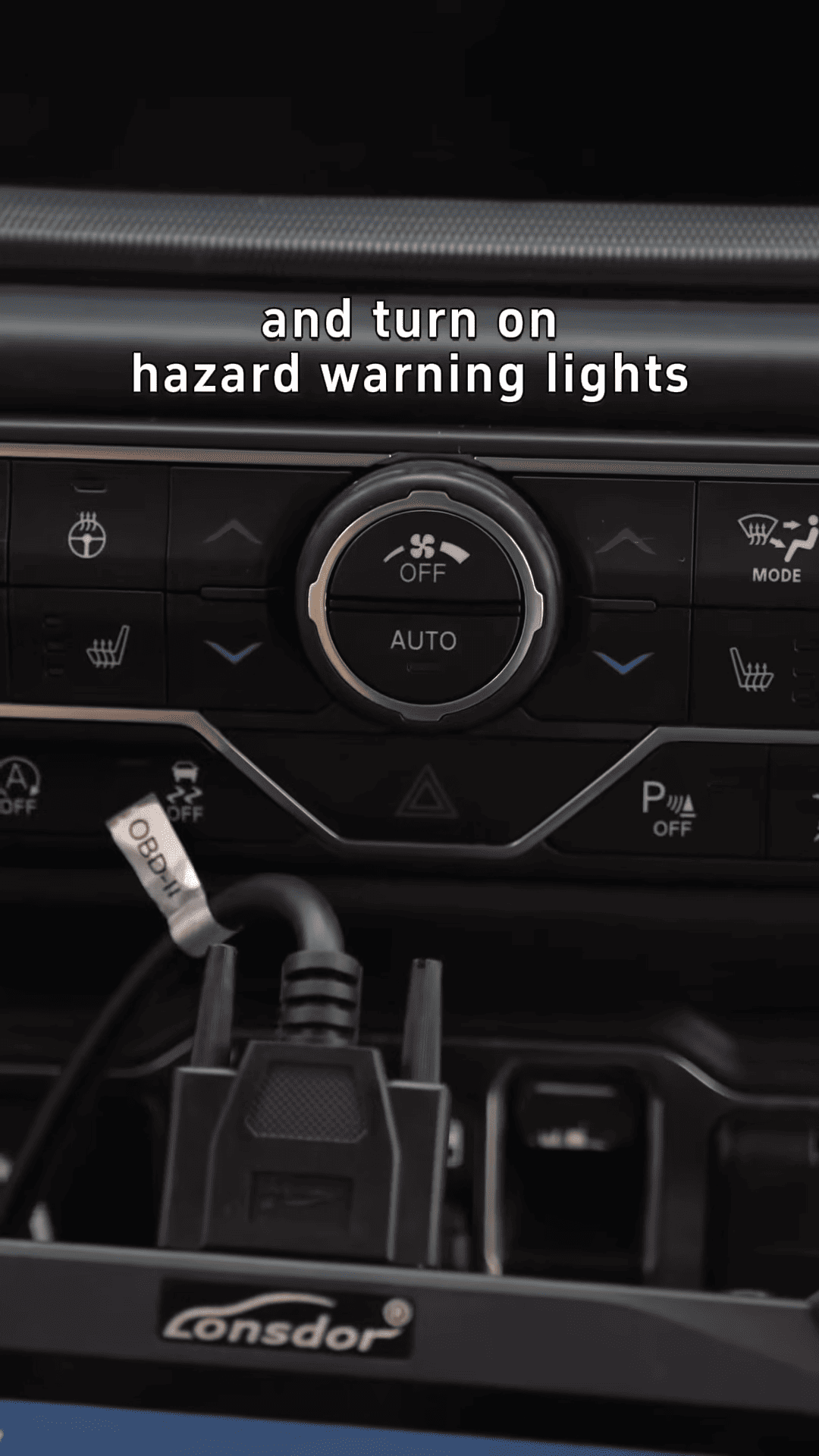
1. Turn the ignition off.
2. Switch on the hazard warning lights.
The PIN code can be obtained without manually entering the password.
3. Delete Existing Smart Keys
Select [Delete Smart Key]
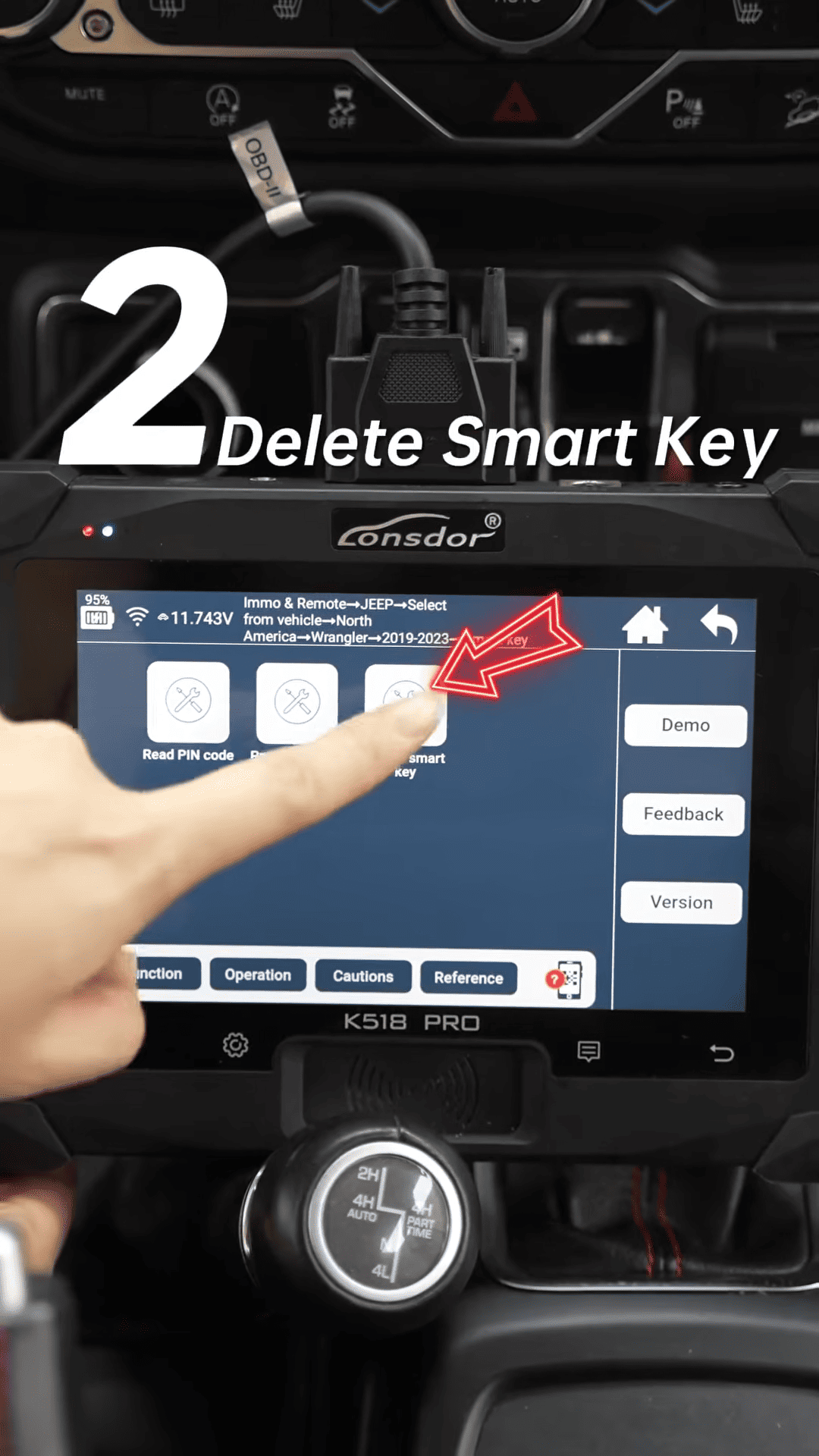
Then choose [Delete All Registered Smart Keys]. the system will display the current number of registered keys.
4. Program New Smart Key
Select [Program Smart Key]
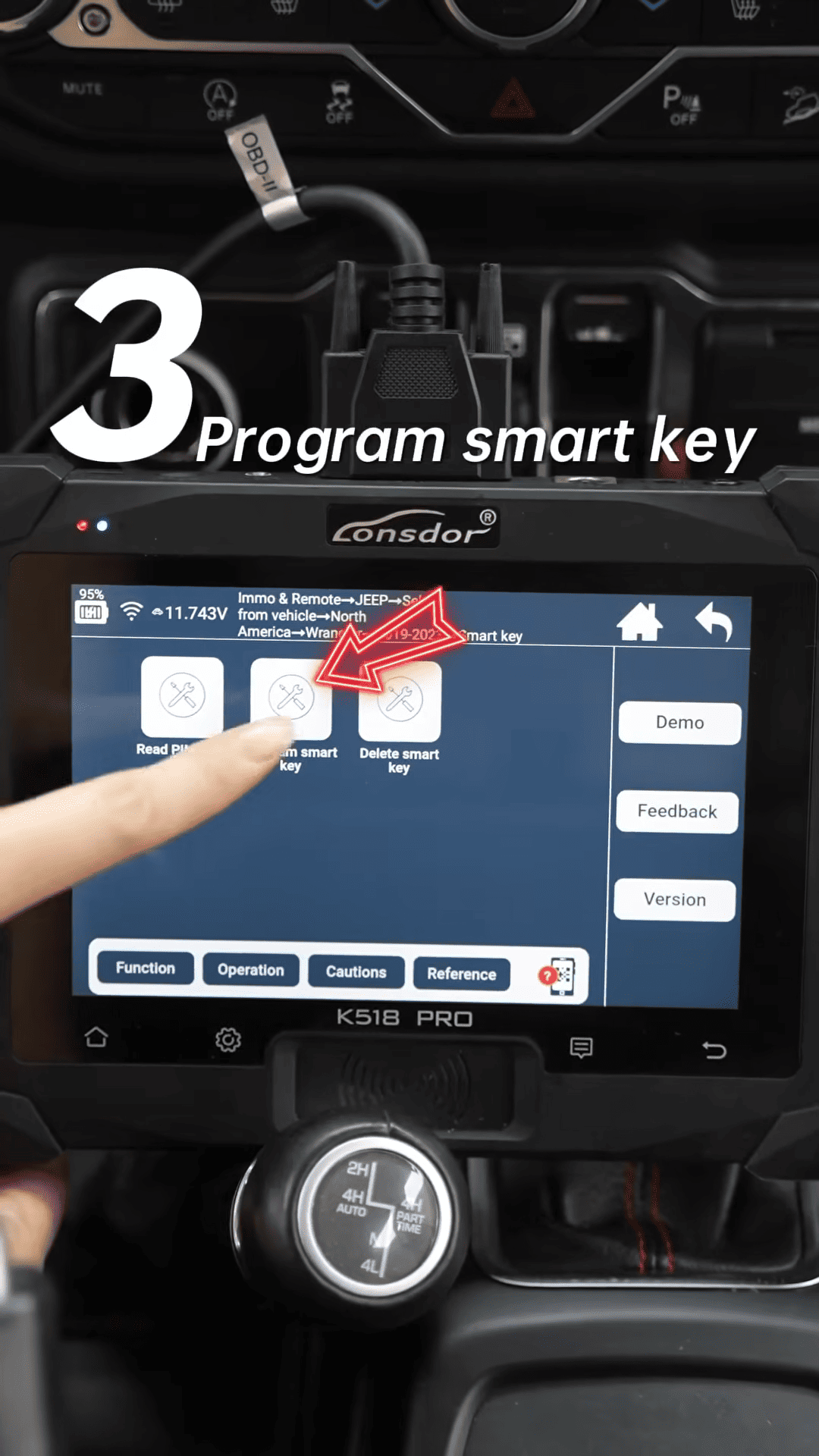
Follow the instructions shown on the screen.
Place the new smart key close to the start button until the device prompts you to release it.
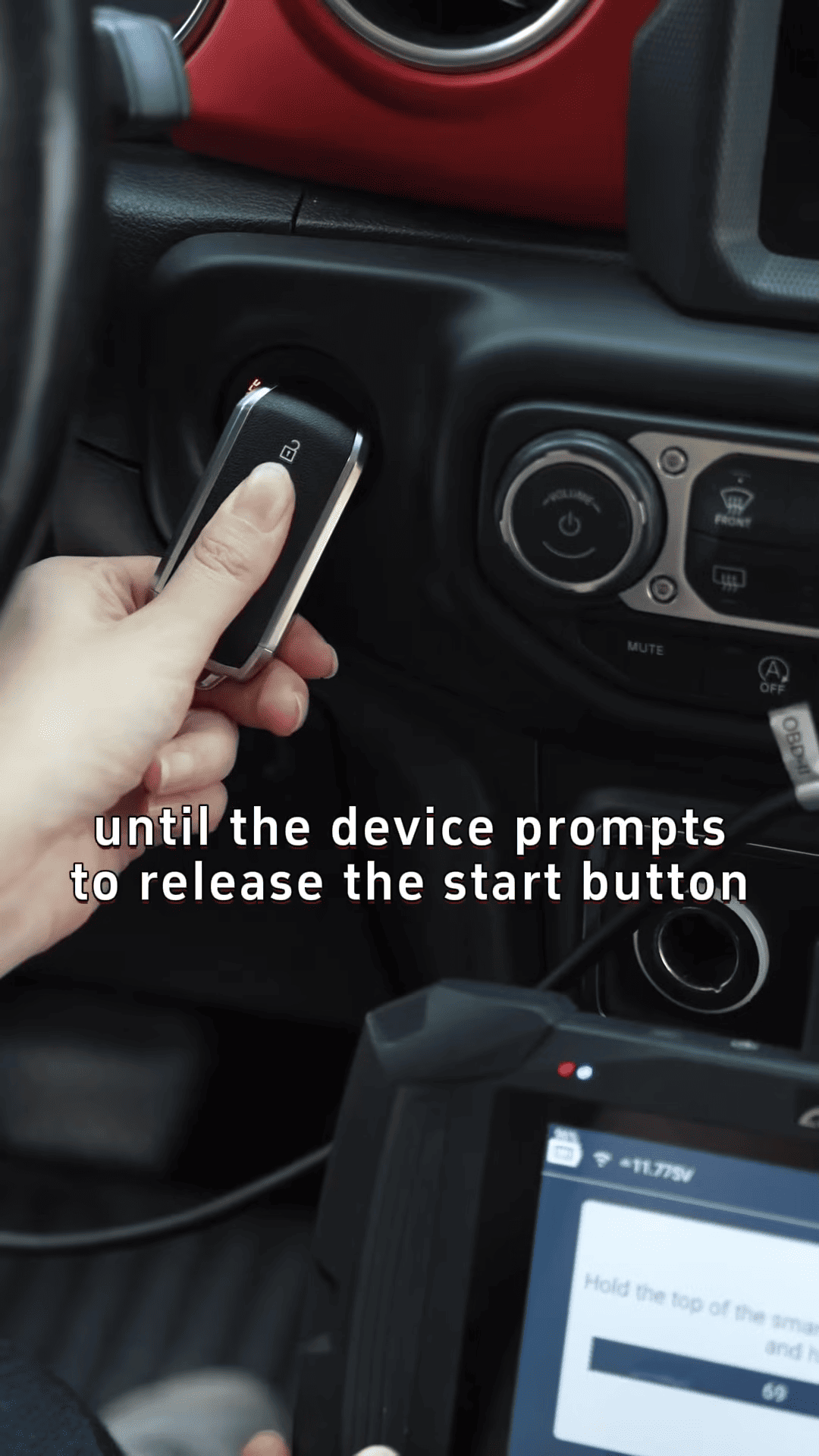
After successful programming, the device will display “Current key number: 1”
The new Jeep Wrangler smart key has been successfully added.